
How automatic captions work
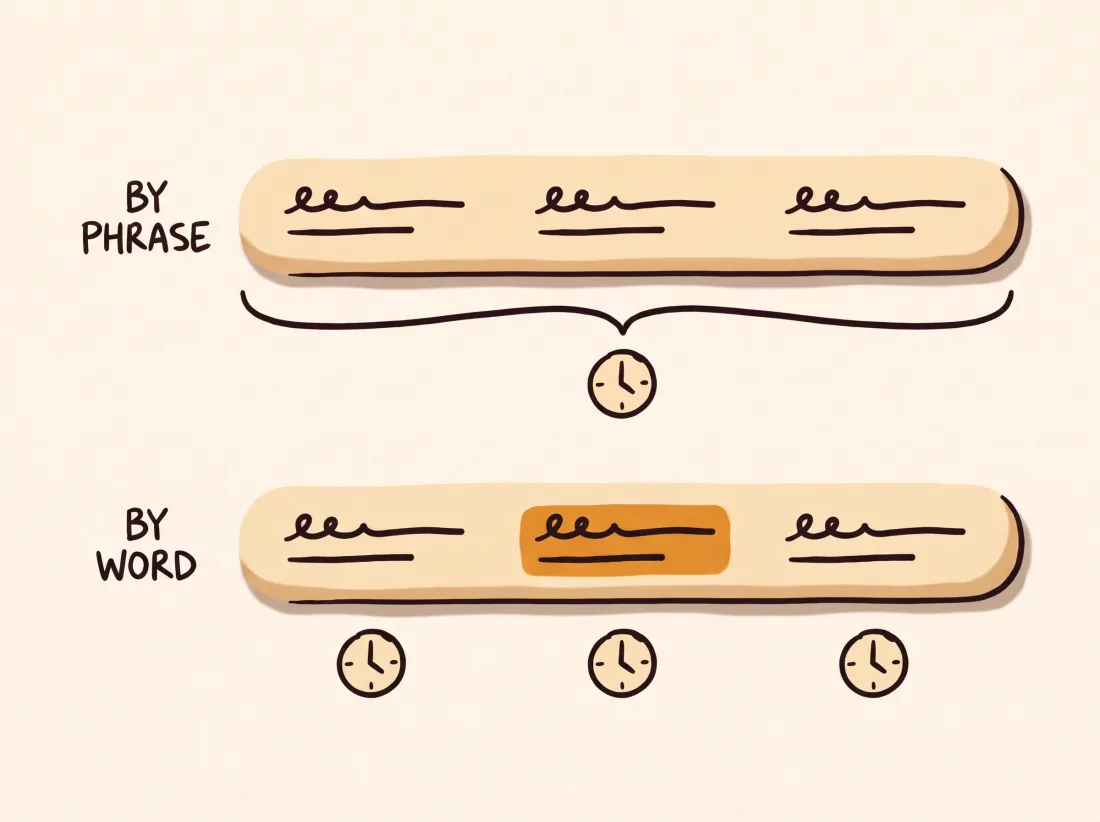
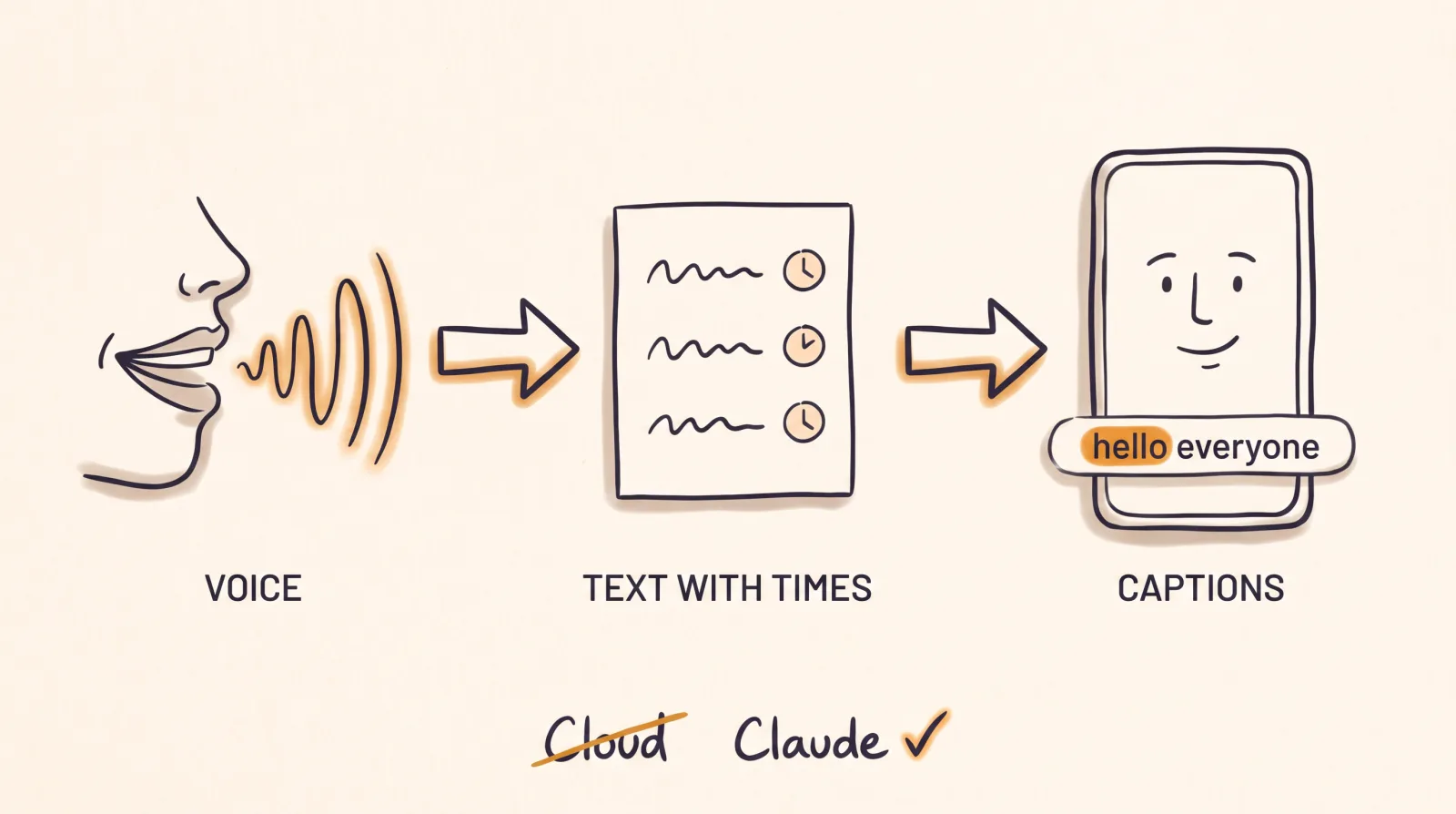
First, a speech recognition model listens to the audio and writes down what you said. Next to the text it stores when each phrase or each word starts and ends. That is a transcript with timestamps.
Then the text is split into short blocks and given a look: font, size, color and position. Word-by-word highlighting, often called karaoke, needs a time for every word and not only for every phrase.
Burned into the video or kept in a separate file
Burned-in captions are part of the picture. They look the same on every platform and the viewer cannot turn them off.
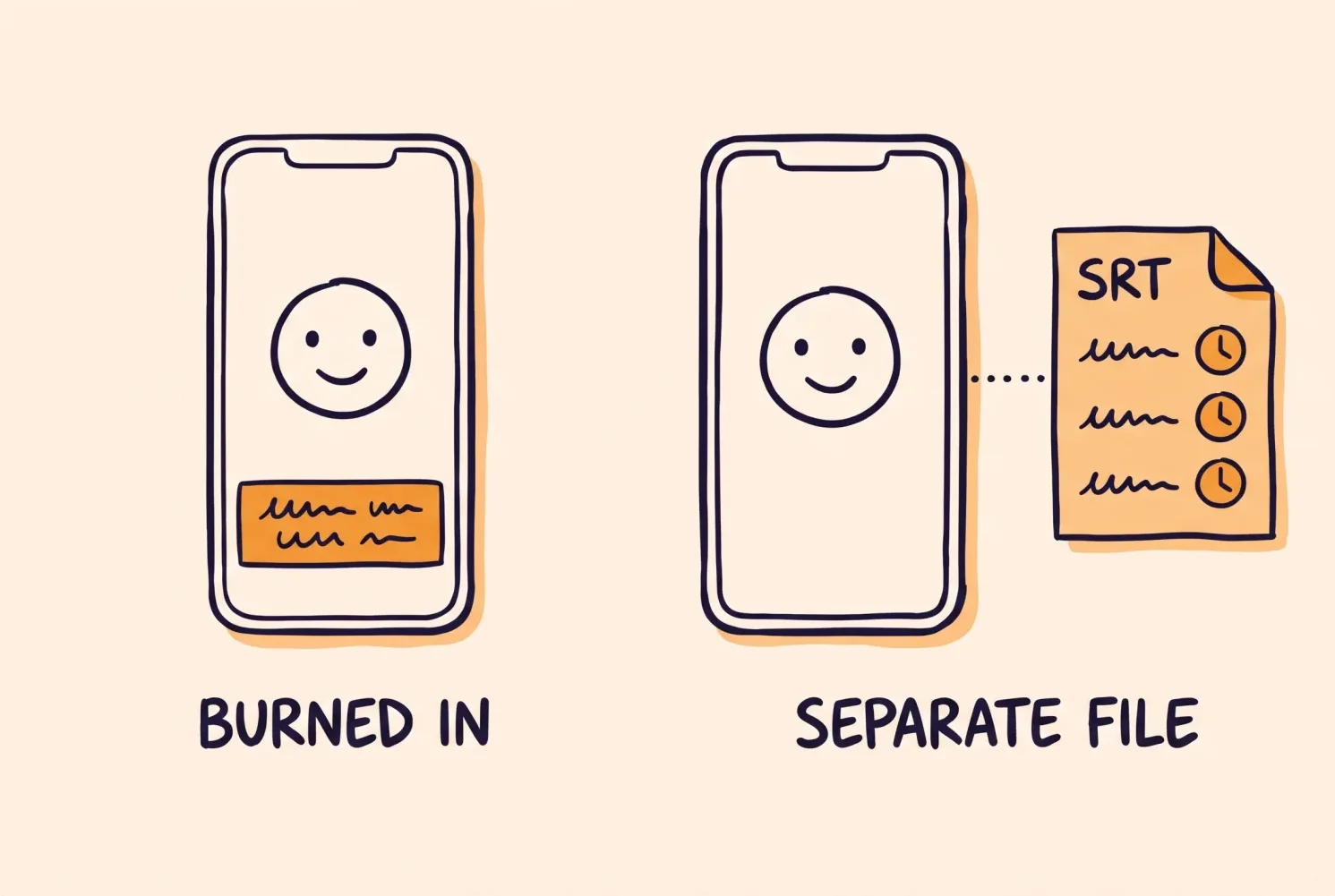
The other option is to export a file, such as SRT, that the platform displays on top of the video. An SRT file holds the text and the times, but not the font, the color or the position.
What usually goes wrong
Names. Recognition writes whatever sounds closest, so "Claude" can come out as "Cloud". It happens with brands, surnames and technical terms.
Mixed languages. If you speak Spanish and drop in English terms, those words can come out misspelled.
Timing. If the video is cut after it was transcribed, the original times no longer match what you hear. It also shows when words are spread evenly instead of measured.
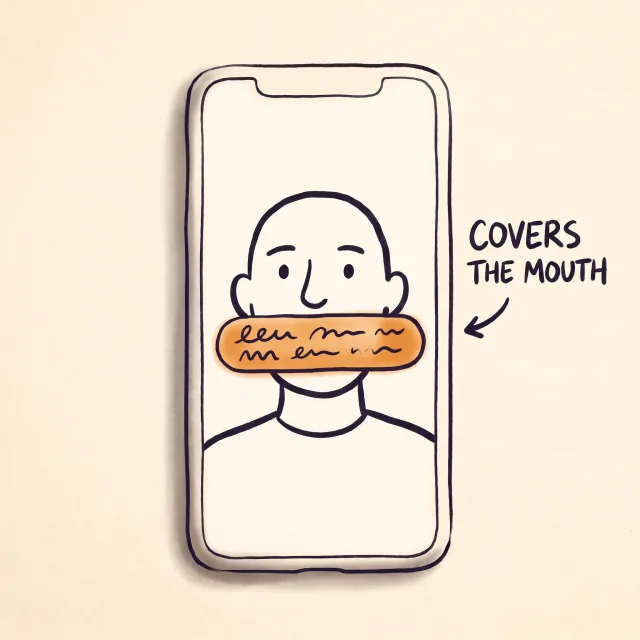
Text over the face. A caption can sit well in the first shot and cover your mouth once the framing changes.
How captions are made when an agent edits with EditorBrain
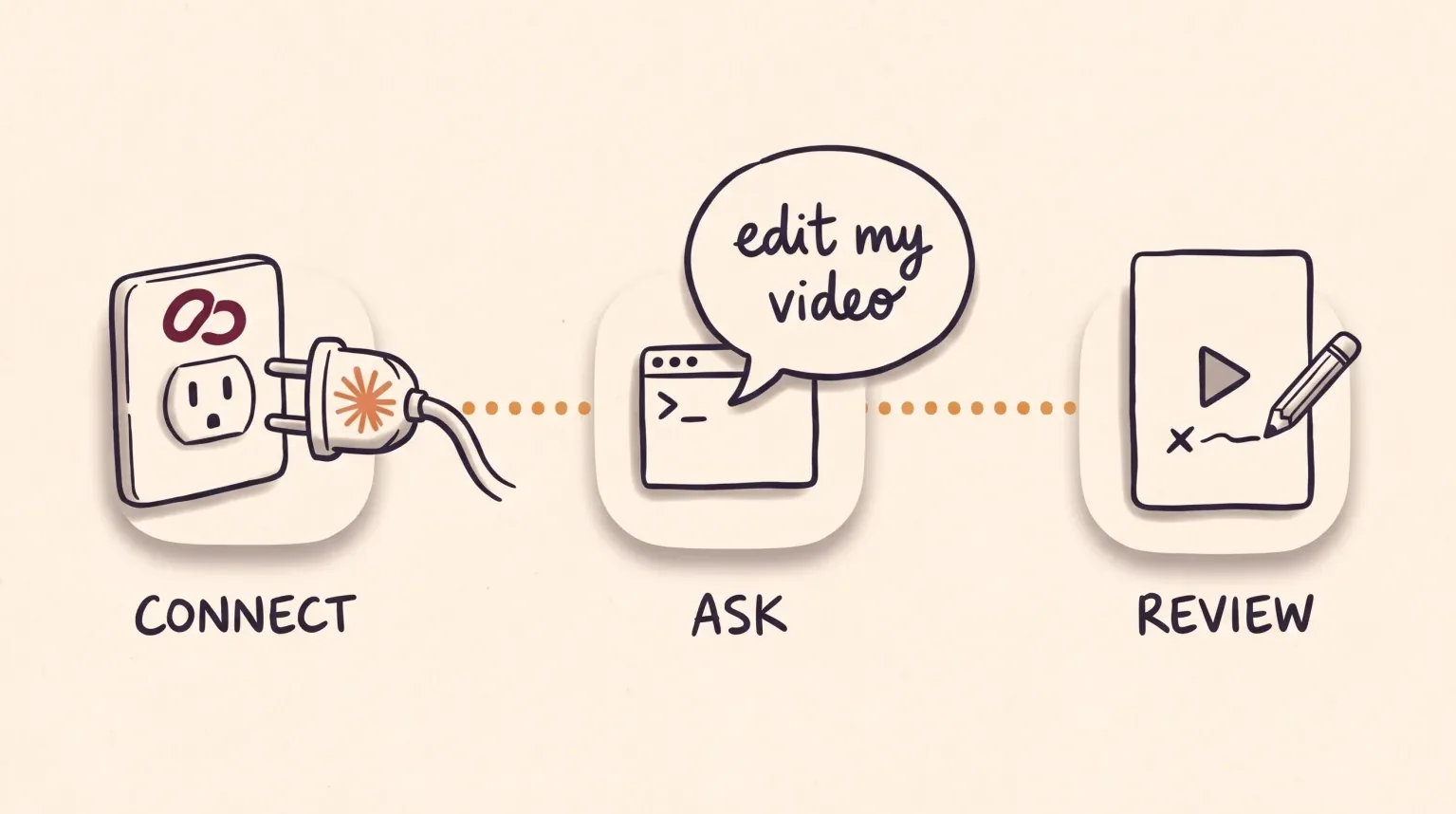
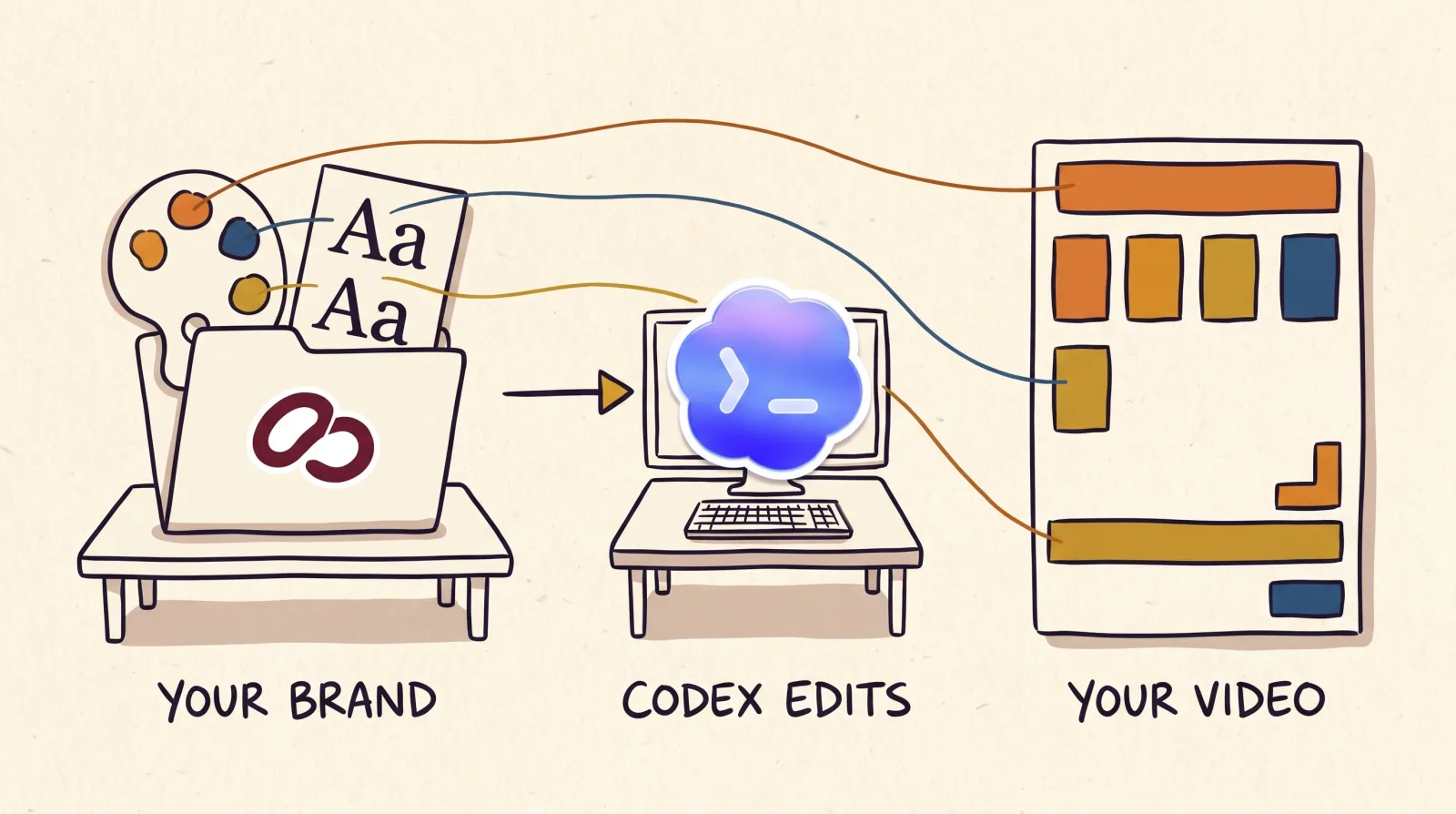
EditorBrain does not edit the video. It gives your agent, Claude Code or Codex, editing instructions and your preferences, and the agent produces the captions with the tools on your computer. In your brand you save whether you want captions, the treatment (clean, highlighted keywords, word by word or with a background), the position and the language.
To transcribe, the agent uses the route you choose: Tempo, the transcription built into EditorBrain, which uses credits, or a transcription tool you already have. The agent keeps the measured times and maps them through the cuts. If only phrase times exist, it makes phrase captions instead of inventing a time for each word.
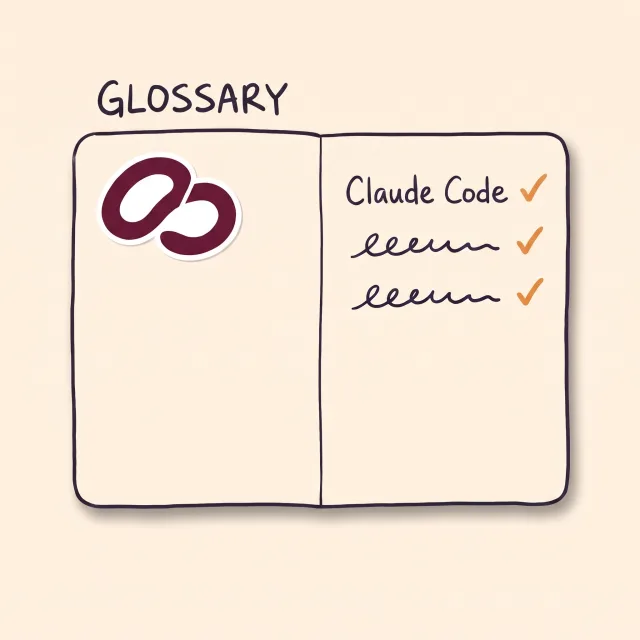
For names there is your brand glossary, which Tempo uses to recognize them better, although it does not ensure the spelling. When the agent corrects a word by hand, it offers to add it to the glossary and saves it only if you agree.
How you review and correct
Before delivery, the agent checks the captions at final size. It makes sure they do not cover faces or logos and that they stay inside the safe areas, the parts of the screen the app does not cover with buttons. It repeats the check after every change of framing. That check does not replace yours.
You watch a preview on the review page. There you read the transcript and leave a comment at an exact moment, for example: "At 00:12 the text covers my face. Move it up and keep the cuts and the voice as they are". If you have the EditorBrain program installed on your computer, the agent can also export the captions as a separate file, in SRT or ASS format.
How to ask for AI captions: a request you can copy
You do not need technical terms. Say the format, the length, the treatment and the names that must be spelled right. Say which part cannot be lost, too. Below the request is what happens after you send it.
Use EditorBrain to edit this video as a vertical Reel of about 40 seconds.
Add English captions, word by word, in my brand font and colors.
Transcribe with real word timestamps and check the names: "Claude Code" and "EditorBrain".
Keep my whole explanation and make sure the text never covers my face.
Show me a preview before exporting.The agent tells you how it will transcribe. If that route uses credits, it explains the cost and waits for your go-ahead.
It transcribes your voice with a measured time for each word and checks how the names were spelled.
It cuts the video and maps the caption times through those cuts.
It places the text in your font and colors and checks that it does not cover faces or logos.
It shows you a preview on the review page. You comment on the exact moment you want changed.
If captions are all you need
If your video is already edited and only the text is missing, a browser editor handles that with nothing to install. Kapwing generates word-by-word subtitles and lets you export them burned in or as an SRT, VTT or TXT file. Tella turns the transcript of its recordings into captions you can edit, burn in or download as SRT. An agent with EditorBrain makes more sense when captions are one part of a full edit in your brand.
Common questions
What do I do if a caption misspells a name?
Correct it in the review and ask to keep the timing of that word. With EditorBrain, the agent offers to add the right spelling to your brand glossary for later transcriptions with Tempo. The glossary helps recognition, but it is still worth checking names every time.
Which is better, burned-in captions or an SRT file?
It depends on where you publish. Burned-in captions keep your font, your colors and the position on every platform. An SRT carries only text and times, and the platform decides how it looks. You can have both: the video with burned-in captions and the separate file.
Do captions use EditorBrain credits?
Only if you transcribe with Tempo, the built-in transcription, which is quoted in credits. You can also use your own transcription tool or a transcript you already have, even on the free plan. Outside services may have their own cost, and the Claude or Codex subscription is paid separately.
Can I ask for word-by-word captions?
Yes, when the transcript includes a measured time for each word. If it only has phrase times, the agent can make phrase captions or measure the time of each word with a tool you have authorized. What it should not do is spread the words evenly.
Sources
Facts about other products come from their own official pages, read on November 16, 2026. Prices and limits change; check the vendor's page before deciding.