
What Claude Code is and how it differs from a chat
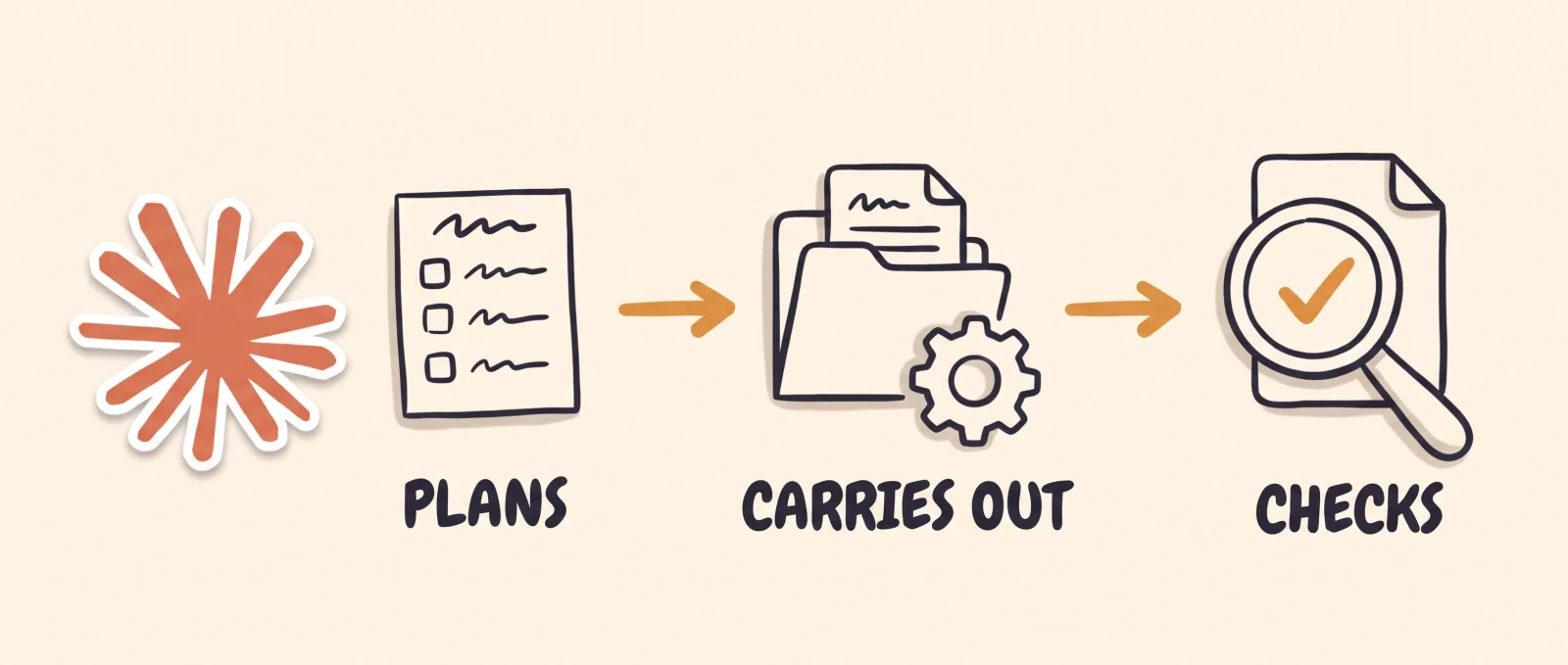
Anthropic's documentation describes Claude Code as an agentic coding tool that reads your project, edits files, runs commands and connects to your other tools. Agentic means it does not stop at an answer: it plans the steps, carries them out and checks the result.
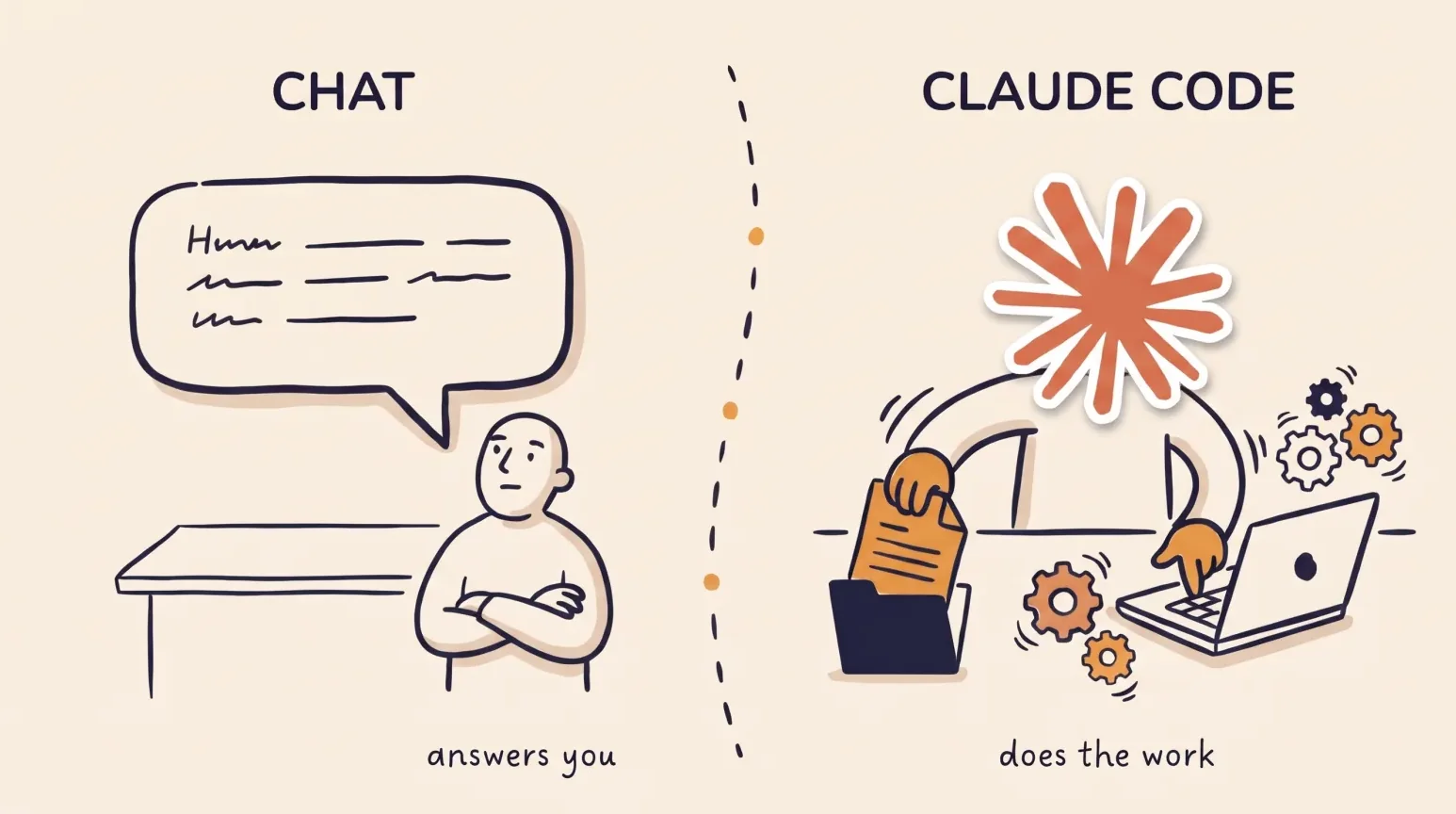
In a chat, you copy the answer and do the work yourself. With Claude Code, the work happens in the folder you choose and you review what changed.
What a creator can do with it
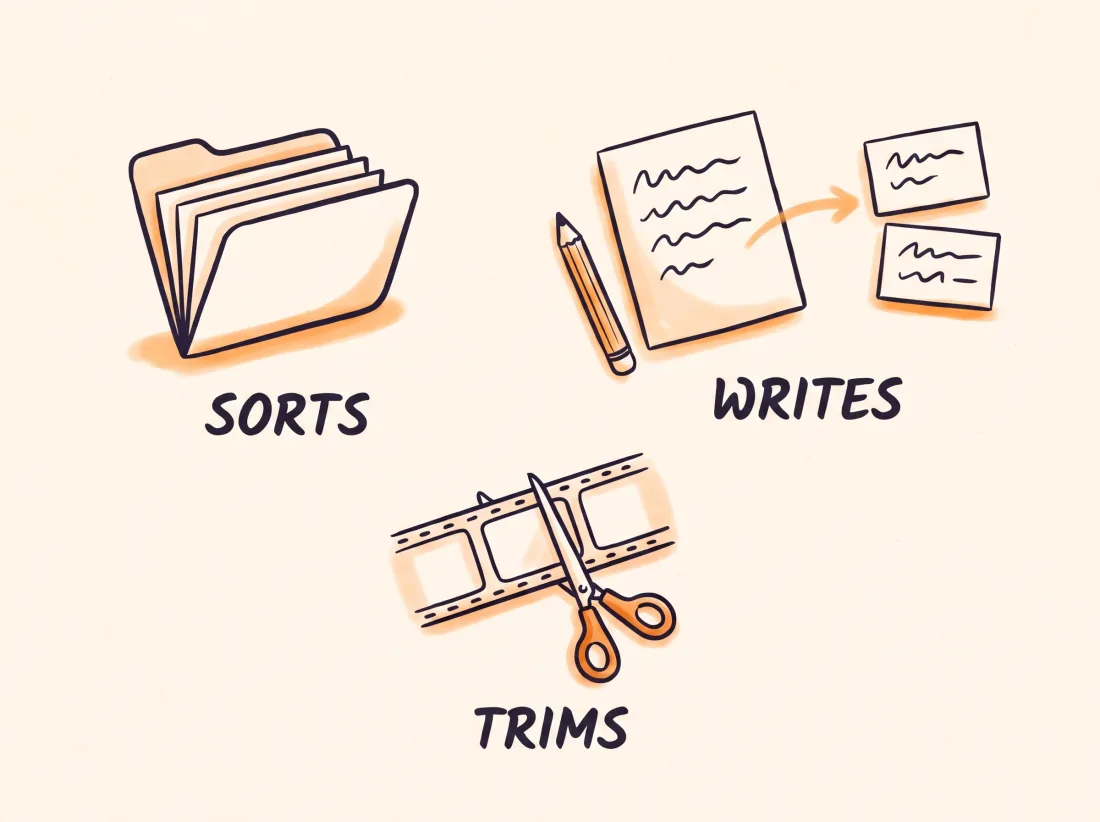
Reading files, changing them and putting other programs to work covers a lot of a creator's chores. You can ask it to sort a folder of recordings and rename the files, to turn a script into text for your posts, or to use a program installed on your computer, such as FFmpeg, to trim a video or pull out the audio.
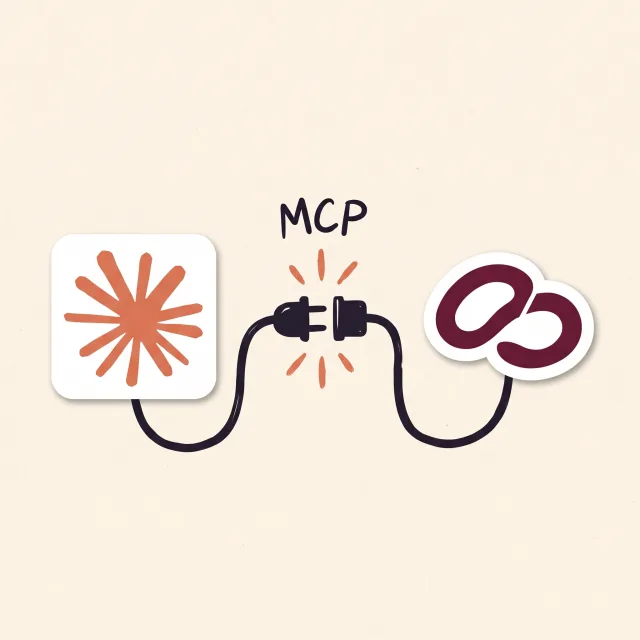
It can also connect to outside services through MCP, an open standard for connecting AI tools to external data sources. It also reads a file of instructions at the start of every session, so you do not repeat your preferences each time.
A fair warning: Anthropic's examples are about software. For content work, the result depends on the programs you have installed and on how clearly you describe the task.
What it costs, in general terms
Expect to pay for access. Anthropic's documentation says most ways of using it require a Claude subscription or an Anthropic Console account, and that the desktop app requires a paid subscription.
Plans and prices change, so this guide does not list them. Check Anthropic's pricing page before you decide. EditorBrain does not include that access in its plans.
How to install Claude Code
To install Claude Code, the simplest route is the Claude desktop app for macOS or Windows. According to Anthropic, the app includes Claude Code, so you do not have to install anything in the terminal, the window where you type commands. You sign in, open the Code tab and choose the folder to work in.
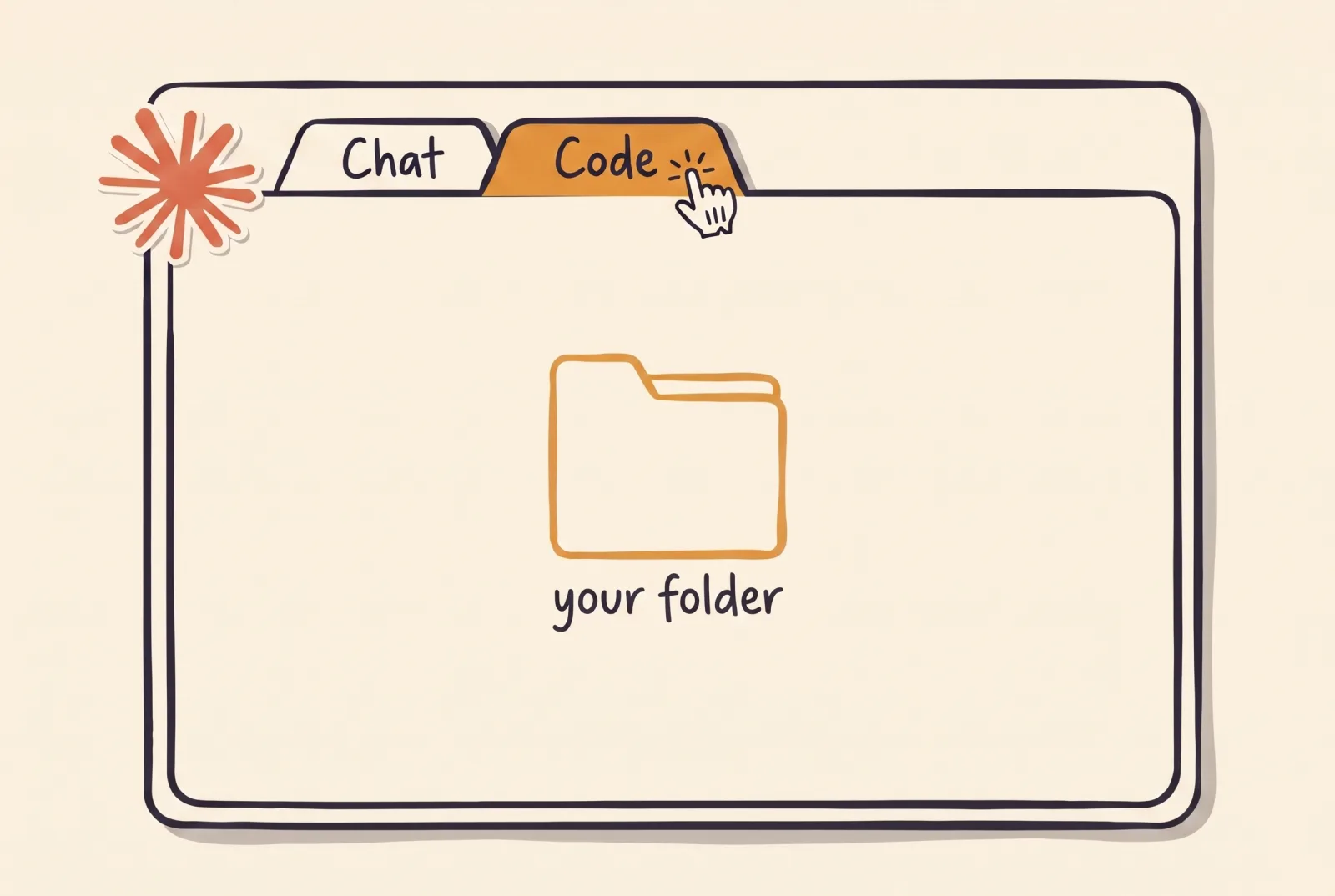
There is also a terminal version and a browser version. For videos stored on your computer, the desktop app or the terminal is the practical choice, because both work with your local folders. A step-by-step guide, in Spanish, is at editorbrain.com/docs/guias/instala-claude-code.
For video work you also need the programs the agent will run, such as FFmpeg, which are installed separately.
How it relates to video editing
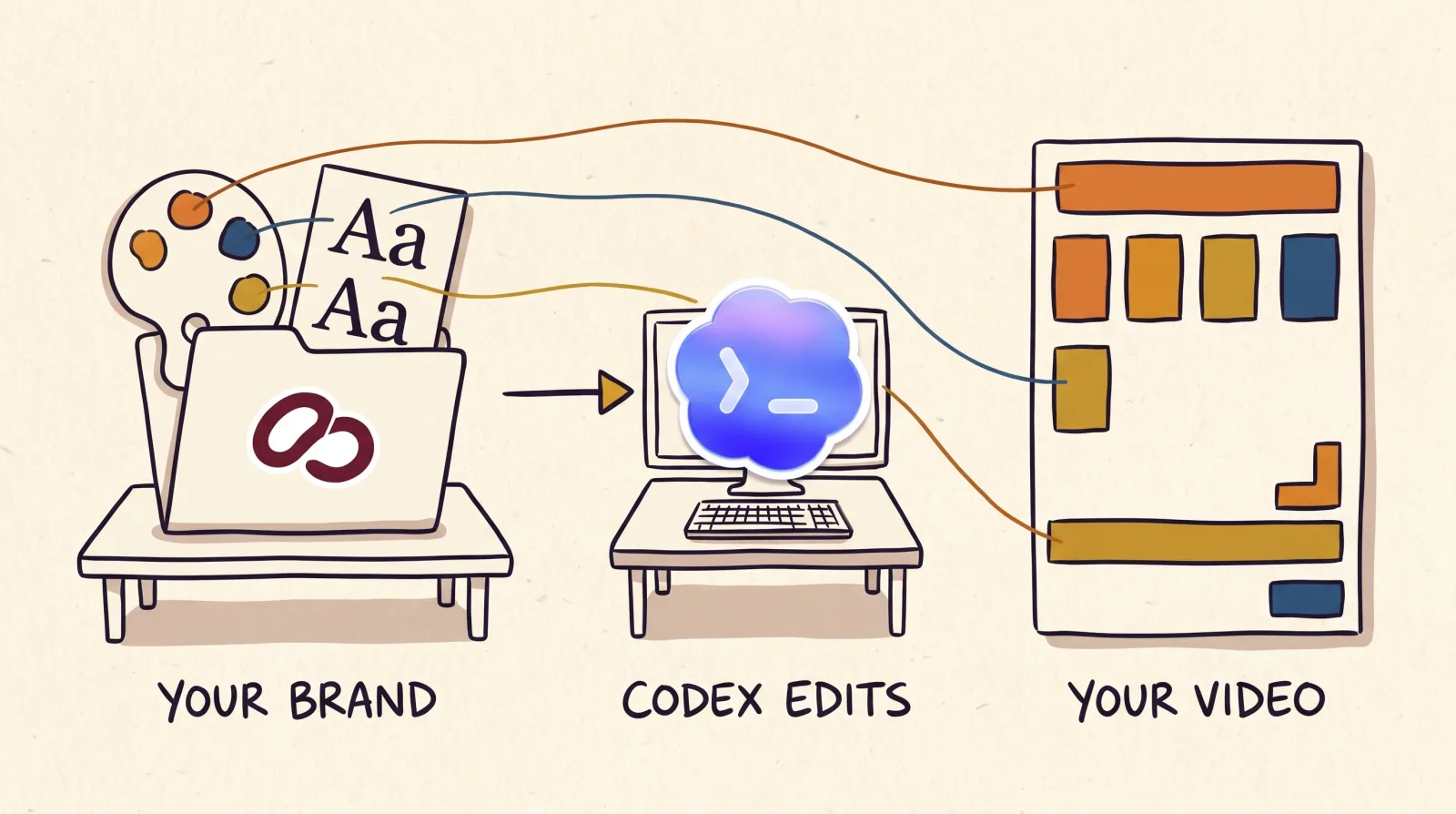
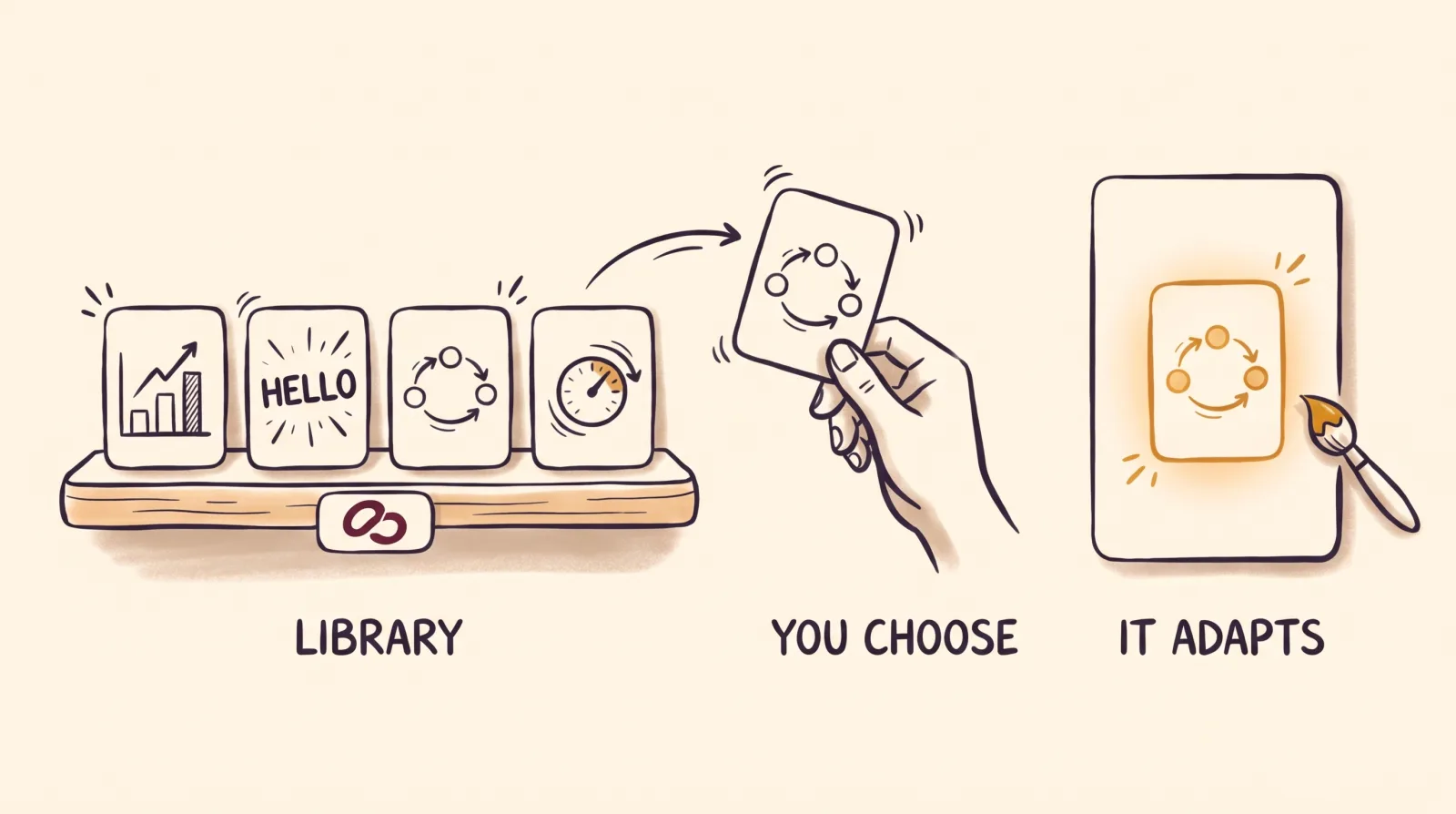
Claude Code can run editing programs on your computer, but it does not come with an editor's references and does not know your brand. EditorBrain adds that part: it gives the agent editing references taken from real videos, a library of 335 adaptable animations, sound effects, your brand preferences and a review page where you comment on an exact moment of the video.
EditorBrain is not a video editor and it does not export the video by itself. Claude Code cuts and exports with the tools on your computer, and your footage stays there unless you decide to upload it. They connect through MCP at https://api.editorbrain.com/mcp or with the command below. EditorBrain has a free plan and paid plans from $29 a month.
npx editorbrain@latest setupWhen it is not the right tool
If you want to drag clips on a timeline, or you would rather not install anything, a video editor in the browser is simpler. If you only need ideas, scripts or answers, the regular Claude chat is enough.
Claude Code makes sense when the task involves files on your computer and several steps you would rather hand off.
How to use Claude Code: your first step
Start with something small and with copies of your files, not the originals. That way you see how it works before you hand it a video.
Check on Anthropic's site which plan includes Claude Code.
Install the desktop app with the step-by-step guide, in Spanish: editorbrain.com/docs/guias/instala-claude-code.
Pick a test folder and ask for a short task, for example: "Rename these recordings by date".
If you want to edit video, create your free account at editorbrain.com and connect it to Claude Code.
Your first video request
Once the test task works and EditorBrain is connected, open the folder that holds your recording with Claude Code. Ask for the video in plain sentences: the format, the length, the idea and what cannot be lost. Below the request is what happens after you send it.
Use EditorBrain to edit this recording into a vertical Reel of about 30 seconds.
I want to introduce my product and close by inviting people to message me.
Keep the whole demonstration and do not change what I say.
Read my brand and show me a preview before the final version.Claude Code reviews the whole recording and reads your brand and your preferences in EditorBrain.
It searches for editing references and proposes a direction.
It cuts the video and prepares captions, animations and sounds with the programs on your computer.
It shows you a preview on the review page. You correct it with lines such as "At 00:12 the text covers my face. Move it up and leave the cuts, the voice and the colors as they are."
It applies your changes and leaves the final file on your computer.
Common questions
Do I need to know how to code to use Claude Code?
No. You write what you want in plain sentences, and with the desktop app you do not have to type commands. It helps to understand what a folder and a file are. Keep in mind that Anthropic designed it for programming, so its documentation talks mostly about code.
Is Claude Code free?
According to Anthropic's documentation, most ways of using it require a Claude subscription or an Anthropic Console account, and the desktop app requires a paid subscription. Plans and prices change, so check them on Anthropic's site. The EditorBrain plan does not include it.
What is Claude Code and how is it different from Claude?
Claude Code is Claude working as an agent inside a folder: it reads files, changes them and runs programs. In the chat, Claude talks with you and answers in text. In the desktop app both live in the same program, in different tabs.
Can Claude Code edit videos?
It can run editing programs you have installed, such as FFmpeg, when you ask. On its own it has no editing references, animations or knowledge of your brand. EditorBrain gives it that context, and Claude Code is still the one that cuts and exports the video.
Sources
Facts about other products come from their own official pages, read on November 16, 2026. Prices and limits change; check the vendor's page before deciding.