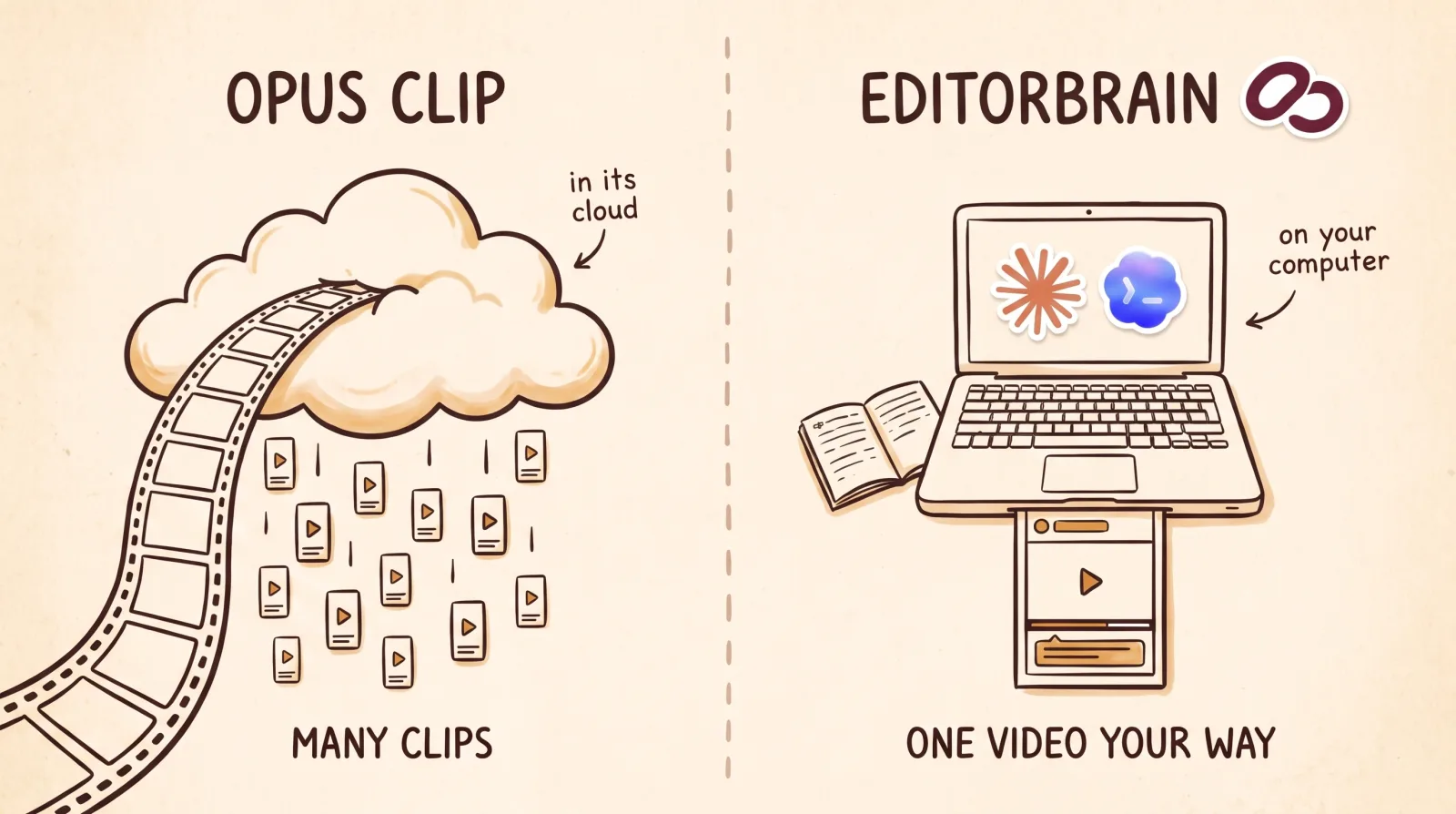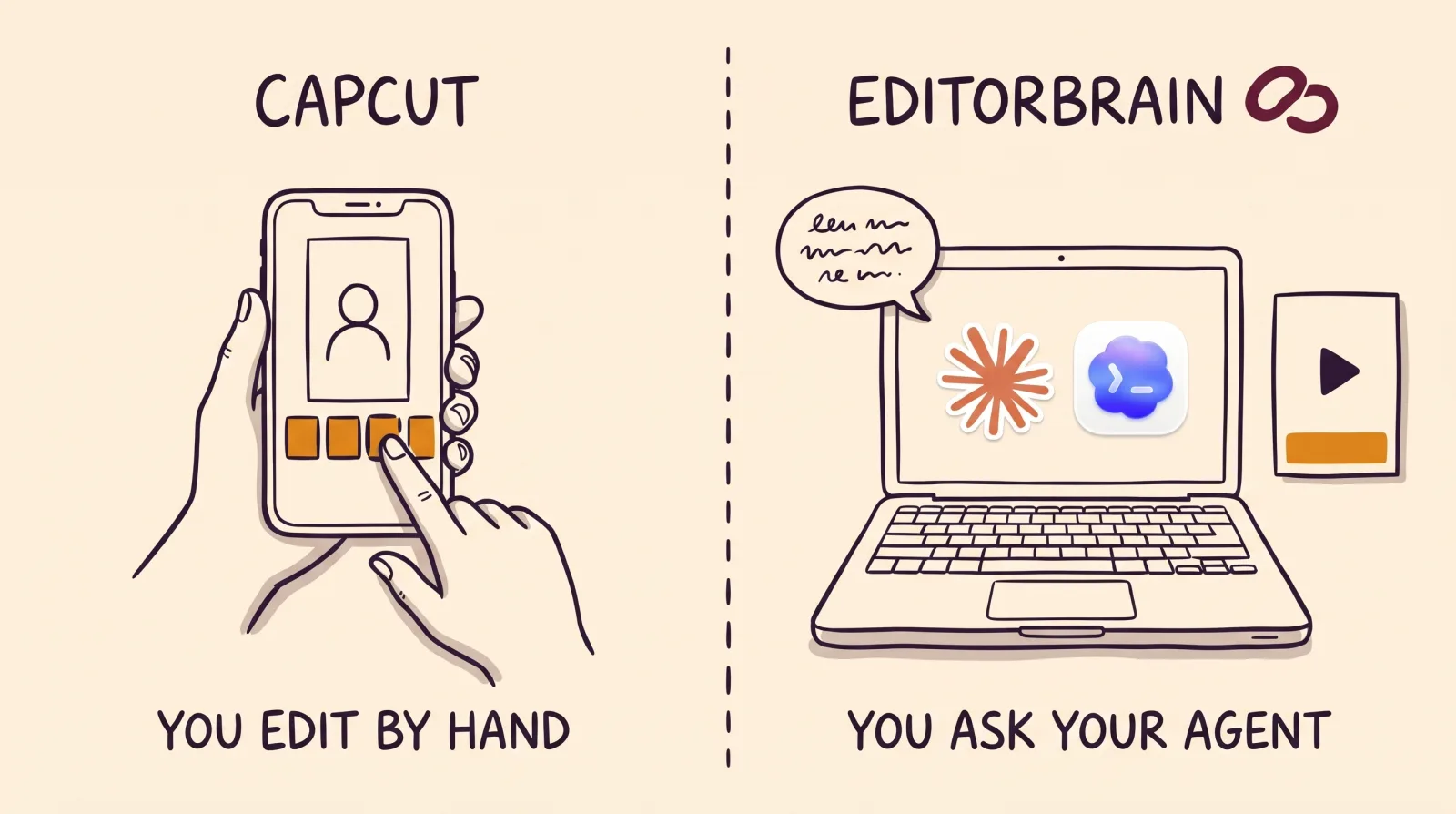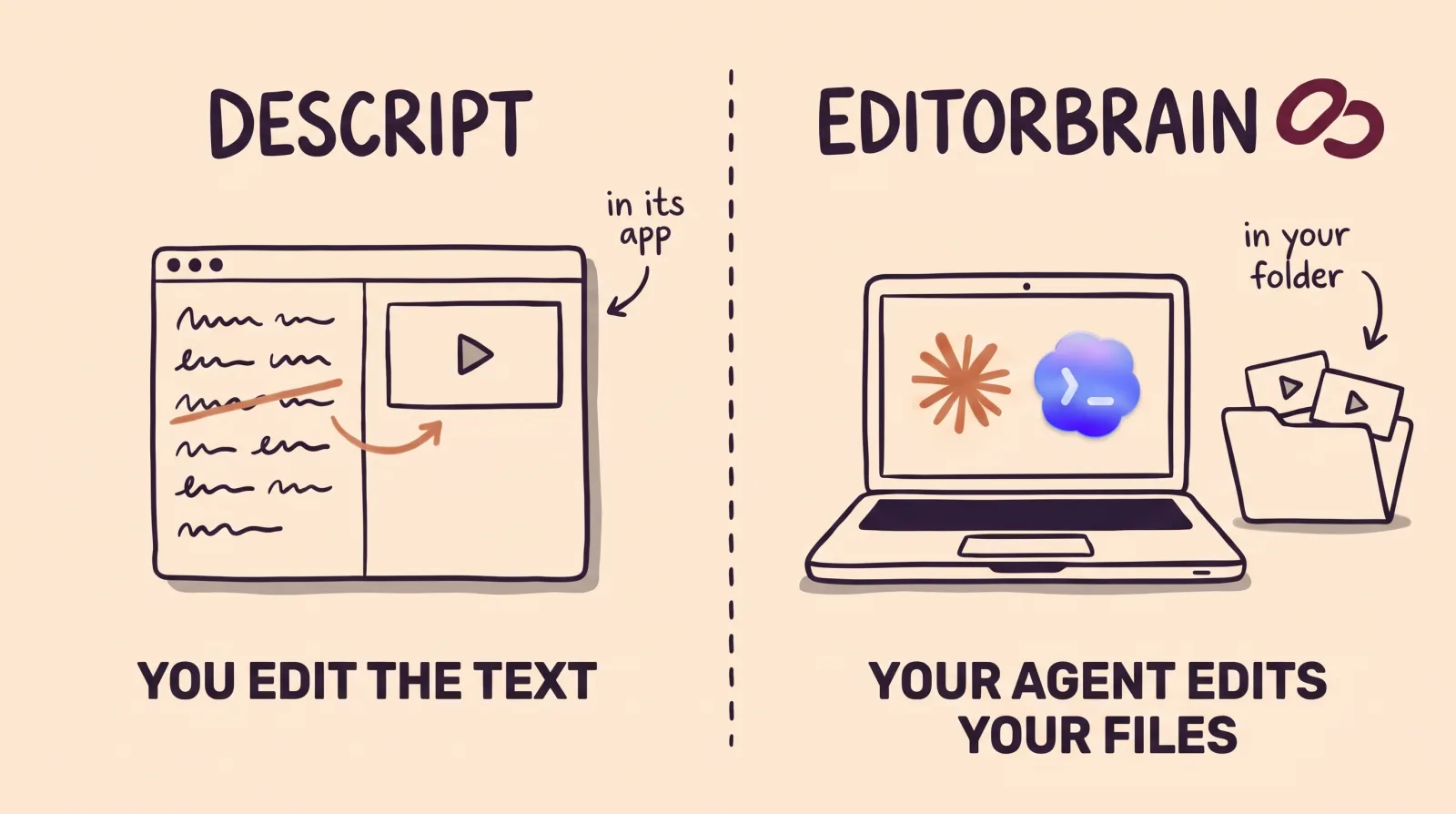

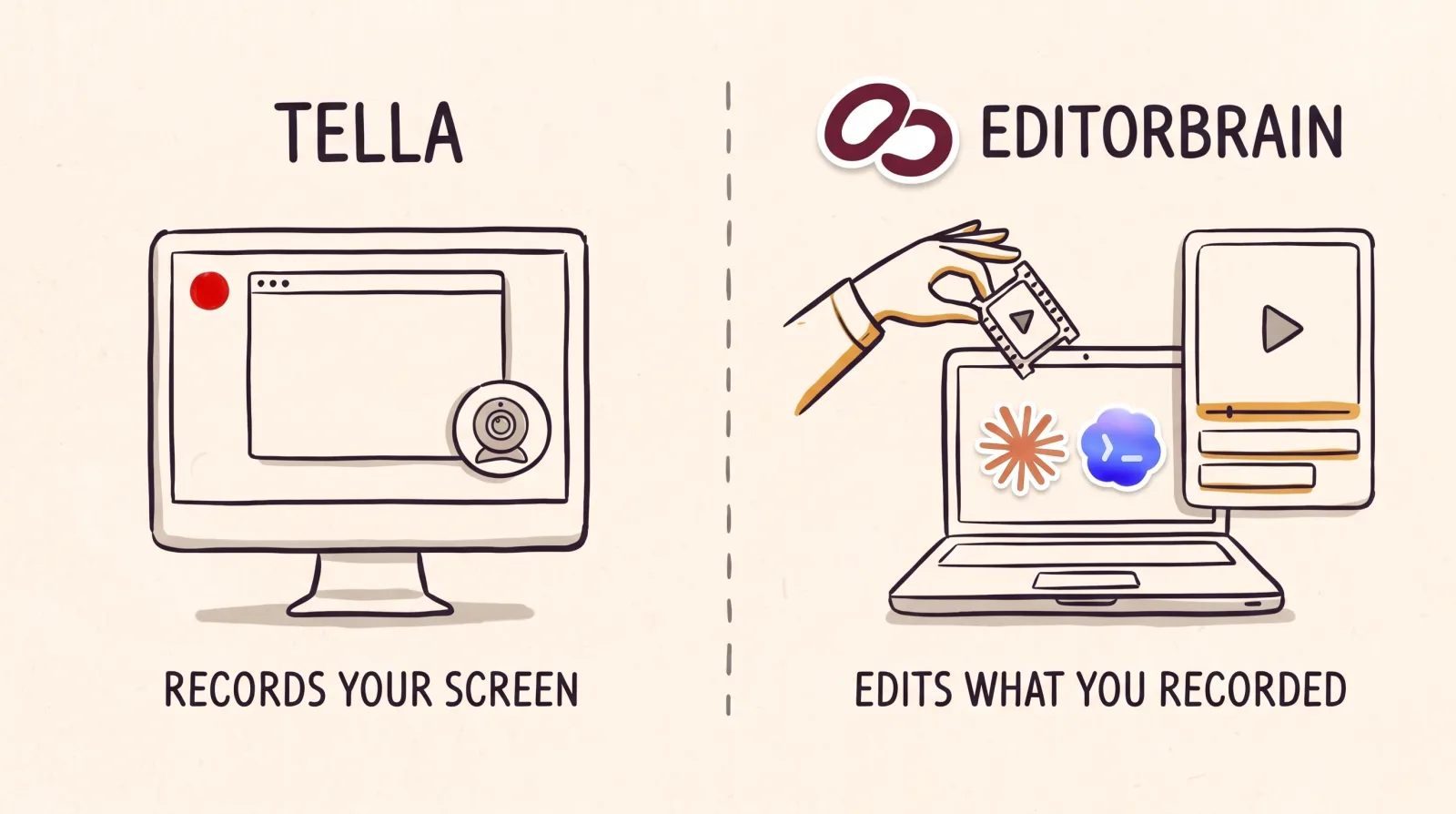
EditorBrain vs Tella: the difference in short
Tella is a recorder with an editor. You record your screen, camera and audio from the browser or from its app, and in the same place you trim, apply zooms and layouts, add captions and share the video with a link. Its editor includes an AI agent you ask for changes in a chat.
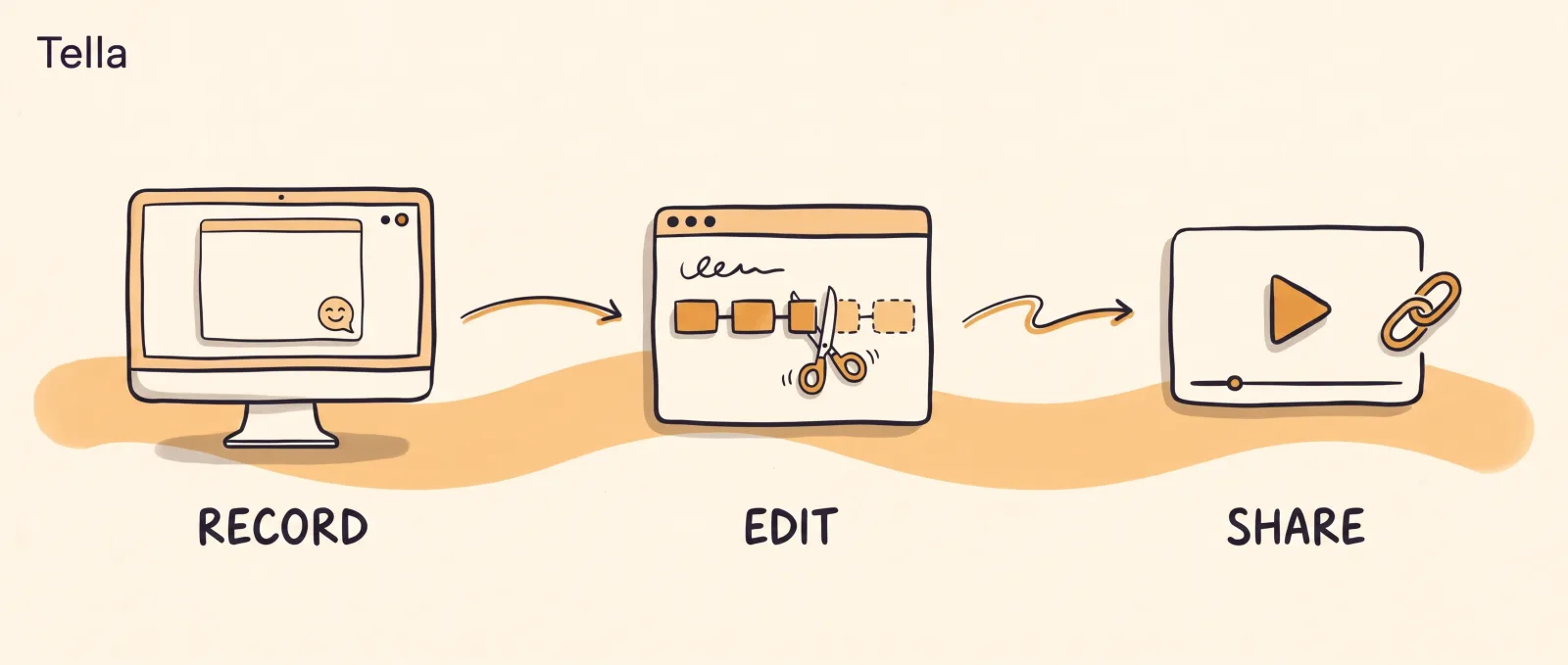
EditorBrain starts after the recording. You ask Claude Code or Codex to edit a recording you already have, and the agent looks up in EditorBrain how similar real videos are edited, which animations it can adapt, and which colors, fonts and preferences you saved. Then it cuts, animates and exports with the tools on your computer and shows you a preview to correct.
So they are not exact substitutes. Tella covers everything from the recording to the share link. EditorBrain is the editorial direction for an agent that builds a video your way from footage that already exists.
Point by point
The table sums up what each product states on its official pages. The Tella column holds none of our opinions: it is their own information, with the date we read it.
| EditorBrain | Tella | |
|---|---|---|
| What it does | Gives your agent editing references, adaptable animations, sound effects and a memory of your brand. | Records your screen, camera and audio, and gives you an editor for trimming, layouts, zooms, captions and sound cleanup. |
| Screen and camera recording | It does not record anything. It works with footage you already recorded with another tool. | Yes. A recorder in the browser, apps for Mac and Windows and a Chrome extension. Each clip can be up to 6 hours long. |
| Where editing happens | On your computer. The agent uses tools such as FFmpeg. | In the Tella editor, which includes an AI agent in a sidebar chat. |
| What else you need | Claude Code or Codex, which are paid for separately. | Nothing more. Its MCP server is on every plan, including the free trial. |
| Starting point | A recording, several clips or a script. | A recording made in Tella. Uploading videos you already have requires an active paid plan and is not part of the free trial. |
| Captions | The agent prepares them in your brand style and you correct them in the review. | Animated caption styles that highlight each word as it is spoken. |
| Animation | A library of 335 animations that the agent adapts to your colors and fonts. | Tella Motion: animated titles, lower thirds, callouts, charts and diagrams that you request from its agent. |
| Your brand | Saved colors, fonts and preferences; each correction is remembered for the next video. | Logo overlay and custom branding. A custom domain comes with the Premium plan. |
| Publishing | It does not publish. You get the file and a review page. | Its home page says it publishes to YouTube, X, Skool, Circle and more. |
| Free plan | Yes, with welcome credits, one brand and access to the library. | No. It offers a 7-day free trial of the Pro plan, no credit card, with 4,500 credits. |
| Starting price | From $29 a month. | Pro $26 per user a month, or $13 billed annually. Premium $39, or $19 billed annually. |
When Tella is the better choice
Tella fits better when you need to record your screen. A product demo, a software tutorial or a video message for a client is its typical case: you record screen and camera together and edit right there. EditorBrain does not record anything, so for that step you need Tella or another recorder.
It is also the better choice if you want everything in one tool, if you prefer an agent already built into the editor over setting up Claude Code or Codex, or if you want to share the video with a link as soon as you finish.
You can try it for 7 days with no credit card. When the trial ends nothing is deleted, but recording, editing and exporting are locked until you subscribe.
When EditorBrain is the better choice
EditorBrain fits better when your footage is already recorded and you work with Claude Code or Codex, or want to start. It helps when you care that the video comes out in your style and not from a template. The agent does not start from nothing: it reads references from real edits, picks a direction and adapts it to your story.
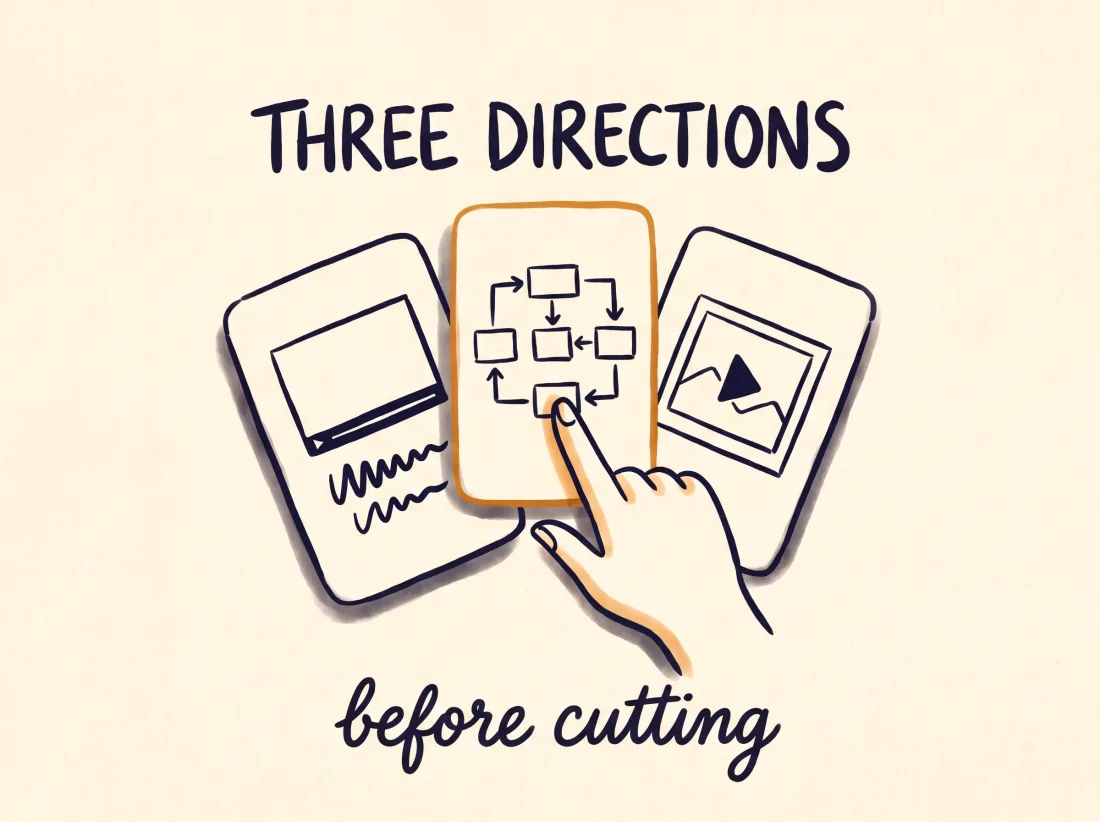
It is also the better choice if you want a say in each part of the video. You can ask for three directions before anything is cut, point at an exact second on the review page, and ask for an animated diagram to explain an idea. Your corrections are saved, so the next video starts from what you already approved.
Your footage stays on your computer unless you decide to upload it to a project. You can also start on the free plan, while Tella says it has no forever-free plan.
How you ask for it in EditorBrain: an example
EditorBrain does not record your screen. It starts once you have the file, recorded with Tella or with any other recorder.
With that file on your computer, you ask your agent for the video you need: a step-by-step tutorial or a launch video. This example is for a tutorial.
Use EditorBrain to turn this screen recording into a horizontal tutorial of about 2 minutes.
I want to teach how to create an invoice in my app, step by step.
Keep every step in order and keep my voice. Zoom in on the part of the screen
where each action happens and open with an animated title in my brand.The agent reviews the whole recording: what you say, what shows on screen and the pacing.
It reads your brand and looks up in EditorBrain how similar real videos are edited.
It cuts the footage, zooms in where each action happens and adds the animated title.
It exports a preview and shows it to you on the review page.
You correct it moment by moment: “At 01:05 the zoom comes in late. Start it earlier and leave the cuts and the voice as they are.”
Using both together
You do not have to pick one. Tella offers an MCP server, the standard way to connect a tool to an AI agent, with setup instructions for Claude Code, Codex and other clients. EditorBrain also connects through MCP. One agent can hold both connections.
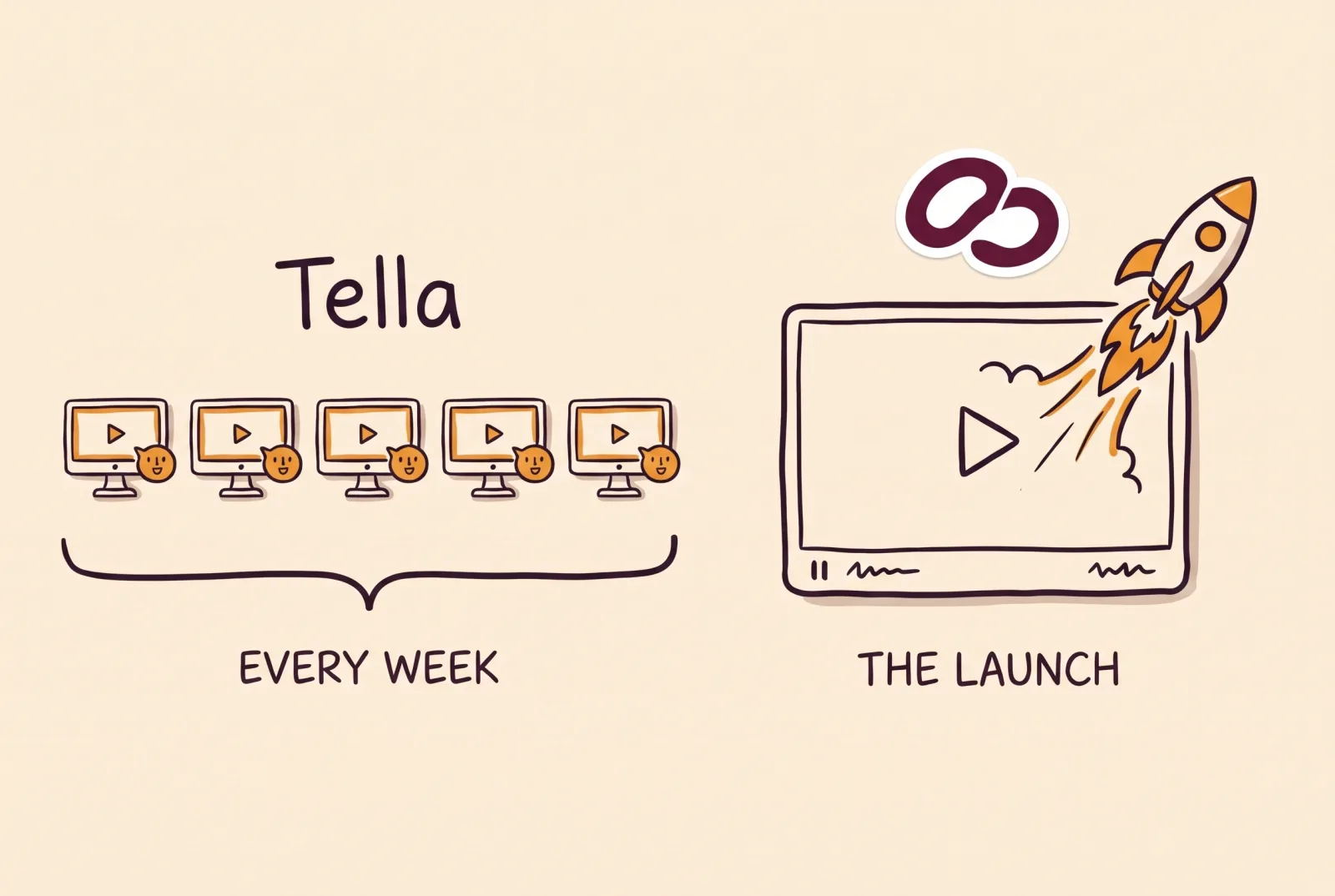
A sensible split: record your screen in Tella and export the file, then ask your agent to edit it with EditorBrain, with animations and your brand identity. Another option is to keep the weekly demos and video messages in Tella, and use EditorBrain for the video you want to craft, such as a launch announcement.
Common questions
Is EditorBrain a Tella alternative?
It is for editing a video you already recorded, and it is not for recording. EditorBrain does not record screen, camera or audio. It works with files you already recorded with another tool. If you need to record your screen, Tella does that and also edits the recording.
Do I need to install anything to use EditorBrain?
Yes. You need Claude Code or Codex installed, with a subscription to that agent that is paid separately, and you connect EditorBrain once. You do not need to know how to code: you ask for the video in plain sentences. Tella comes with its own agent inside the editor.
Does Tella have a free plan?
No. According to its help center, Tella is a paid product with no forever-free plan. Every new workspace starts with a 7-day free trial of the Pro plan, with no credit card required. EditorBrain does have a free plan.
Which is cheaper, EditorBrain or Tella?
It depends on how many people edit. Tella charges per user: its Pro plan costs $26 per user a month, or $13 billed annually, and includes 4,500 credits a month for its agent. EditorBrain starts at $29 a month and does not charge per edited minute, because your agent does the editing. Add the cost of your Claude or Codex subscription.
Sources
Facts about other products come from their own official pages, read on November 16, 2026. Prices and limits change; check the vendor's page before deciding.