
EditorBrain vs Descript: the difference in short
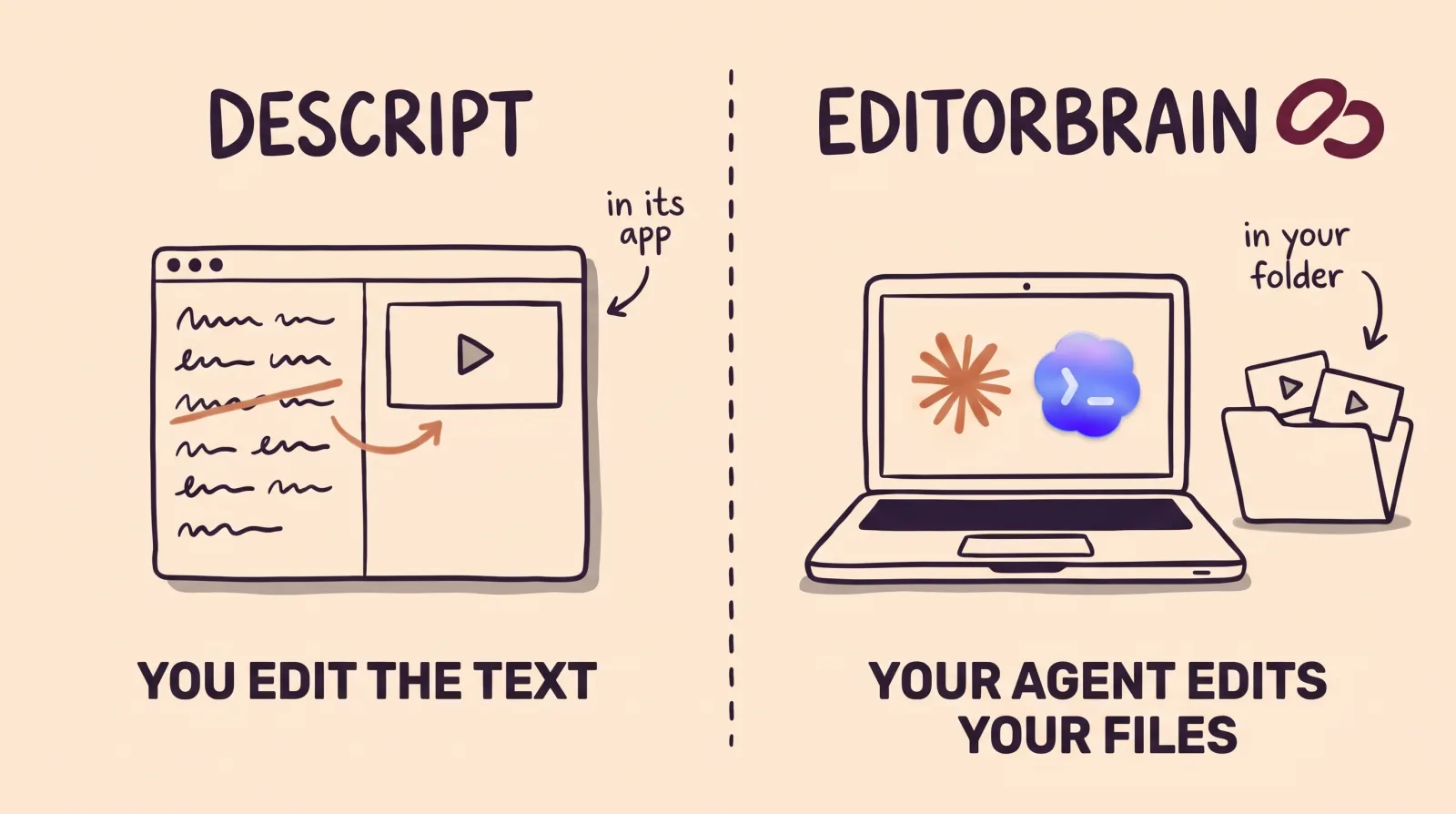
Descript is a complete editor. You record or upload a file, Descript transcribes it, and you cut, trim and rearrange the video by changing that text, the way you edit a document. It has an AI assistant, called Underlord, that you ask for the edit in a chat. You use it in the browser or in its app for Mac and Windows, always online.
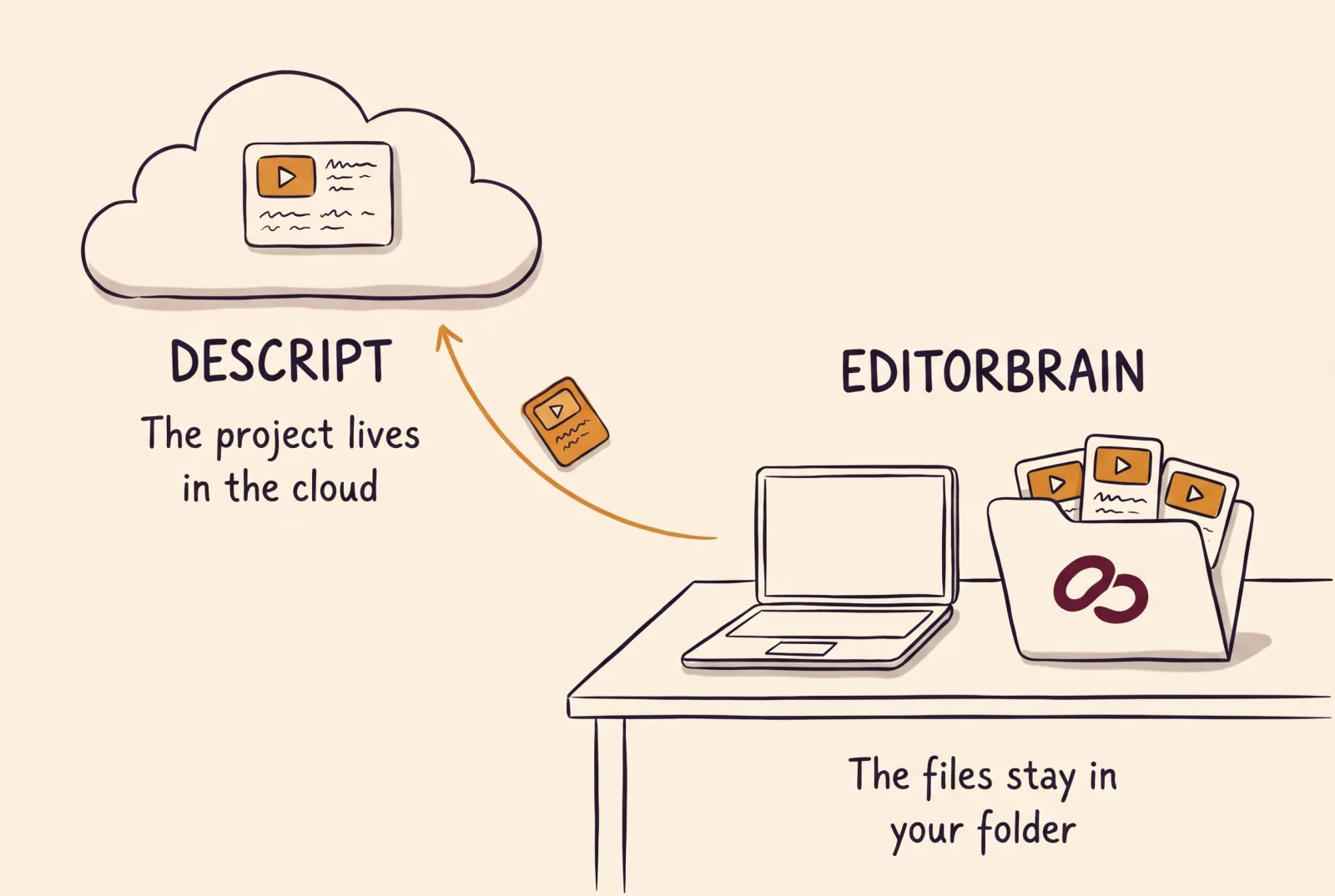
Descript also connects to agents. It has an MCP server, the standard way to connect a tool to an AI agent, with setup steps for Claude Code and Codex, plus an API and a command-line tool. With that connection the agent operates Descript and, in the words of its page, "Every edit lands in a project in your drive."
With EditorBrain the agent does not operate another editor. Claude Code or Codex edits the files that sit on your computer, with tools installed there. EditorBrain gives the agent what an editor knows: editing references from real videos, 335 adaptable animations, sound effects, your brand and a review page where you comment on exact moments.
So they are not exact substitutes. In Descript you do the work, or an agent does it for you. EditorBrain directs an agent that edits on your computer.
Point by point
The table sums up what each product states on its official pages. The Descript column holds none of our opinions: it is their own information, with the date we read it.
Descript shows its prices with a "$" sign, per person per month. Its pricing page does not name the currency or show the yearly total on annual billing.
| EditorBrain | Descript | |
|---|---|---|
| What it does | Gives your agent editing references, adaptable animations, sound effects and a memory of your brand. | A video and audio editor where you edit by changing the transcript. It includes screen recording, captions and an AI assistant, Underlord. |
| Where editing happens | On your computer. The agent uses tools such as FFmpeg. | In the browser or in its app for Mac and Windows. Its help center says it does not support offline editing and is not designed for phones or tablets. |
| Where your footage lives | On your computer, unless you decide to upload it to a project. | In its cloud. Its help center says the file is uploaded and that Descript does not keep full copies on your computer. |
| What else you need | Claude Code or Codex, which are paid for separately. | Nothing more to edit in its app. It comes with its own assistant, Underlord, which its help center describes as beta. |
| Agent connection | Through MCP. The agent edits the files on your computer. | An MCP server with setup steps for Claude Code and Codex, an API for paying accounts and a command-line tool. The agent operates Descript. Its page says the connection does not hand you an MP4 on request: it publishes the video and gives a share link with a download. |
| Starting point | A recording, several clips or a script. | A recording made in Descript or a file you upload. The free plan accepts files of up to 1 GB. |
| Captions | The agent prepares them in your brand style and you correct them in the review. | Built from the transcript, already synced, with styling for the word being spoken. Dynamic captions are unlimited on every plan. |
| Animation | A library of 335 animations that the agent adapts to your colors and fonts. | Transitions and animation are included on every plan, according to its pricing table. |
| Your brand | Saved colors, fonts and preferences. Each correction is remembered for the next video. | Brand Studio holds the fonts, colors, layouts and media of the team. Its help center places it on the Business and Enterprise plans. |
| Publishing | It does not publish. You get the file and a review page. | Publishes directly to YouTube, from its web version, and to podcast hosting services. YouTube Shorts are not supported. We found no TikTok, Instagram or post scheduling on the pages we read. |
| How usage is charged | By subscription. It does not charge per edited minute, because your agent does the editing. | With two meters: media minutes for transcribing and recording, and AI credits. Hobbyist includes 400 credits a month, Creator 800 and Business 1,500. Each message to Underlord spends a few credits, and there is no fixed price per action. The MCP connection has no separate charge: it draws on those same credits and minutes. |
| Free plan | Yes, with welcome credits, one brand and access to the library. | Yes, with no credit card: 60 media minutes a month, 100 one-time AI credits and 720p export with a watermark. |
| Starting price | From $29 a month. | Hobbyist $24 per person a month, or $16 on annual billing. Creator $35, or $24. Business $65, or $50. The page does not name the currency. |
When Descript is the better choice
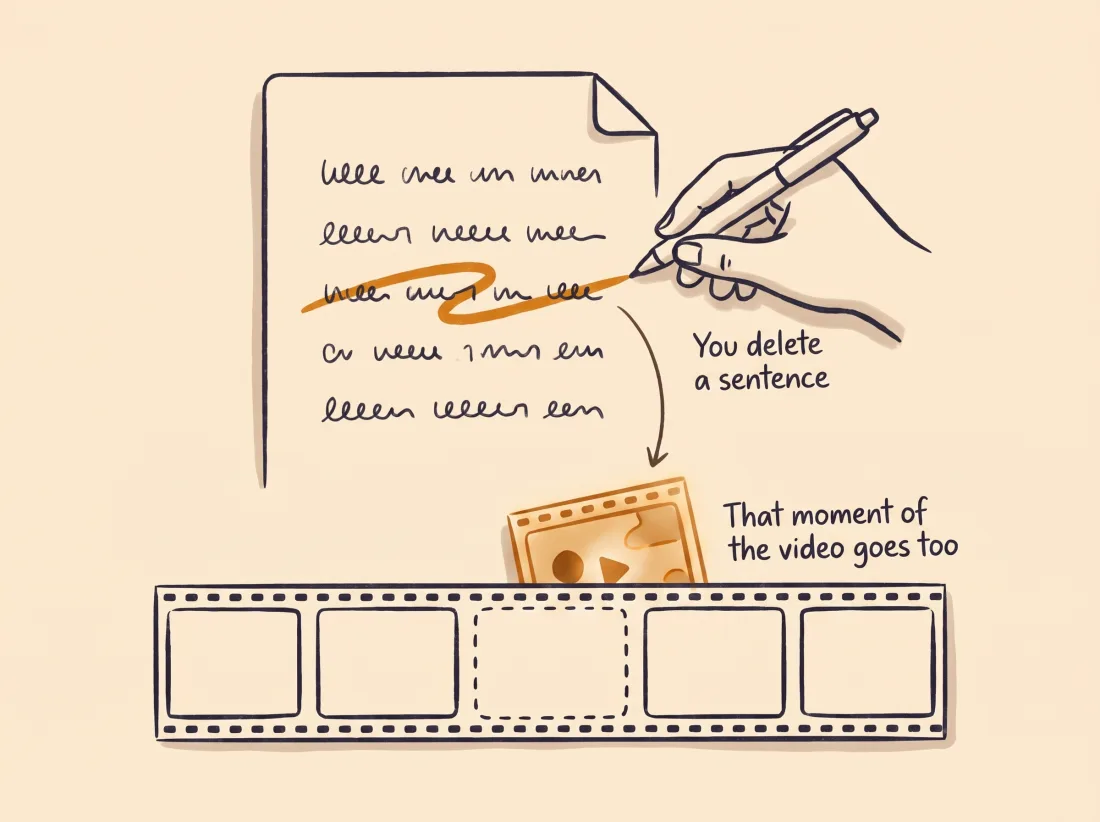
Descript fits better when you want to edit by reading. A podcast, an interview or a long screen recording is its typical case: you read the transcript, delete what you do not need and the video is cut to match.
It is also the better choice if you want an agent to operate a complete editor. Its page says that, through the MCP connection, the agent can ask for anything you could ask Underlord for inside Descript, such as captions, audio cleanup or translation. It also publishes directly to YouTube and pulls 1 to 20 clips from a long recording.
If you record in Spanish, check two facts from its help center. Transcription covers 26 languages, Spanish among them. Filler word detection, however, currently works on English transcripts only.
When EditorBrain is the better choice
EditorBrain fits better when you already work with Claude Code or Codex, or want to start, and you would rather have the agent edit the files on your computer than operate an editor in the cloud. When it finishes, the video is a file in your folder.
It is also the better choice when the short video needs your brand and animation. The agent does not start from nothing: it reads references from real edits, picks a direction and adapts animations from the library to your colors and fonts. You can ask for three directions before anything is cut and point at an exact second on the review page.
Your footage stays on your computer unless you decide to upload it to a project. In Descript the file is uploaded to its cloud. Its help center says that its AI models in production use no Descript user data, and that internal research models use data only from users who opted into data sharing.
How you ask for it in EditorBrain: an example
EditorBrain is not an editor where you correct the transcript, and it does not turn a long recording into many clips in one click. You can ask your agent for one specific short video from that recording, in your brand.
This example is for someone who records a podcast or an interview. Say which moment you want and ask for proposals before anything is cut.
Use EditorBrain to make one vertical video of about 40 seconds from this episode of my podcast.
It will announce the episode: I want the part where my guest says how long it took her to land her first client.
Add my brand captions and show that figure as an animated number at the moment she says it.
Keep her whole answer. Before cutting anything, show me two proposals with references so I can choose.The agent reviews the episode, finds that moment and reads your brand and preferences.
It searches EditorBrain for editing references and shows you two proposals before cutting.
With the one you choose, it cuts the video, prepares the captions and adapts an animation for the figure.
It exports a preview and shows it to you on the review page.
You correct it moment by moment: “At 00:21 the number shows up before she says it. Delay it and leave the cuts, the voice and the captions as they are.”
Using both together
You do not have to pick one. Descript has an MCP server with setup steps for Claude Code and Codex, and EditorBrain also connects through MCP. One agent can hold both connections.
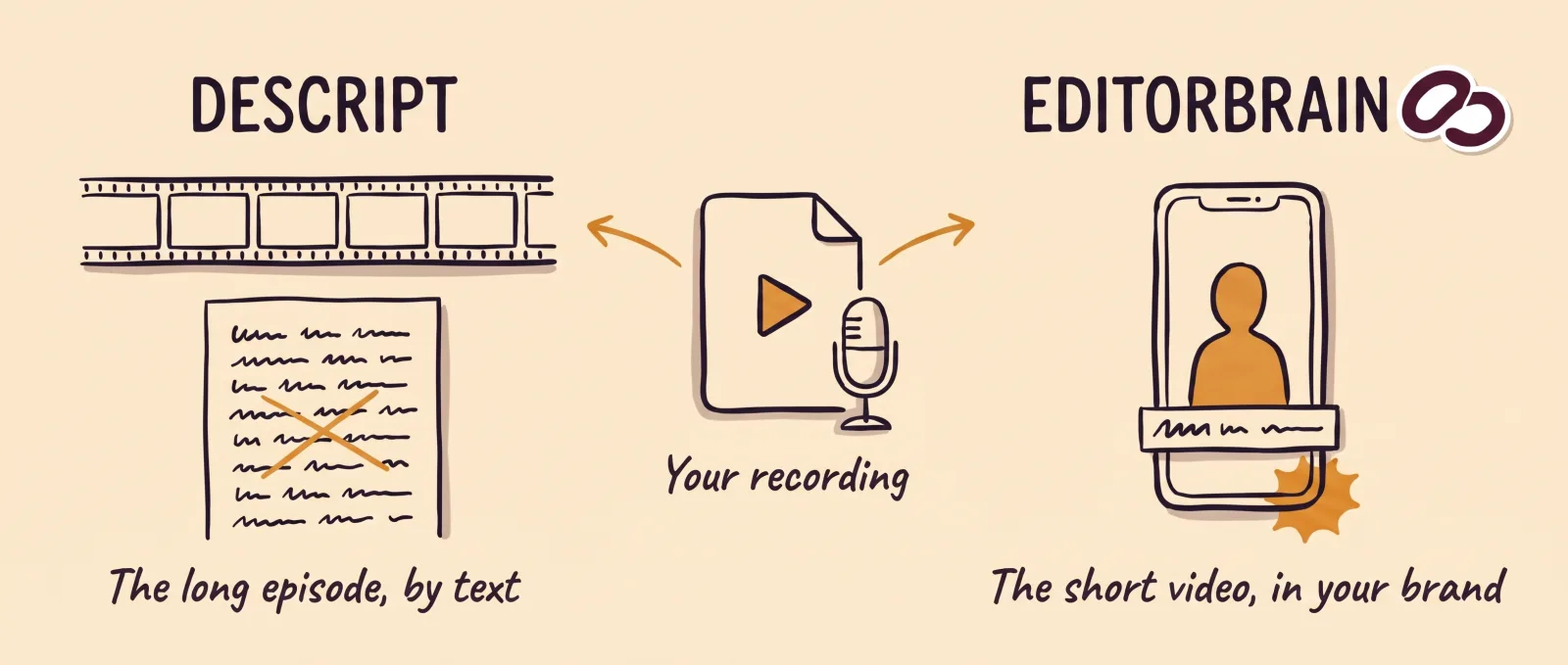
A sensible split: Descript for long recordings edited by text, such as podcasts, interviews and screen recordings. EditorBrain for the short video that needs your brand and animation, edited on your computer.
Common questions
Is EditorBrain a Descript alternative?
It is if you want an agent to edit a short video in your brand on your computer, and it is not if you want to edit by correcting the transcript. EditorBrain is not an editor: it gives Claude Code or Codex references, animations and your brand. If you want to edit by text in one app, Descript is built for that.
Does Descript work with Claude Code and Codex?
Yes. According to its documentation, Descript has an MCP server with setup steps for Claude Code and for Codex, plus an API and a command-line tool. With that connection the agent operates Descript, and the edit lands in a project in your Descript drive. Its page adds that the connection does not hand you an MP4 file on request.
Does Descript work for videos in Spanish?
Yes for transcription, with one stated limit. Its help center lists Spanish among its 26 transcription languages. It also says that filler word detection currently works on English transcripts only.
Which is cheaper, EditorBrain or Descript?
It depends on how many people edit and how much AI you use. Descript charges per person: Hobbyist costs $24 a month, or $16 on annual billing, and includes 400 AI credits a month. Its pricing page does not name the currency. EditorBrain starts at $29 a month and does not charge per edited minute, because your agent does the editing, but you add the cost of your Claude or Codex subscription.
Sources
Facts about other products come from their own official pages, read on November 17, 2026. Prices and limits change; check the vendor's page before deciding.
- Descript: home page and FAQ
- Descript: plans, pricing and limits
- Descript: agent connection (MCP)
- Descript: MCP server setup for Claude Code and Codex
- Descript: costs and limits of the MCP connection
- Descript: API
- Descript: command-line tool
- Descript: web version and supported devices
- Descript: desktop app
- Descript: saving and offline editing
- Descript: where project files are stored
- Descript: Underlord, its AI assistant
- Descript: transcription languages
- Descript: filler word detection
- Descript: captions
- Descript: clips from a recording
- Descript: Brand Studio
- Descript: export and publishing
- Descript: publishing to YouTube
- Descript: integrations and publishing destinations
- Descript: media minutes and AI credits
- Descript: data privacy and model training