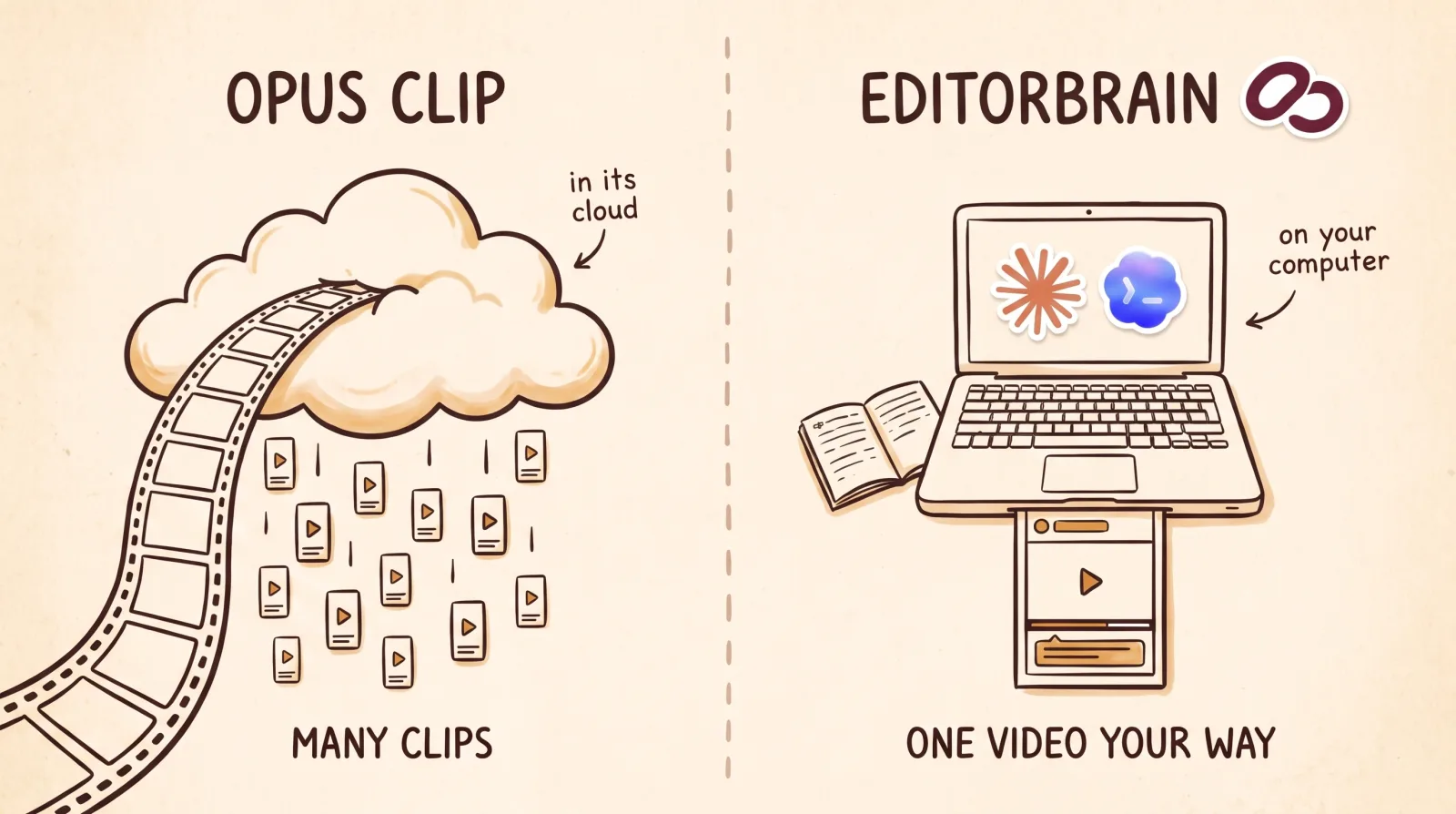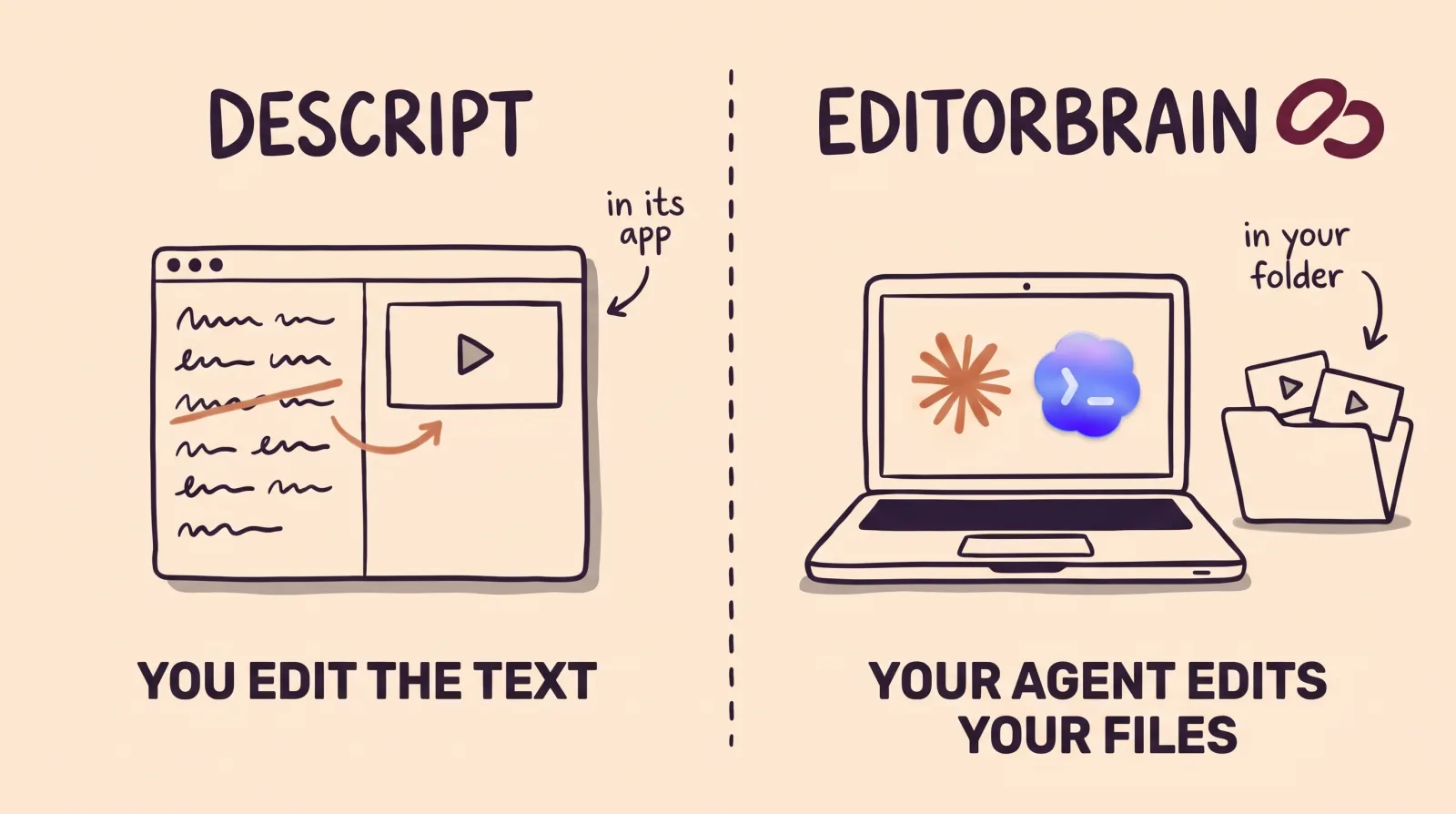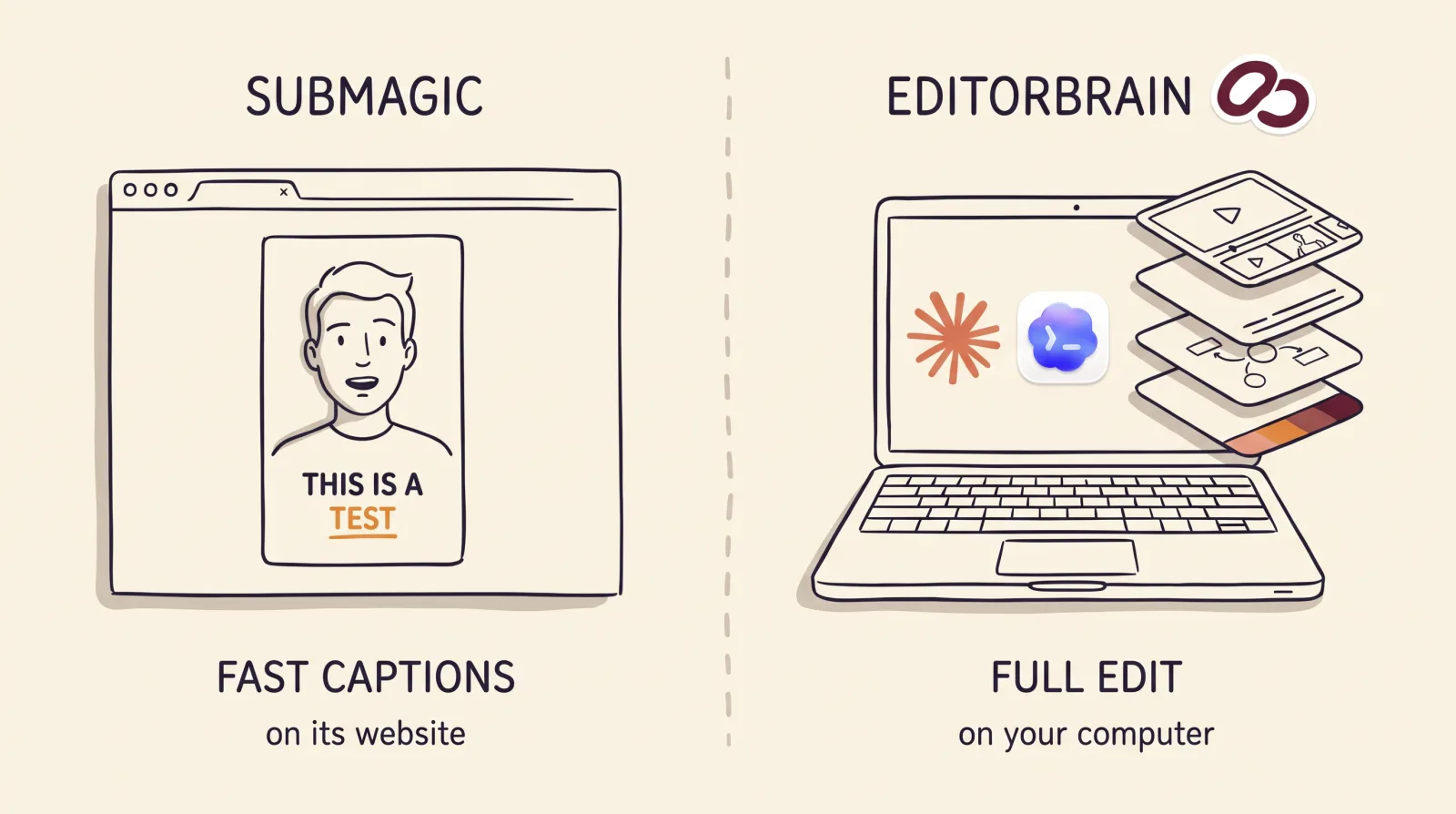

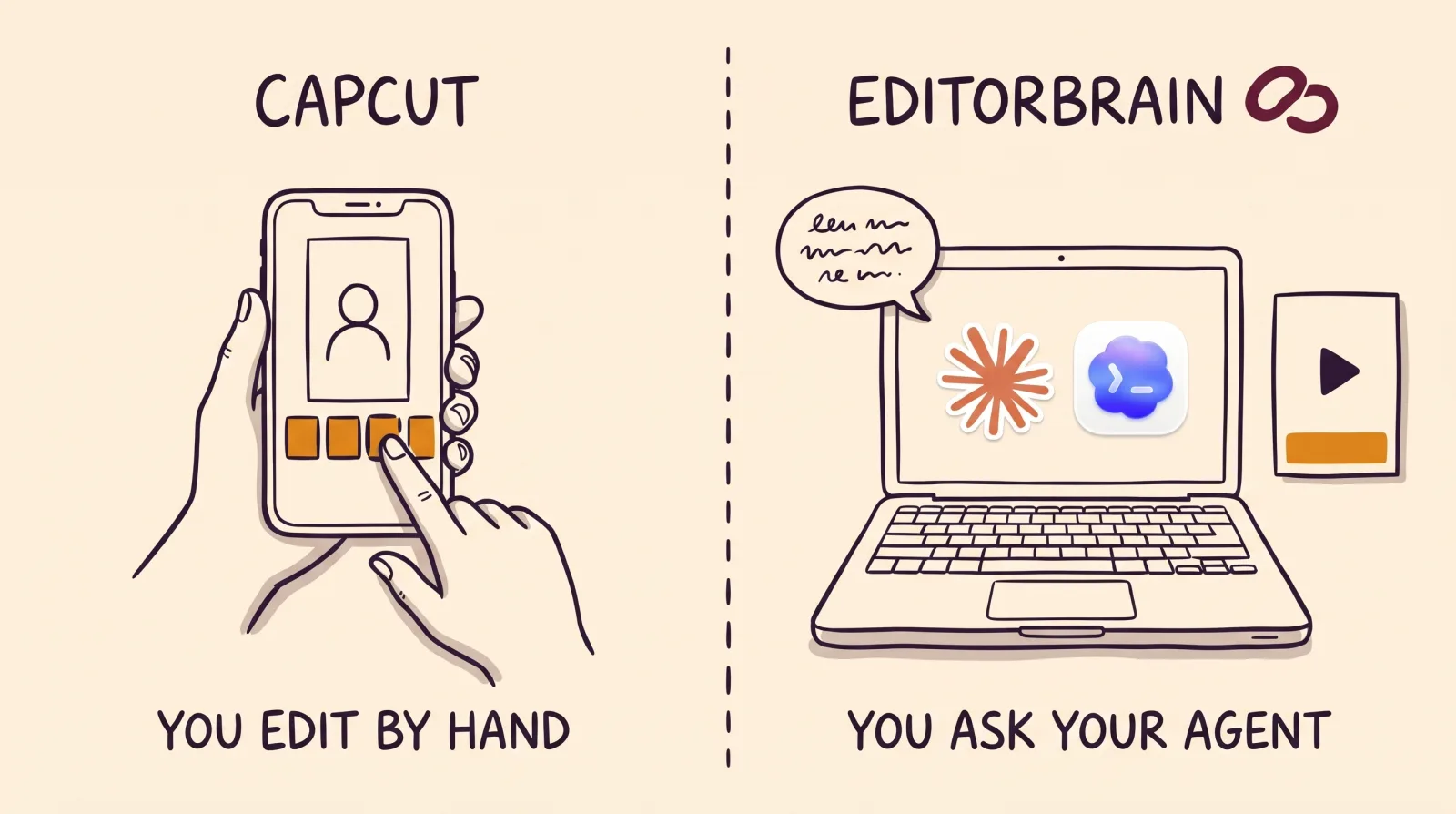
EditorBrain vs CapCut: the difference in short
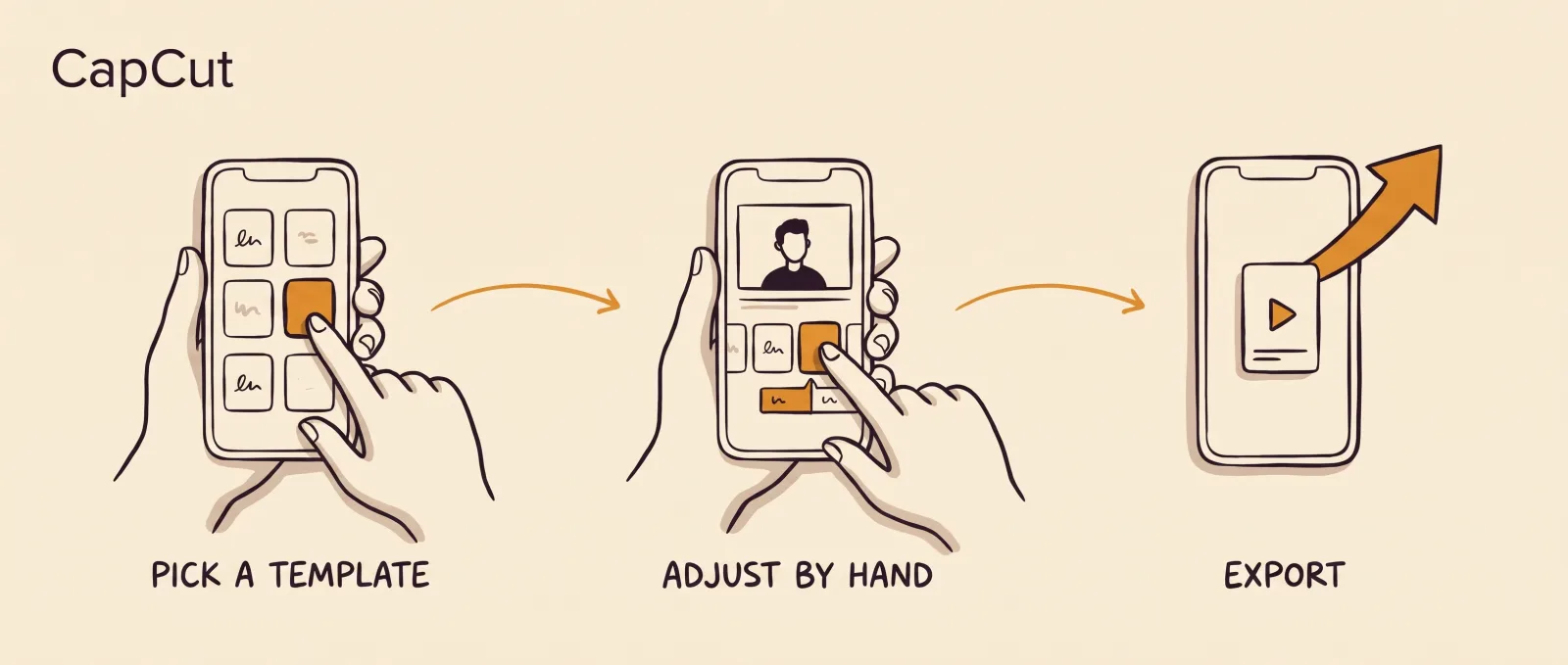
CapCut is an editor you operate yourself. You open its phone app, desktop app or web version, pick a template or your own clips, and shape the video with its effects, transitions and automatic captions until you export it.
With EditorBrain an AI agent does the work. You ask Claude Code or Codex to edit a recording, and the agent looks up in EditorBrain how similar videos are edited, which animations it can adapt and which brand you saved. Then it cuts, animates and exports on your computer and shows you a preview.
So they are not exact substitutes. For editing by hand, on a phone, with templates, CapCut is the better choice and EditorBrain does not replace it. EditorBrain is the alternative for someone who would rather ask an agent for the video and get it back in their brand.
Point by point
The table sums up what each product states on its official pages. Where CapCut's own pages gave different figures, we left the figure out.
| EditorBrain | CapCut | |
|---|---|---|
| What it does | Gives your agent editing references, adaptable animations, sound effects and a memory of your brand. | A video editor you operate yourself, with templates, effects, transitions and automatic captions. |
| Where editing happens | On your computer. The agent uses tools such as FFmpeg. | In its phone app (iOS and Android), its desktop app for Windows and Mac, or the browser. |
| Who edits | Your agent, Claude Code or Codex, following your request and your corrections. | You do. CapCut for PC also has an agent, EditPilot, that trims pauses, adds captions and cleans up audio. |
| What else you need | Claude Code or Codex, which are paid for separately. | Its app installed on your phone or computer, or the web version with an account. |
| Starting point | A recording, several clips or a script. | Your clips or one of its templates. |
| Captions | The agent prepares them in your brand style and you correct them in the review. | Automatic recognition on phone, desktop and web. On the web, more than 20 languages, Spanish among them. |
| Animation and effects | A library of 335 animations that the agent adapts to your colors and fonts. | Templates, transitions, in-and-out animation and AI-generated effects. |
| Your brand | Saved colors, fonts and preferences. Each correction is remembered for the next video. | Its pricing page lists "Brand kit" only on the Teams plan. |
| AI agents | Works with Claude Code and with Codex. | Its official page offers a plugin for ChatGPT / Codex. For Claude we found nothing on the pages we read. EditPilot asks for requests in English for now. |
| Publishing | It does not publish. You get the file and a review page. | The phone app publishes to TikTok in one tap, with your account linked. The desktop app shares to YouTube. |
| Free plan | Yes, with welcome credits, one brand and access to the library. | Yes. Its pricing page describes it with free templates and basic editing tools. |
| Price | From $29 a month. | It depends on your region, your device and your account. Its page says displayed pricing is for reference and that you see the final price once you sign in. |
When CapCut is the better choice
CapCut fits better when you like doing the edit yourself. If you build your videos on your phone, start from a template and want to see each change right away, it is made for that. EditorBrain has no editor where you move clips.
It is also the better choice if you do not want to use an agent, or if you publish to TikTok from the phone app. For clips from a long video, CapCut for PC has a tool that finds the highlights and trims them.
And if you want an agent inside CapCut itself, its site describes EditPilot, part of CapCut for PC, which asks for requests in English for now. Its official page also offers a plugin for ChatGPT / Codex.
When EditorBrain is the better choice
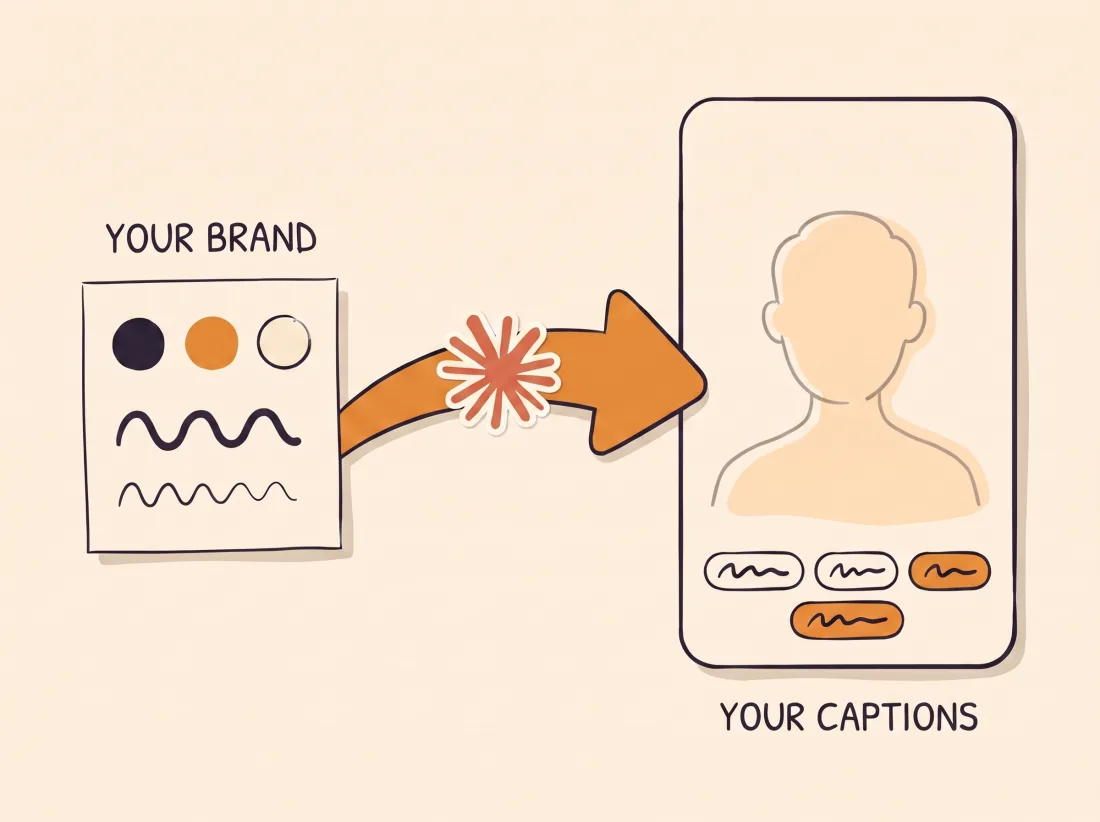
EditorBrain fits better when you edit every video by hand today and would rather ask for it. The agent, Claude Code or Codex, does the cuts, the captions and the animation. You decide the idea and correct the preview.
It is also the better choice if you want every video in your brand. You save your colors, fonts and preferences once, and the agent applies them to the captions and animations. It starts from references of real edits, not from a template. Your corrections are saved for the next video.
How you ask for it in EditorBrain: an example
This example is for someone who edits each video by hand today: you record yourself talking to camera and want a vertical video in your brand. With the recording on your computer, you write this to your agent.
If something in the preview is off, point at the moment and say what to change and what must stay the same.
Use EditorBrain to turn this recording of me talking to camera into a vertical video of about 45 seconds.
The topic is the rule I use to set aside part of every payment I receive.
Remove the long pauses and the repeated takes without losing any idea.
Add captions in my brand font and colors and a single animation
that shows how each payment is split. Show me a preview before exporting.The agent reviews the whole recording: what you say, the pauses and the repeated takes.
It reads your brand and looks up in EditorBrain how real talking-to-camera videos are edited.
It cuts the pauses, prepares the captions in your font and colors and adapts one animation from the library.
It exports a preview and shows it to you on the review page.
You correct it moment by moment: “At 00:21 the cut clips the end of the sentence. Make it longer and leave the captions and the animation as they are.”
CapCut pricing and your data
CapCut does not publish one fixed price. Its help center says the price of CapCut Pro varies by region, device and promotions. Its pricing page says displayed pricing is for reference and that you see the final price once you sign in. On November 17, 2026, from a European connection, it showed the Pro plan at EUR 29.99 a month. That is a sample from that day: check yours signed in to your account.
About your content, CapCut's privacy policy, in the version served to Europe and last updated on April 15, 2026, says it may collect it through pre-uploading when you create, import or upload it, and one purpose it lists is to train and improve technology such as machine learning models. It also says it stores the information on servers in Malaysia, Singapore and the United States. The full policy is in this page's sources so you can read it yourself.
With EditorBrain, your footage stays on your computer unless you decide to upload it to a project.
Using both together
You do not have to pick one. A sensible split: CapCut for the quick videos you build by hand on your phone, EditorBrain for the ones you want in your brand.
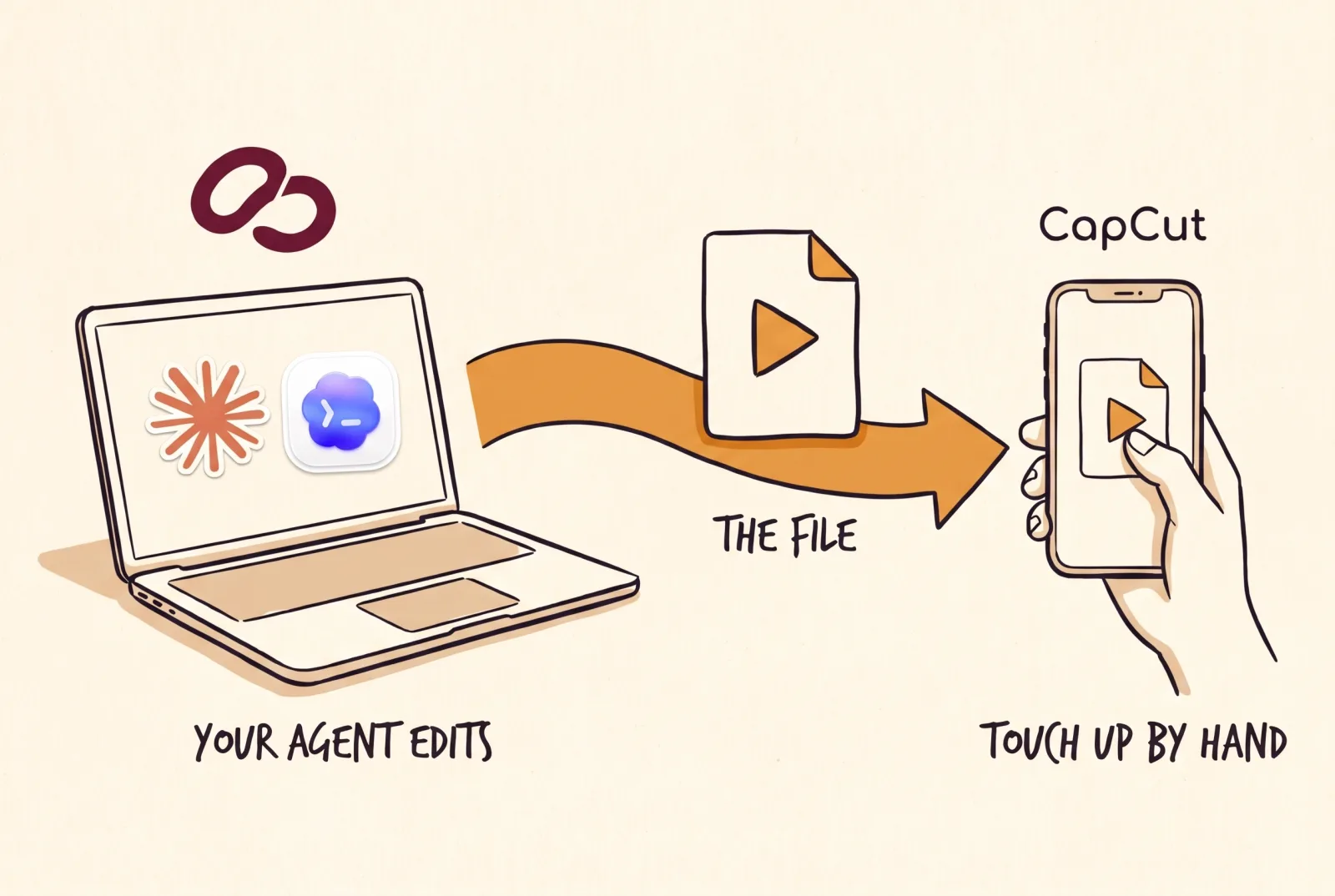
EditorBrain ends with an exported video on your computer. If you want a last touch by hand, you upload that file to CapCut like any other video: its web version takes files from your computer. EditorBrain does not publish to social networks, so you post it yourself, from CapCut or from the network.
Common questions
Is EditorBrain a CapCut alternative?
It is if you want an agent to edit your footage in your brand, and it is not if you want to edit by hand. EditorBrain has no editor where you move the clips and no templates to tap. For that way of working, CapCut is the better choice.
What can I use instead of CapCut to edit with an AI agent?
EditorBrain is one option if you use Claude Code or Codex: it gives the agent references, animations and your brand so it edits on your computer. CapCut has its own routes too: its agent EditPilot, part of CapCut for PC, which asks for requests in English for now, and an official plugin for ChatGPT / Codex. For Claude we found nothing on the CapCut pages we read on November 17, 2026.
Do I need to install anything to use EditorBrain?
Yes. You need Claude Code or Codex installed, with a subscription to that agent that is paid separately, and you connect EditorBrain once. You do not need to know how to code: you ask for the video in plain sentences. CapCut is also installed, on your phone or your computer, or used in the browser with an account.
Which is cheaper, EditorBrain or CapCut?
There is no single answer, because CapCut's price depends on your region, your device and your account. Its pricing page shows a free plan and says you see the final price once you sign in. EditorBrain has a free plan and paid plans from $29 a month, and it does not charge per edited minute. Add the cost of your Claude or Codex subscription.
Sources
Facts about other products come from their own official pages, read on November 17, 2026. Prices and limits change; check the vendor's page before deciding.
- CapCut: phone editing app
- CapCut: desktop editor
- CapCut: editor in the browser
- CapCut: plans and pricing
- CapCut: how much CapCut Pro costs, in its help center
- CapCut: which platforms a subscription covers, in its help center
- CapCut: automatic caption recognition, in its help center
- CapCut: AI caption generator
- CapCut: long video to shorts
- CapCut: EditPilot editing agent
- CapCut: plugin for ChatGPT / Codex
- CapCut: linking TikTok with CapCut, in its help center
- CapCut: privacy policy