
What MCP is and what it changes for video creators
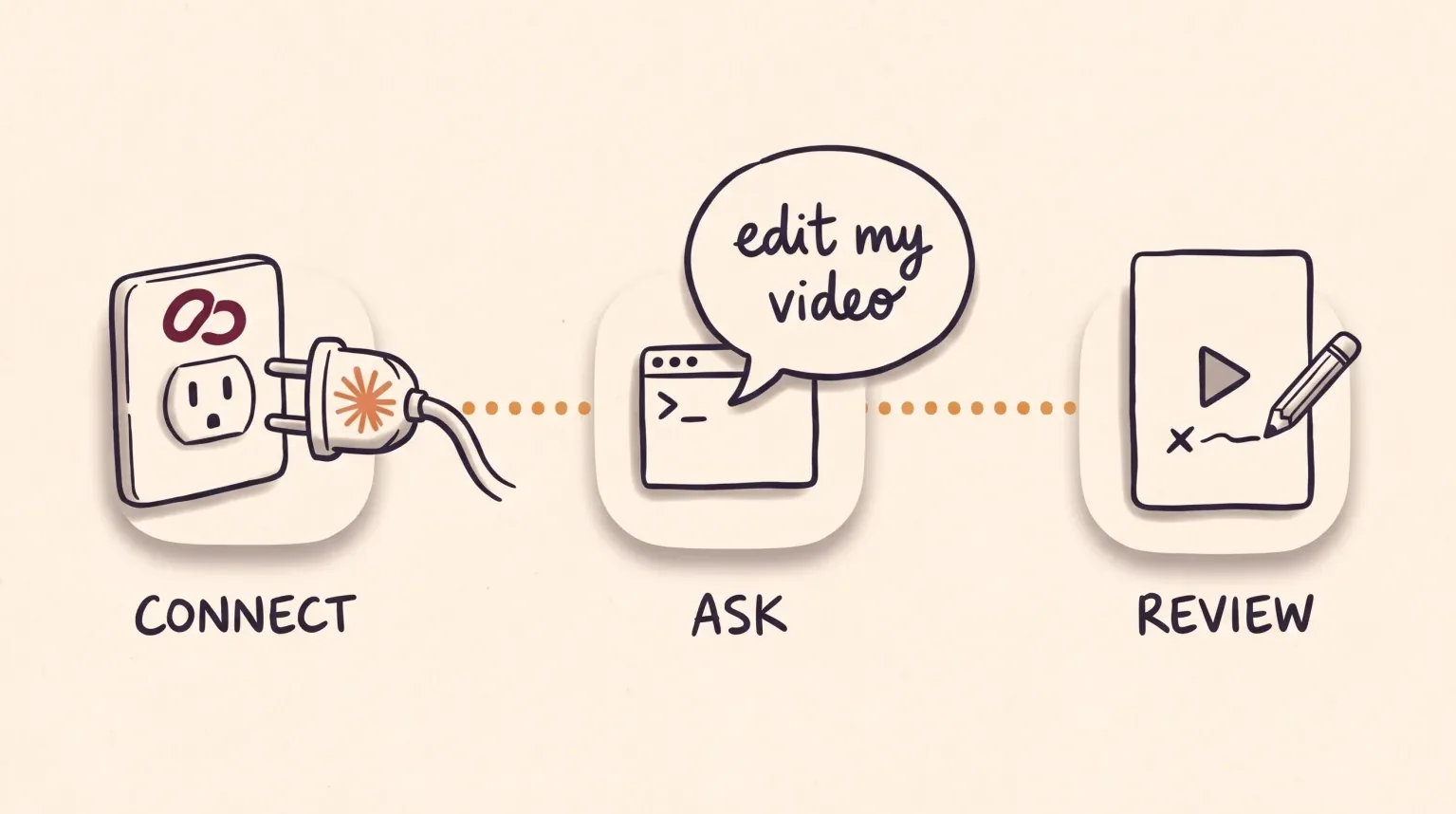
MCP stands for Model Context Protocol, an open standard for connecting AI applications to external systems. A server is the door each service opens for that connection. In practice you paste the server address into Claude, sign in to that service, and the assistant can use its tools from the chat.
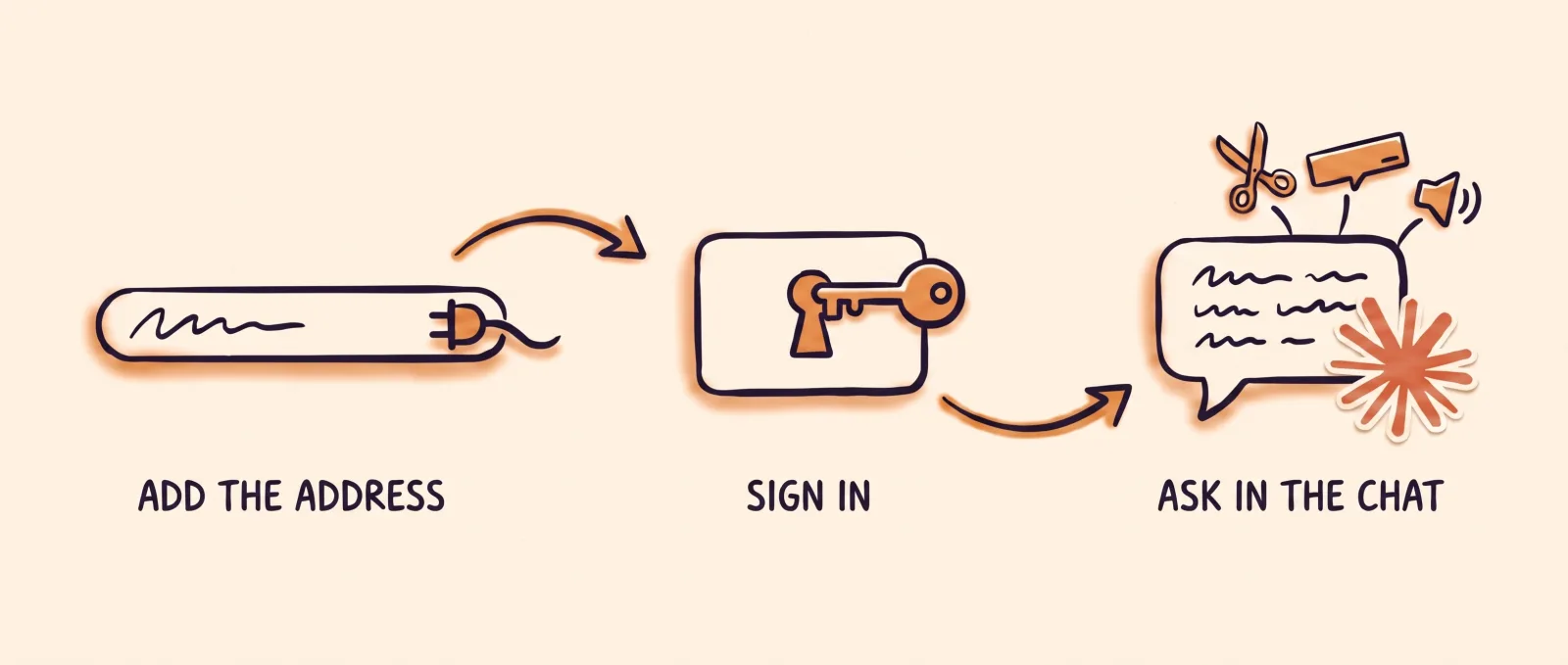
For a creator, that means asking in plain sentences instead of opening each platform. “Add captions to this video” or “find a reference for this hook” become requests to the agent, which picks the right tool.
Connecting a server does not do the work by itself. Each service decides which tools it offers, on which plan, and whether they spend credits. It pays to know what each one does before you add it.
MCP servers you can use for video work
These five servers let you work on video from Claude. The table sums up what each product states on its official pages, read on November 16, 2026. The order is alphabetical. The rows for Kapwing, Opus Clip, Submagic and Tella hold only their own information. Where a row mentions an API key, that is an access code some services ask for to connect.
| Server | What the agent can do | What you need |
|---|---|---|
| EditorBrain | Look up editing references from real videos, 335 adaptable animations, sound effects and your brand preferences, and prepare a review page. It does not edit or export the video: the agent does that on your computer. | Address: https://api.editorbrain.com/mcp. An EditorBrain account, which has a free plan, and an agent that can edit files, such as Claude Code or Codex. |
| Kapwing | Edit and generate videos or images, add and translate subtitles, dub videos, create voice clones, sync B-roll, and combine and assemble footage. | Address: https://www.kapwing.com/mcp. Any Kapwing plan, including free accounts. It runs on your workspace credits and needs no API key. |
| Opus Clip | Use its service, which turns long videos into short clips, from the agent. Its documentation lists 37 tools. | Address: https://mcp.opus.pro/mcp. The Pro (beta), Max or Business plan to call a tool. |
| Submagic | Caption a video and add features such as AI B-roll, zooms, an AI-written hook title, silence and bad-take removal, audio cleanup and eye contact correction. | Address: https://api.submagic.co/mcp. A Submagic account or an API key. Each feature spends credits, and a video can be up to 10 minutes long. |
| Tella | Edit, export and publish the videos in your Tella account. Its page lists more than 100 tools. | Address: https://api.tella.com/mcp. Any Tella plan, including the 7-day free trial. Tella has no permanent free plan. |
Servers that edit on their platform, and servers that guide your agent
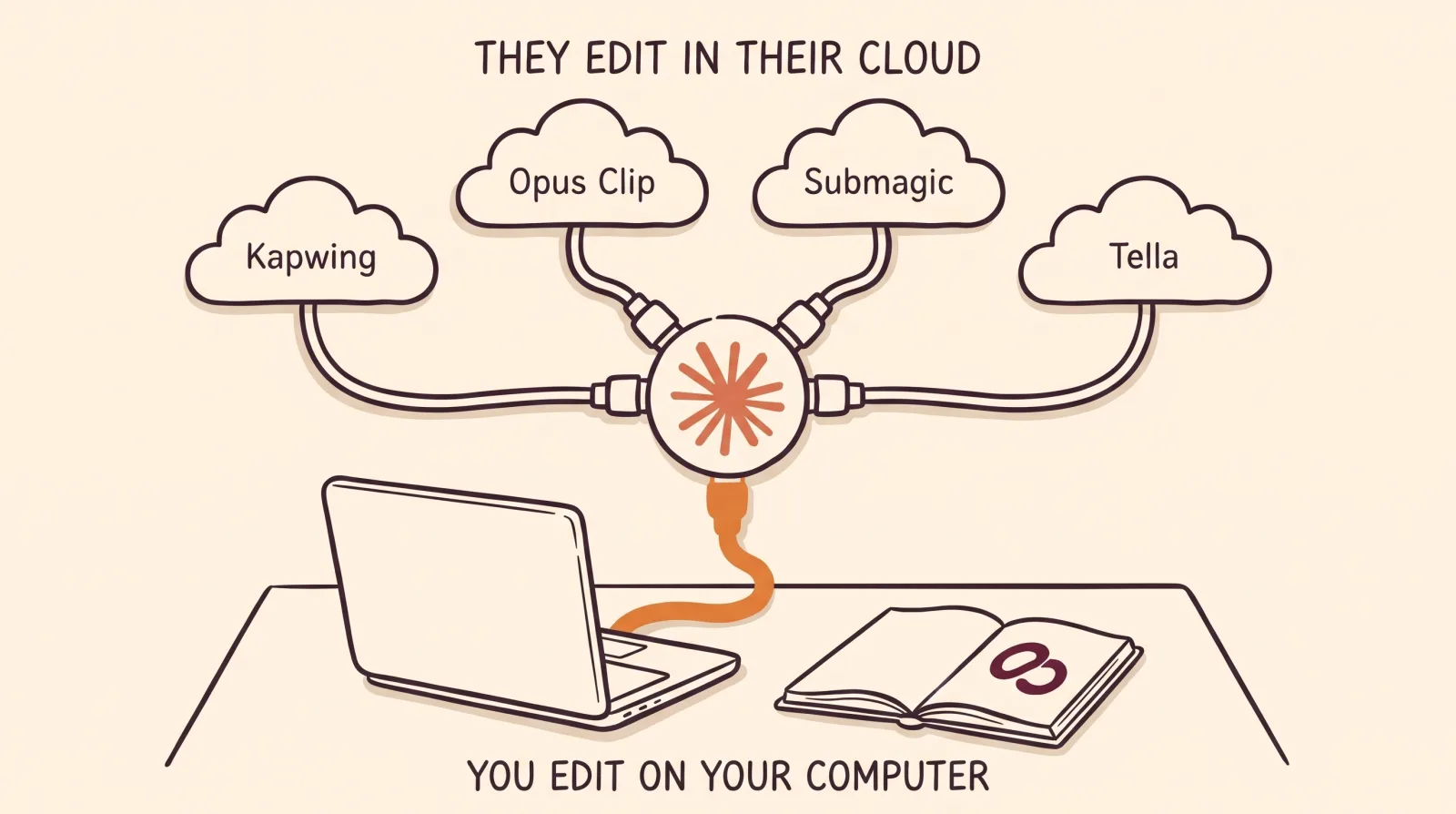
There are two kinds. Kapwing, Opus Clip, Submagic and Tella are video platforms. When the agent uses their tools, the work happens in your account on that platform, with its features and, for several of them, with your plan credits. You get what the platform knows how to do, and you install nothing on your computer.

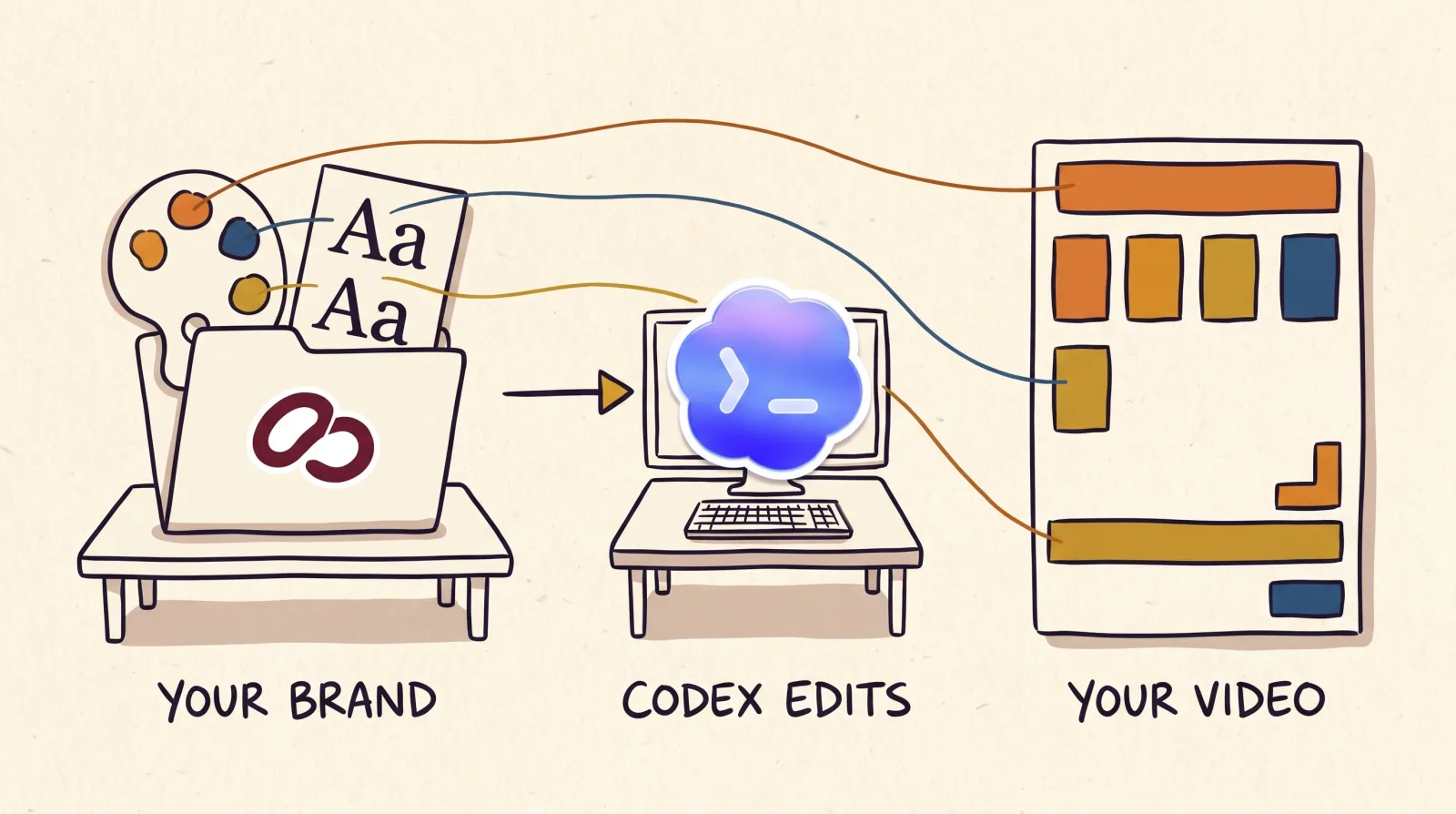
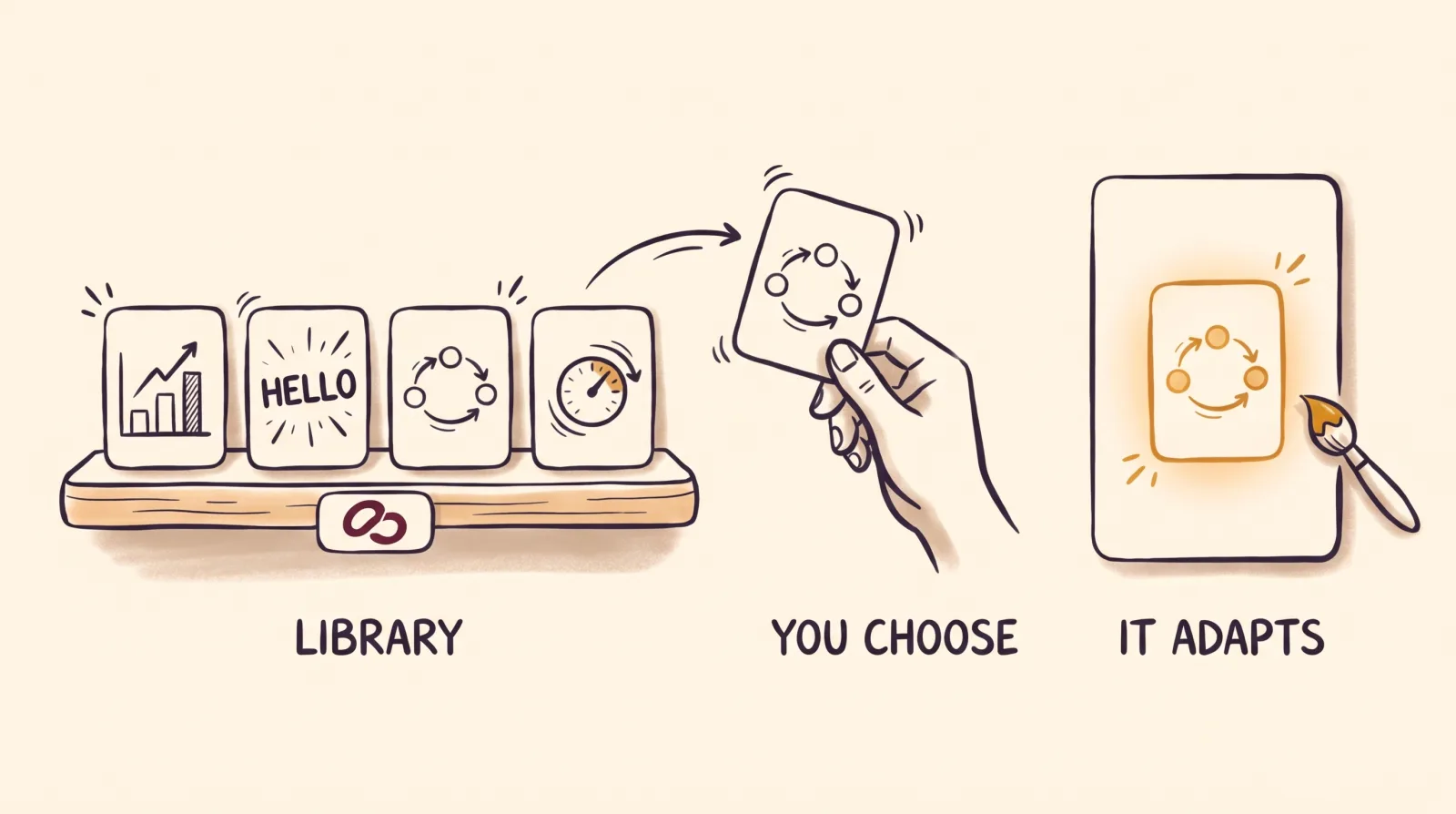
EditorBrain is the other kind. Its server never touches your video. It gives the agent what a video editor knows: editing references from real videos, 335 adaptable animations, sound effects, your brand preferences and a review page with comments on exact moments. The agent cuts, animates and exports with tools on your computer, such as FFmpeg, a program for processing video.
You notice the difference when you work. With the first kind, a Claude chat is enough and your video is processed on that platform. With the second, you need an agent that can work with files, such as Claude Code or Codex, and your footage stays on your computer unless you choose to upload it.
Neither replaces the other. If you want many clips from one long video, or captions without installing anything, a platform covers that. If you want the agent to edit your way and to have a say in each part, you need the second kind. One agent can hold several connections at once.
How to connect EditorBrain, with or without a terminal
The simplest route uses no terminal. In Claude on the web or desktop, open Connectors, add a custom connector, name it EditorBrain and paste the address https://api.editorbrain.com/mcp. Then sign in to EditorBrain, authorize your workspace and turn the connector on in the chat.
If you use Claude Code or Codex in a terminal, the window where you type commands, add the server with the commands below. They do the same job as the first route: they save the address so the agent can use it.
There is nothing else to install on either route. The server hands over the editing instructions in parts, when the agent needs them. Connecting does not edit a video or authorize any spending: that starts when you ask for an edit.
# Claude Code, from your project folder
claude mcp add --transport http --scope project editorbrain https://api.editorbrain.com/mcp

# Codex
codex mcp add editorbrain --url https://api.editorbrain.com/mcp
codex mcp login editorbrainIn Claude Code, finish the authorization: type /mcp, choose editorbrain, sign in and authorize the workspace that holds your projects.
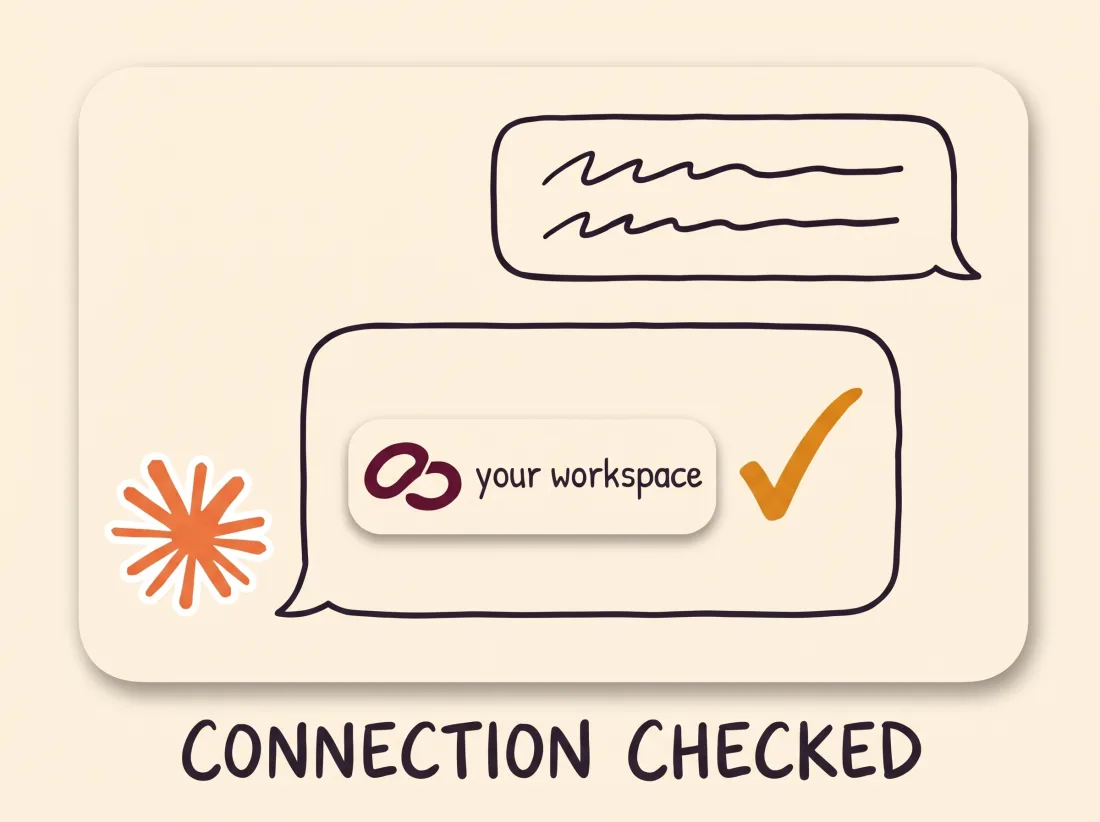
Paste this message to your agent: “Check my EditorBrain connection. Tell me which workspace is connected and read the instructions to get started. Do not create projects, upload files or spend credits yet.”
You know it worked when the agent names your workspace and confirms it read the instructions. Pasting the address is not enough.
If it says it cannot find EditorBrain or that authorization is missing, turn the connector on in that chat or open a new chat and run the check again.
Your first edit: an example
Once the connection checks out, you ask for the video in plain sentences. Open the folder that holds your recording with Claude Code or Codex and state the format, the length, the idea that must land and what cannot be lost.
The EditorBrain server cannot open the folders on your computer. That is why the agent needs access to your files. If the video is only on your phone, the agent gives you a private project link to upload it.
Use EditorBrain to edit this recording into a vertical video of about 45 seconds.
I want to show how I pack an order in my shop and close by inviting people to message me.
Keep the part where I show the packaging. Read my brand and suggest a direction
with references before producing the first preview.The agent reviews your whole recording and reads your brand and your preferences in EditorBrain.
It searches the library for editing references and proposes a direction adapted to your story.
It cuts the footage and adds captions, animations and sounds where they help and your preferences allow them.
It exports a preview, reviews the actual file and shows it to you on a review page.
You correct it by naming the moment: “At 00:12 the text covers my face. Move it up and leave the cuts, the voice and the colors as they are.”
What to check before you add a server

Start with the plan. Opus Clip requires Pro (beta), Max or Business to call its tools. Kapwing and Tella state that their server works on all their plans. EditorBrain has a free plan, and paid plans start at $29 a month. Your Claude or Codex subscription is separate in every case.
Then look at where your footage ends up and what you authorize. Each connection asks you to sign in and grant access to your account. Read that screen before you accept, especially if you edit client videos.
Last, look at the result. A connected tool does not prove the agent used it well. Watch the whole video before you publish it.
Common questions
Do I need Claude Code to use a video MCP?
Not always: it depends on the server. Kapwing, Opus Clip, Submagic and Tella say they work as a Claude connector, with no terminal. EditorBrain connects there too, but to edit files on your computer the agent needs access to them, which Claude Code and Codex have.
What is the best video editing MCP for Claude?
There is no single best one, because they do different jobs. A platform such as Kapwing, Opus Clip, Submagic or Tella works on the video in your account on that service. EditorBrain guides your agent so it edits your way on your computer. You can keep several connected at once, each with its own sign-in and its own plan.
Does it cost anything to connect an MCP to Claude?
It depends on the service: the protocol is open, but each one sets its own terms. Kapwing states that its server has no separate fee and runs on your plan credits, free accounts included. Opus Clip keeps it for its Pro (beta), Max and Business plans, and EditorBrain has a free plan. Your Claude or Codex subscription is paid separately.
Does EditorBrain edit the video on its server?
No. The EditorBrain server provides references, animations, sounds and your brand preferences, and the agent edits with the tools on your computer. Your footage stays there unless you upload it to a project.
Sources
Facts about other products come from their own official pages, read on November 16, 2026. Prices and limits change; check the vendor's page before deciding.