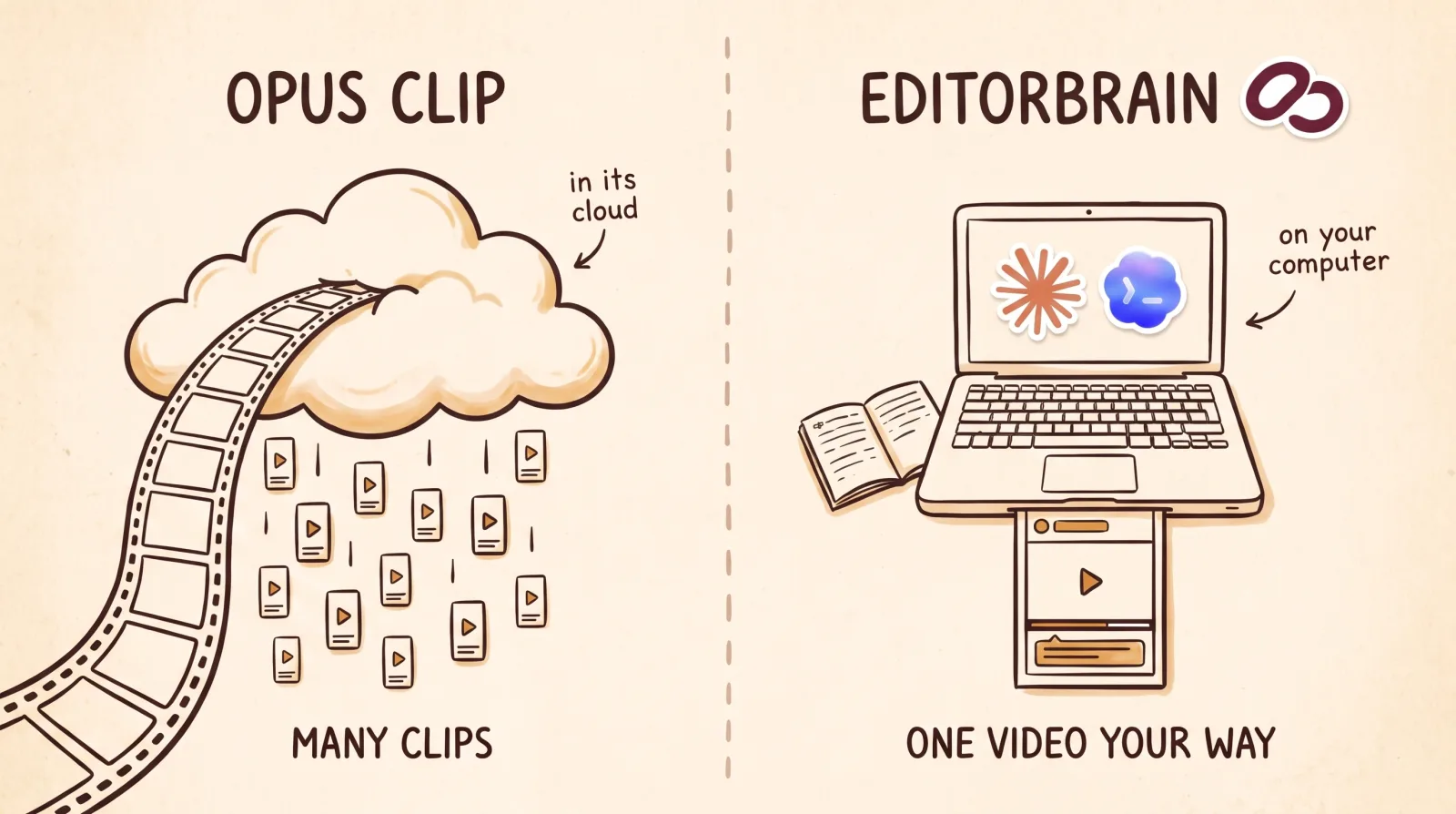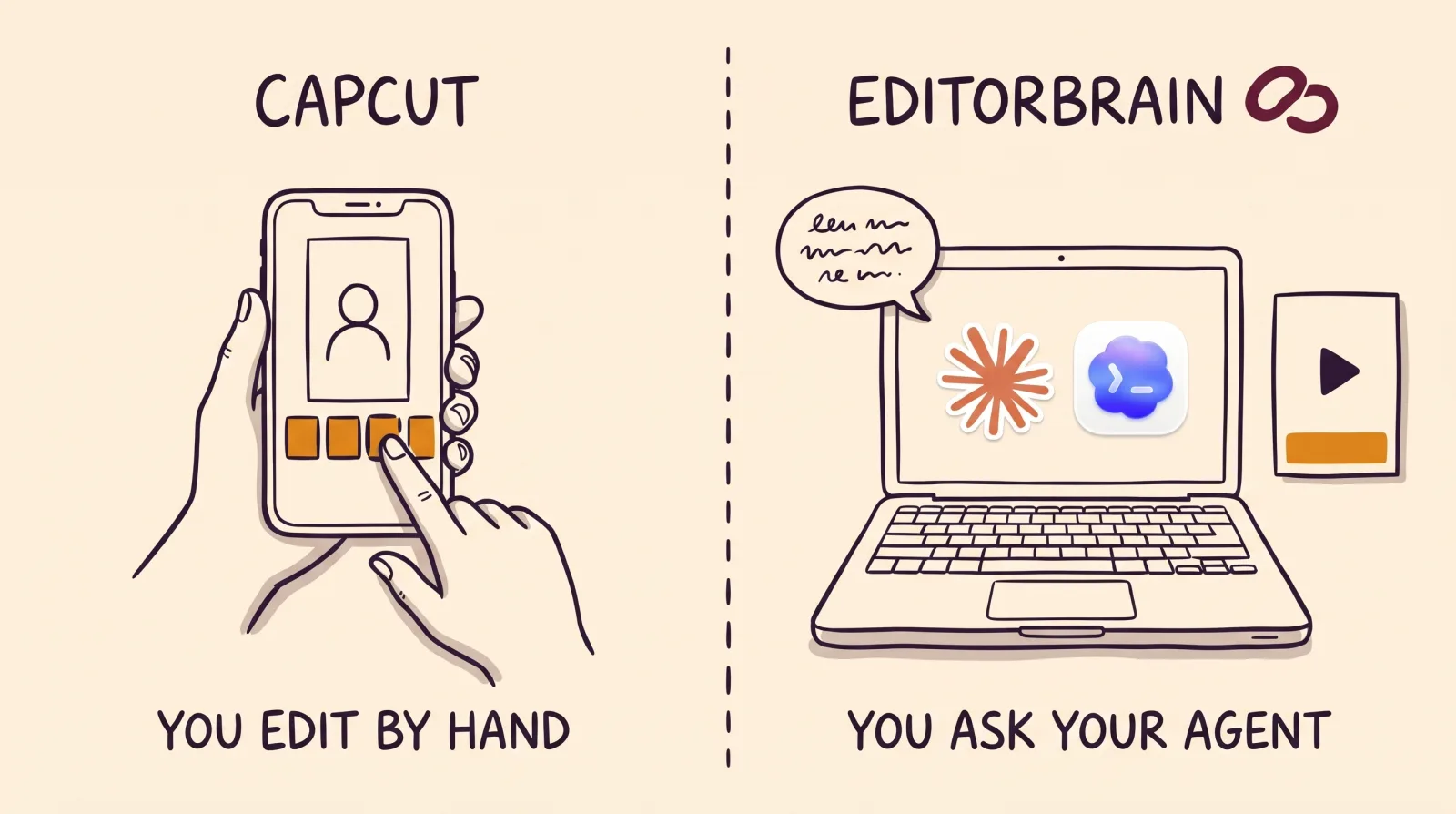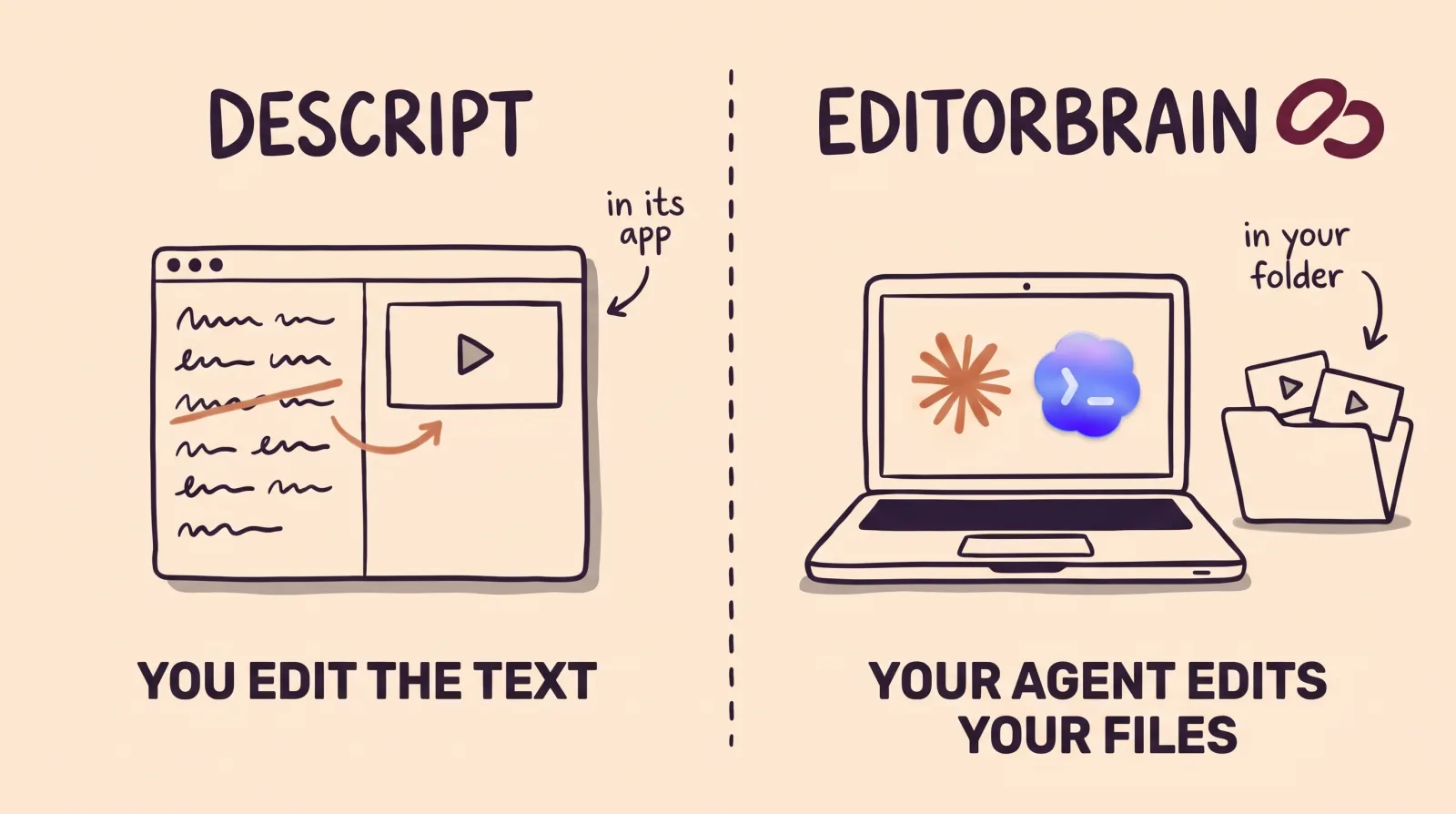

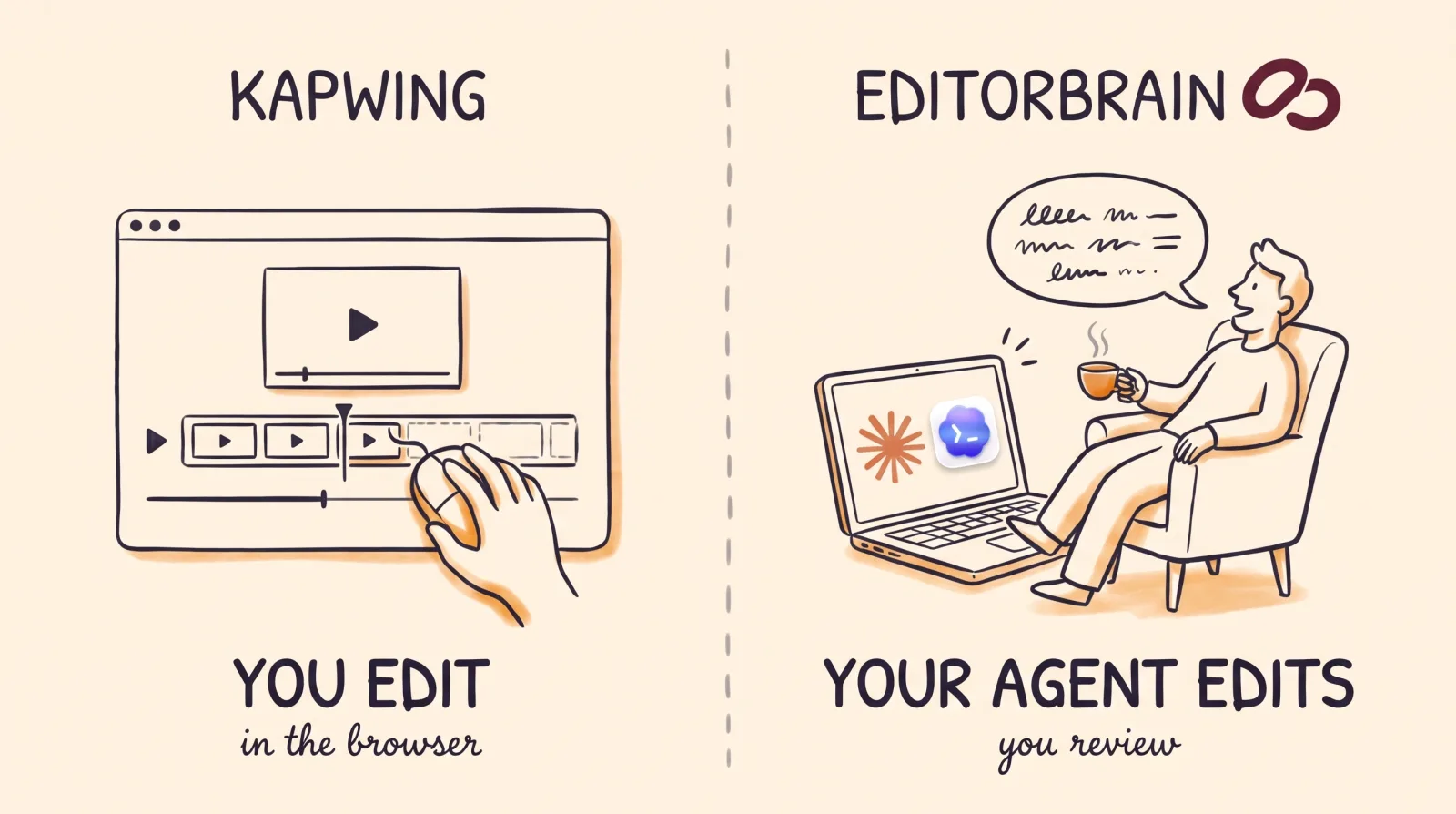
EditorBrain vs Kapwing: the difference in short
Kapwing is a full editor inside the browser. You open a project, upload your files and do the editing yourself: by hand in its studio or by asking Kai, its AI assistant, for changes. Several people can work in the same project, comment and share it with a link. You pay for each member of the team.
With EditorBrain the work is done by an agent you already use. You ask Claude Code or Codex to edit a recording, and the agent looks up in EditorBrain how similar real videos are edited, which animations it can adapt, and which colors, fonts and preferences you saved. Then it cuts, animates and exports with the tools on your computer and shows you a preview to correct.
So they are not exact substitutes. Kapwing is the place where a team edits. EditorBrain is not an editor: it is the editorial direction for an agent that builds a video your way.
Point by point
The table sums up what each product states on its official pages. The Kapwing column holds none of our opinions: it is their own information, with the date we read it.
| EditorBrain | Kapwing | |
|---|---|---|
| What it does | Gives your agent editing references, adaptable animations, sound effects and a memory of your brand. | An online platform for generating, editing and repurposing videos, images and audio, with an AI assistant called Kai. |
| Where editing happens | On your computer. The agent uses tools such as FFmpeg. | In the browser. Nothing is installed and it does not work offline. |
| What else you need | Claude Code or Codex, which are paid for separately. | Nothing more. From Claude or ChatGPT it is used through MCP on any plan, including the free one. It states it does not have an API or SDK for developers at this time. |
| Starting point | A recording, several clips or a script. | Your own files, up to 2 GB on the free plan and 6 GB on paid plans. It also generates videos and images. |
| Captions | The agent prepares them in your brand style and you correct them in the review. | Word by word, with an editable transcript, over 100 preset styles and download as SRT, VTT or TXT. |
| Animation | A library of 335 animations that the agent adapts to your colors and fonts. | Its plan table lists "Transitions and video effects". |
| Your brand | Saved colors, fonts and preferences; each correction is remembered for the next video. | Brand Kit and custom fonts from the Pro plan. |
| Review and team | A review page where comments point at exact moments in the video. | Commenting, project link sharing, team member invitations and real-time collaboration. |
| Publishing | It does not publish. You get the file and a review page. | According to its help center, it shares exports to Facebook, TikTok, YouTube Shorts and YouTube. |
| Free plan | Yes, with welcome credits, one brand and access to the library. | Yes: 10 credits, exports with a watermark, videos up to 4 minutes long and 720p quality. There is no free trial of the paid plans. |
| Starting price | From $29 a month. | Pro $24 per member a month, or $16 billed annually. Business $64, or $50 billed annually. |
When Kapwing is the better choice
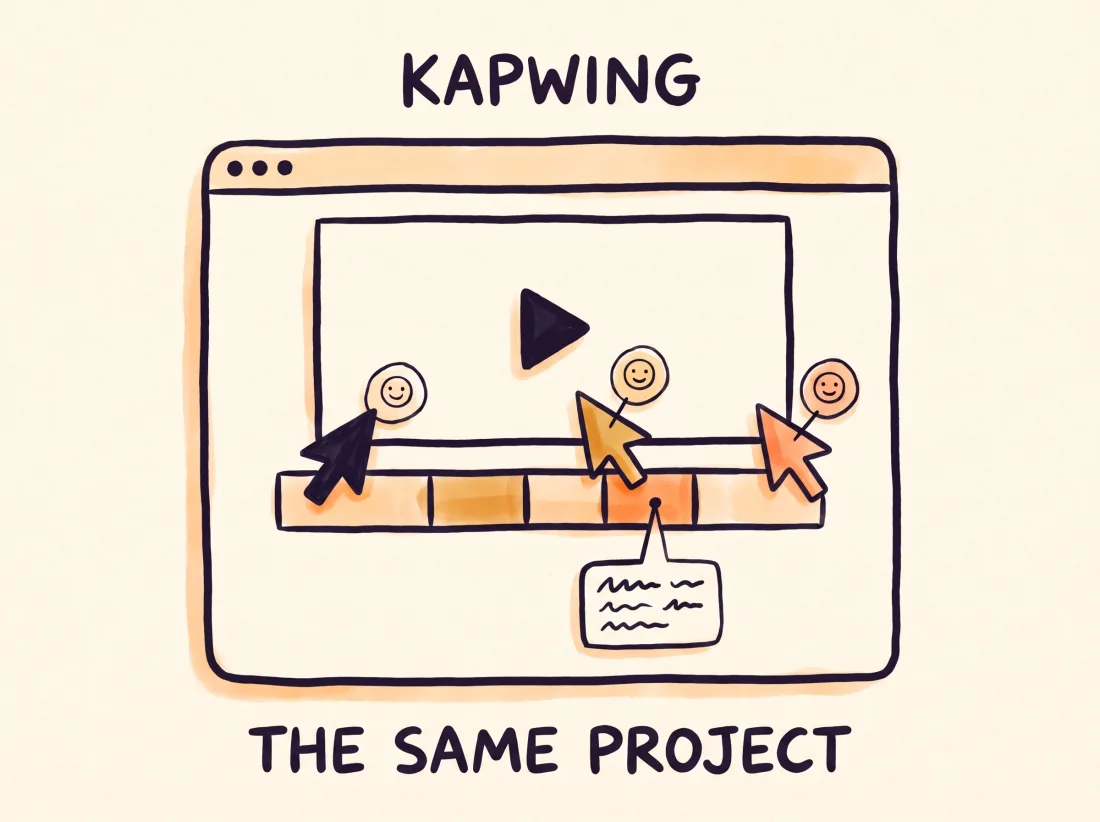
Kapwing fits better when you want a full editor with nothing to install and you would rather do the editing yourself, hands on the video. It is not limited to short videos: it also handles images and audio, translates subtitles and dubs videos into other languages.
It is also the better choice if you work as a team and several people need to be in the same project at the same time, or if you use a Chromebook or a computer where you cannot install software.
Its free plan is enough to try it, with a watermark and videos of up to 4 minutes. Kapwing says it does not offer a free trial of its paid plans.
When EditorBrain is the better choice
EditorBrain fits better when you already work with Claude Code or Codex, or want to start, and you would rather direct the edit than do it by hand. The agent does not start from nothing: it reads references from real edits, picks a direction and adapts it to your story.
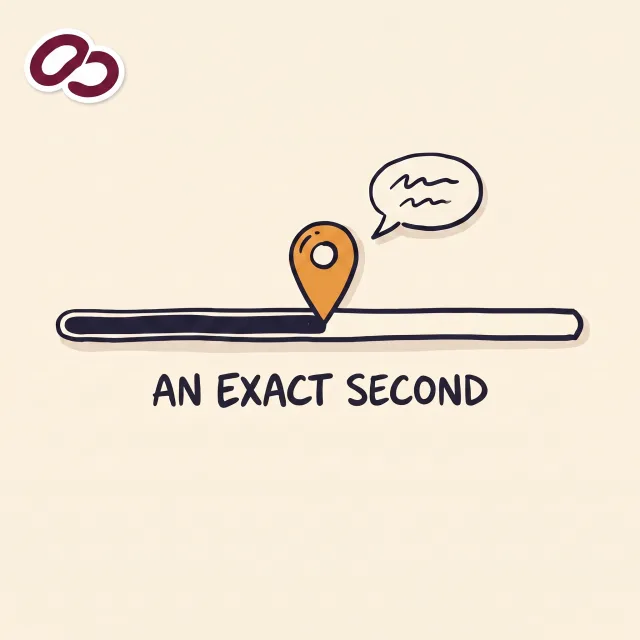
It is also the better choice if you want a say in each part of the video without opening an editor. You can ask for three directions before anything is cut, point at an exact second on the review page, and ask for an animated diagram to explain an idea. Your corrections are saved, so the next video starts from what you already approved.
Your footage stays on your computer unless you decide to upload it to a project. Kapwing is cloud-based, so editing there means uploading your files to its platform.
How you ask for it in EditorBrain: an example
With EditorBrain you do not open an editor. You open the folder that holds the footage with your agent and say which video you need.
When the video is for a brand or a client, ask for proposals before anything is cut. You choose the direction first, and the agent produces only the one you picked.
Use EditorBrain to edit the footage in this folder into a horizontal video of 60 to 90 seconds.
It is for my client, a dental clinic, and it must present their new orthodontics service.
Use the brand I saved for this client and keep the whole explanation from the doctor.
Before cutting anything, propose three directions with references so I can choose.The agent reviews every file in the folder. Your originals stay where they are.
It reads the saved brand and preferences and searches EditorBrain for editing references.
It presents three directions and you choose one before anything is cut.
It produces a preview in that direction and shows it to you on the review page.
You correct it moment by moment: “At 00:34 swap the chart for the photo of the clinic. Keep the audio and the rest of the edit.”
Using both together
You do not have to pick one. Kapwing offers an MCP server, the standard way to connect a tool to an AI agent. It works in Claude, Claude Code and ChatGPT on all of its plans, and it runs on the credits in your plan. EditorBrain also connects through MCP. One agent, Claude Code for example, can hold both connections.
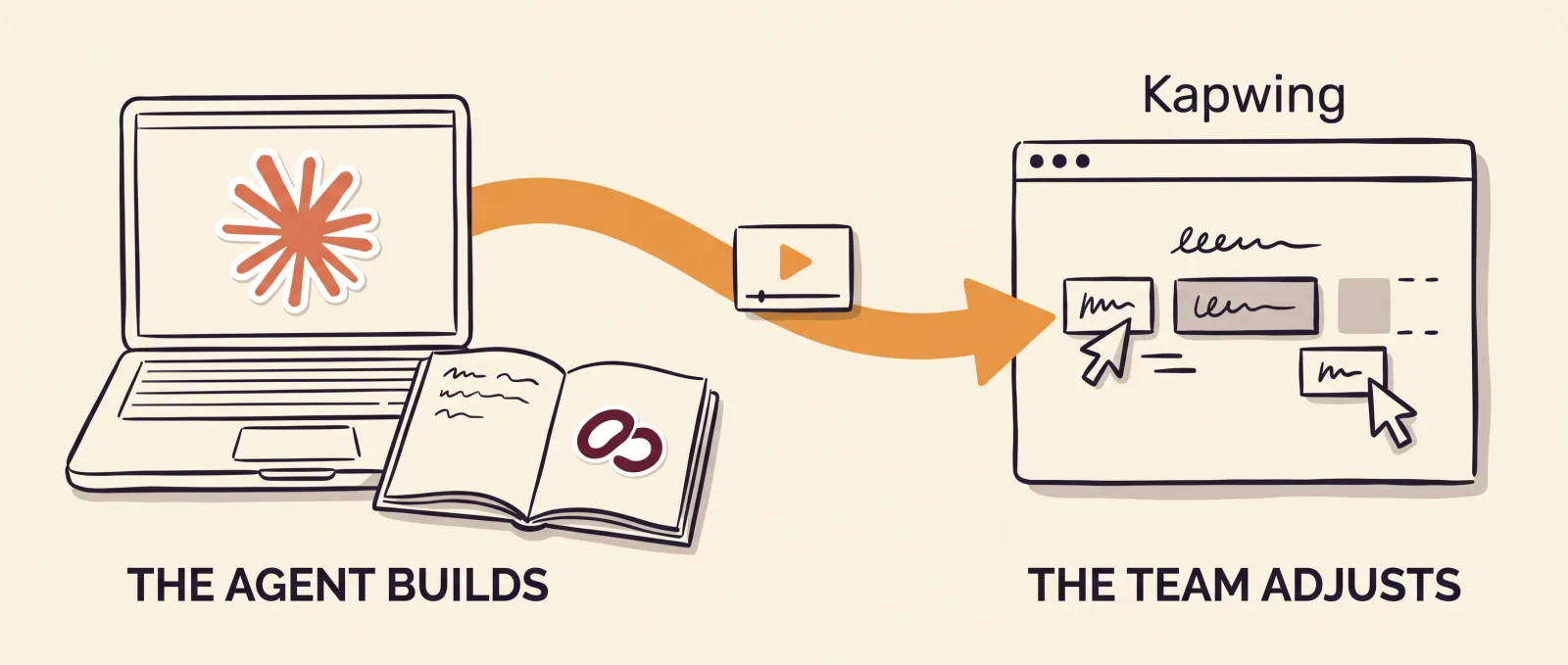
A sensible split: EditorBrain so the agent builds the main video with your references, your animations and your identity, and Kapwing for what the team adjusts by hand in the browser, such as translating the subtitles or dubbing the video.
Common questions
Is EditorBrain a Kapwing alternative?
It is if you would rather have an agent edit for you, and it is not if you are looking for an online video editor. EditorBrain is not a video editor in the browser. It gives Claude Code or Codex the references, the animations and your brand, and that agent edits with the tools on your computer. If you want to edit by hand on a website, Kapwing is built for that.
Do I need to install anything to use EditorBrain?
Yes. You need Claude Code or Codex installed, with a subscription to that agent that is paid separately, and you connect EditorBrain once. You do not need to know how to code: you ask for the video in plain sentences. Kapwing needs nothing installed.
Can I use Kapwing and EditorBrain together?
Yes, one agent, Claude Code for example, can hold both connections. Kapwing offers an MCP server for Claude and ChatGPT, available on all of its plans with no separate fee. Kapwing states on its MCP page that it does not have an API or SDK for developers at this time.
Which is cheaper, EditorBrain or Kapwing?
It depends on the size of your team. Kapwing charges per member: its Pro plan costs $24 per member a month, or $16 billed annually, and includes 1,000 credits a month. EditorBrain starts at $29 a month and does not charge per edited minute, because your agent does the editing. Add the cost of your Claude or Codex subscription.
Sources
Facts about other products come from their own official pages, read on November 16, 2026. Prices and limits change; check the vendor's page before deciding.