
Browser editors with AI features
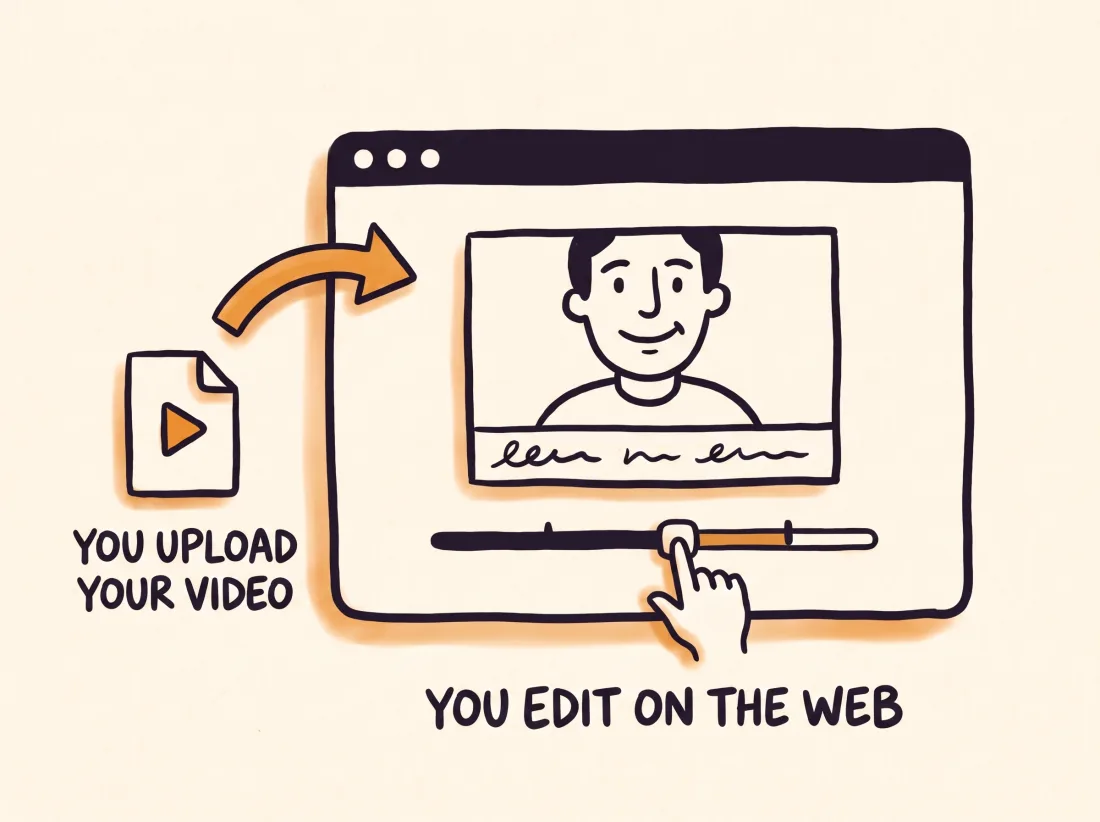
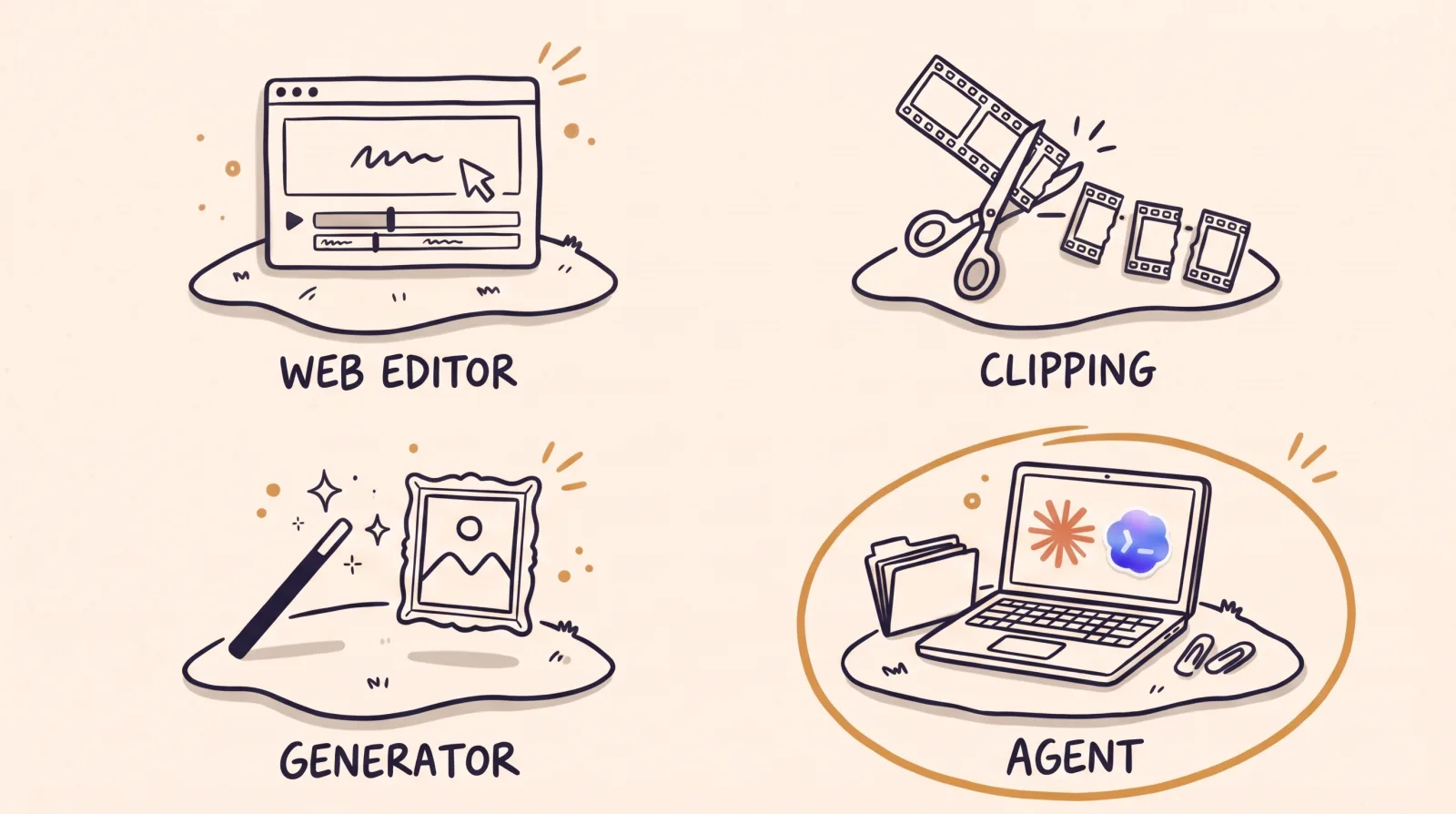
You open a website, upload your video and edit there. AI handles specific jobs, such as adding captions or removing silences, and you decide the rest. Kapwing describes itself as an online platform with an editor that runs in the browser and needs no installation. Submagic says there is no timeline to learn: its AI makes the first edit and you refine it by editing the transcript. Tella records your screen and camera and comes with an editor for trims, layouts, zooms and captions.
This kind suits you if you want to see and adjust every change yourself and would rather not install anything. In exchange, your footage is uploaded to the platform and you work online.
Tools that cut a long video into clips
These start from a long video, such as a podcast, an interview or a webinar, and return several vertical clips. Opus Clip defines itself as a clipping tool that turns long videos into shorts and publishes them to social platforms. Submagic has a feature called Magic Clips that finds the moments, reframes them on the speaker and captions them.

This kind suits you if you already produce long content and want to spread it around with little effort. If your footage is a short recording planned as a reel from the start, there is nothing here to cut.
Generators that create video from text

You write a description and get a clip nobody filmed. They are useful for a supporting shot, an illustrative scene or an idea you cannot shoot.
They do not edit what you already recorded. If the video depends on your face, your voice or your real product, a generator can add to the recording but not replace it.
An AI video editing agent that works on your computer
An agent such as Claude Code is a program that reads the files in a folder on your computer, changes them and puts other programs to work. You ask for the video in plain sentences and it cuts and exports with programs installed on your machine, such as FFmpeg, which cuts and converts video. Your footage stays on your computer. Some people call this approach agentic video editing, or vibe editing.
This kind asks for the most setup. You have to install the agent and pay for its subscription, and there is no timeline for dragging clips. On its own, the agent also has no editing references and does not know your brand.
Where EditorBrain fits
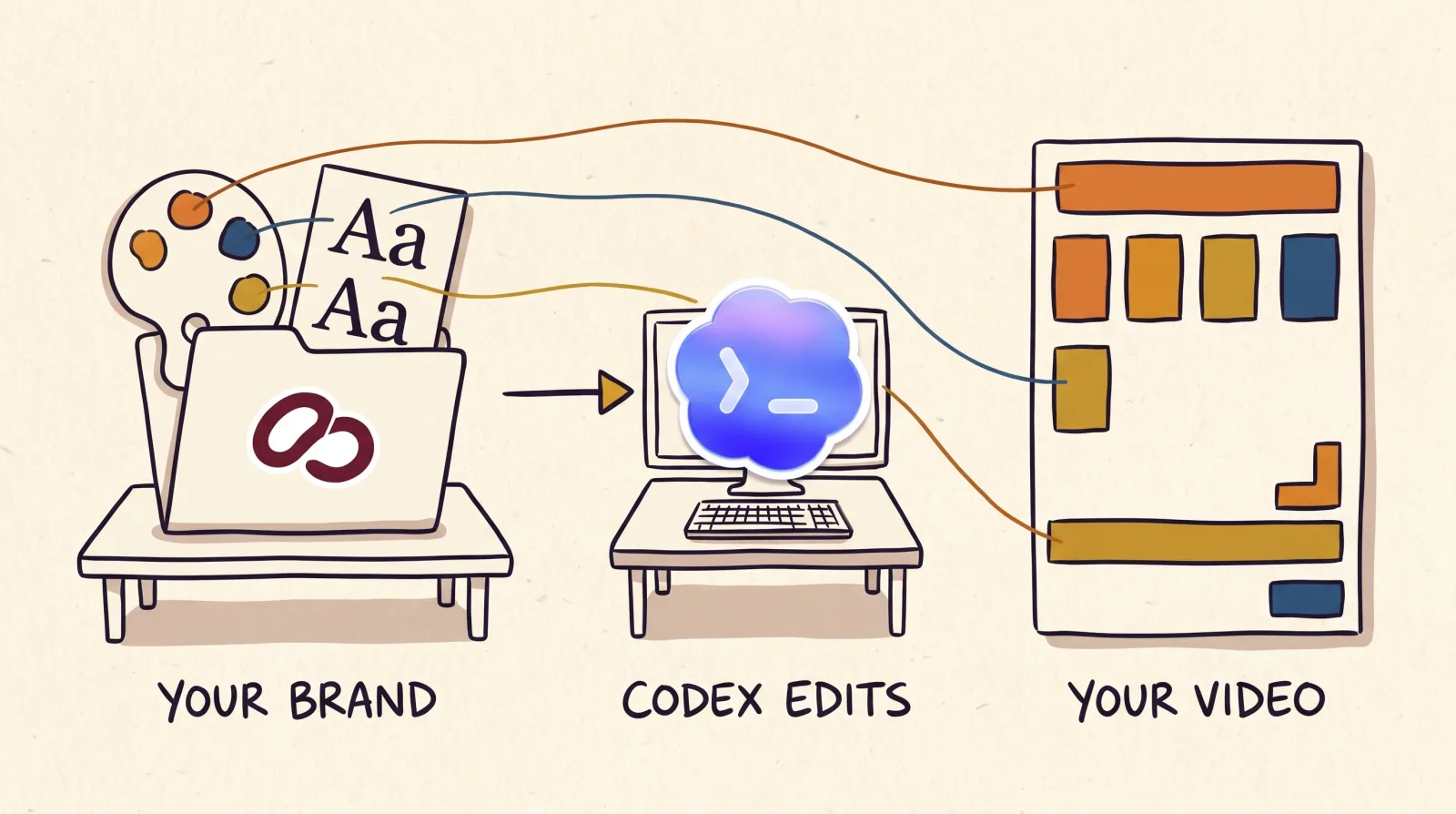
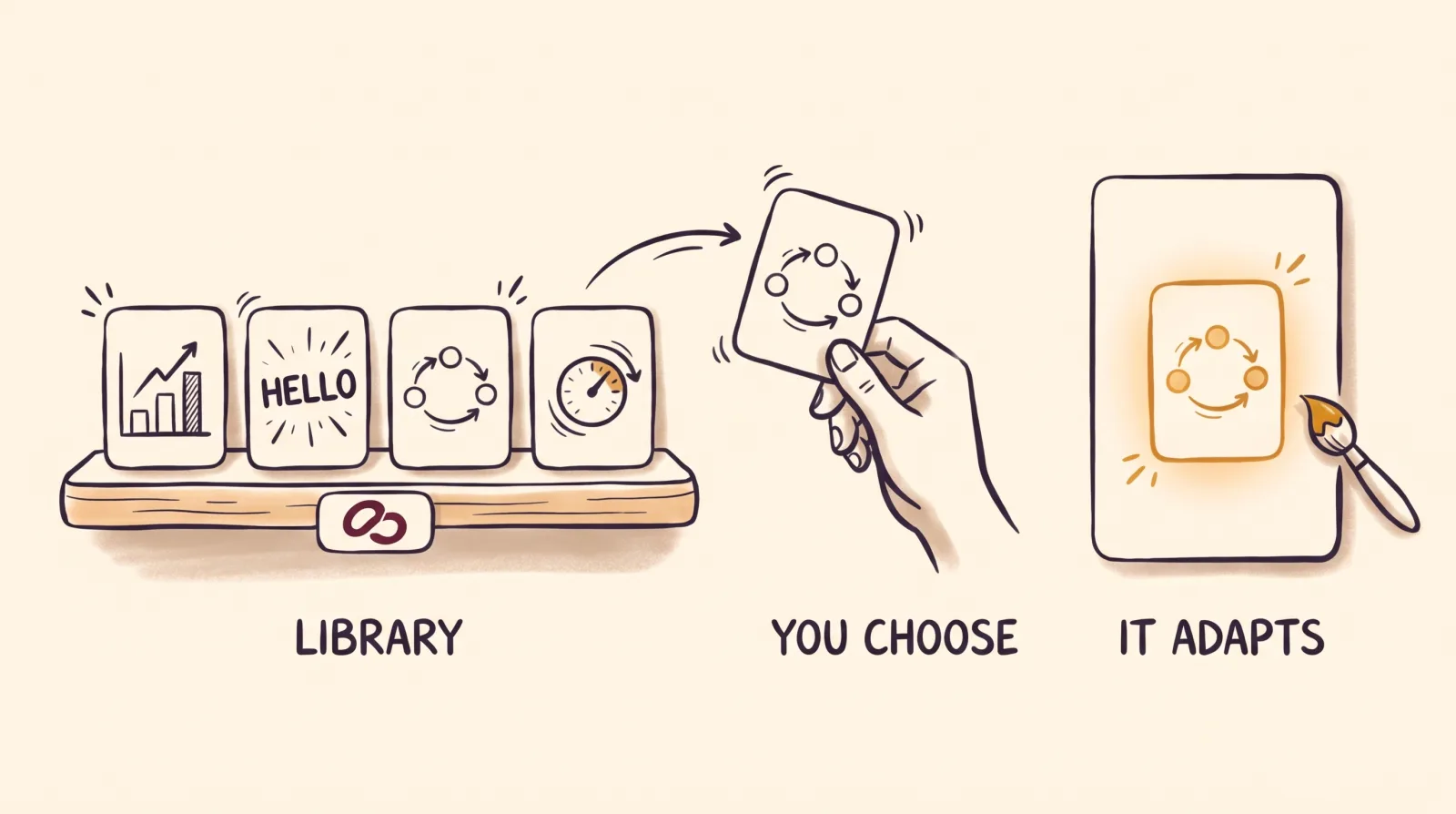
EditorBrain is the editing knowledge for the fourth kind, the agent. It is not a browser editor and it does not export the video by itself. It gives Claude Code or Codex editing references taken from real videos, a library of 335 adaptable animations, sound effects, your brand preferences and a review page where you comment on an exact moment of the video.
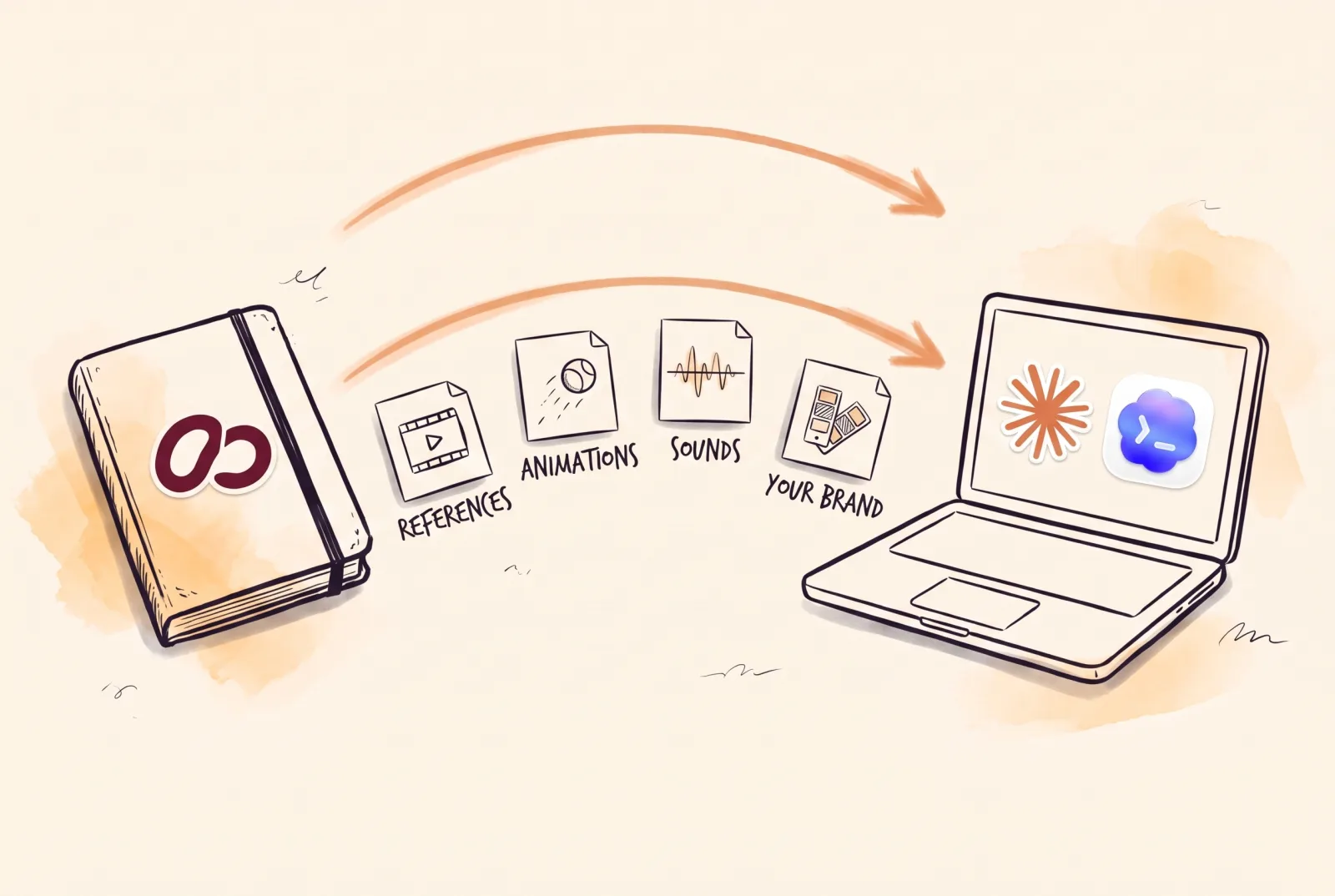
It connects through MCP, a standard for connecting an agent to outside services, or with the command below. There is a free plan and paid plans start at $29 a month. The agent's subscription is paid separately. EditorBrain does not publish to social networks and has no service that clips the moments of a long video in one click.
npx editorbrain@latest setupWhich kind fits you
Start from what you have and what you want to make, not from the tool. The table sums up the most common cases.
The kinds can be combined. Opus Clip, Submagic, Kapwing and Tella each state on their own pages that they offer an MCP connection, so an agent can also operate those platforms.
| What you need | Kind of tool |
|---|---|
| Many clips from a podcast or an interview | A clipping tool, such as Opus Clip |
| To edit by hand without installing anything | A browser editor, such as Kapwing |
| To record your screen and edit in the same place | A recorder with an editor, such as Tella |
| Captions and a quick first cut of a short video | An AI editor without a timeline, such as Submagic |
| A scene you cannot film | A text-to-video generator |
| Your own recording edited in your style, on your computer | An AI agent with EditorBrain |
| To publish or schedule posts from the same tool | A clipping tool or editor that includes it, such as Opus Clip or Tella. EditorBrain does not publish. |
What to do next
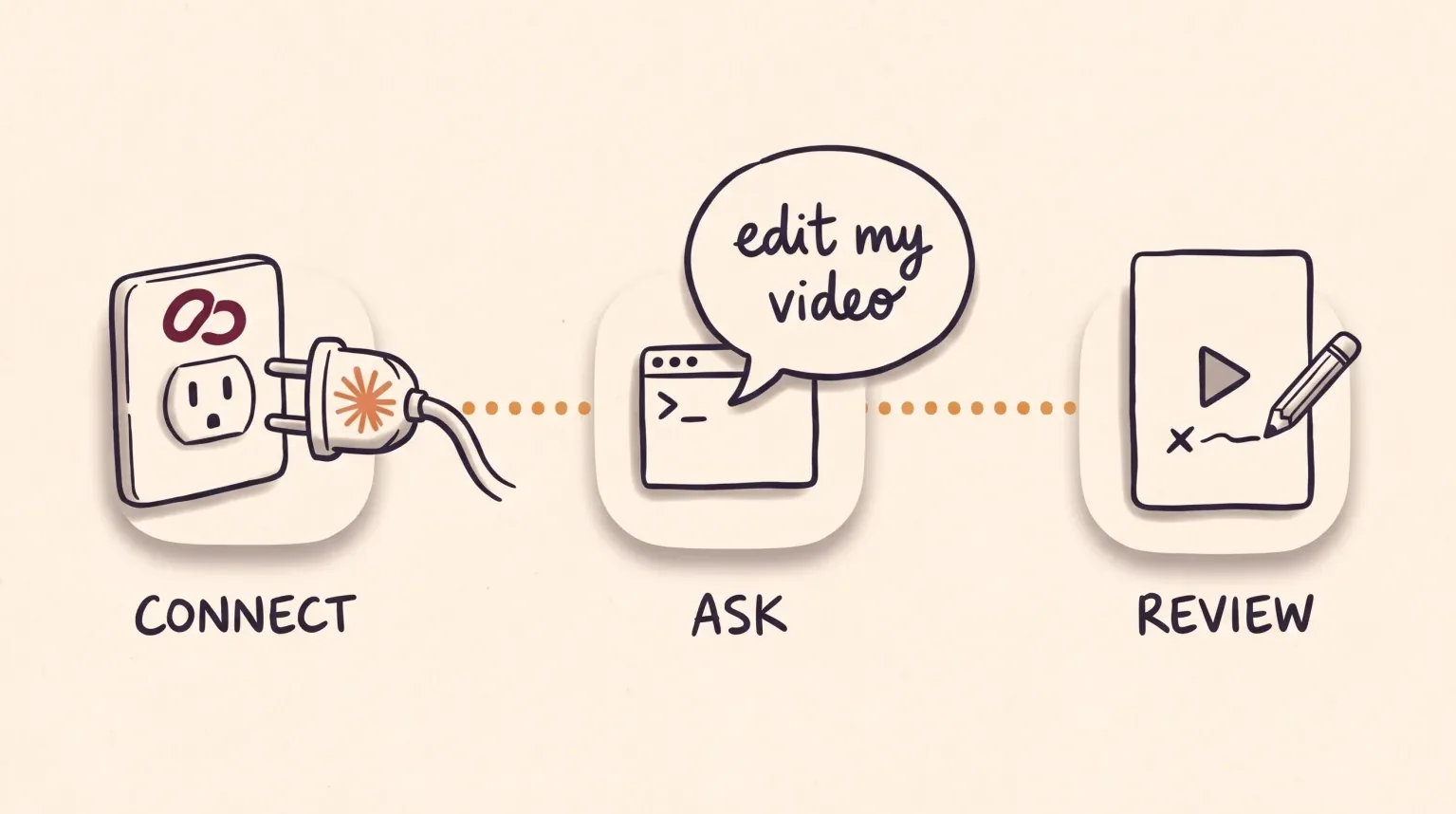
If your case is in one of the first rows of the table, try a tool of that kind with a real video before paying. If you would rather automate video editing with an agent, these three steps set it up.
Install Claude Code. There is a step-by-step guide, in Spanish, at editorbrain.com/docs/guias/instala-claude-code.
Create your free account at editorbrain.com. In Claude, open Connectors, add a new one with the address https://api.editorbrain.com/mcp and authorize your account.
Open the folder that holds your recording with the agent.
Automate video editing with an agent: what to ask for
With the agent connected, type what you want in plain sentences. Say the format, the length, the idea that must land and what cannot be lost. You can copy this request, and below it is what happens after you send it.
Use EditorBrain to edit this recording into a vertical video of about 45 seconds.
I want to explain one tip from my field and close by inviting people to follow me.
Keep the whole example and my voice as it is.
Read my brand and show me a preview before the final version.The agent reviews the whole recording and reads your brand and your preferences.
It searches the EditorBrain library for editing references and proposes a direction.
It cuts, adds captions if you want them, and places animations and sounds where they help.
It shows you a preview on the review page. You correct it with lines such as "At 00:12 the text covers my face. Move it up and leave the cuts, the voice and the colors as they are."
It applies your corrections and exports the final file on your computer.
Common questions
What is the best AI video editor?
There is no single best one, because the four kinds solve different problems. For many clips from long recordings, a clipping tool is the right kind. To edit by hand without installing anything, pick a browser editor. To have your own footage edited in your style on your computer, use an agent with EditorBrain.
Can I edit videos with AI for free?
Partly. Opus Clip has a free plan with 60 credits a month and a watermark, and Kapwing has a free plan that exports with a watermark. Tella states it has no forever-free plan and offers a 7-day trial. EditorBrain has a free plan, but the agent that does the editing needs its own subscription.
Do I need to know how to code to use an AI video editing agent?
No. You ask in plain sentences. According to Anthropic, the Claude desktop app includes Claude Code, so there is nothing to install in the terminal, the window where you type commands. You do need a subscription that includes it.
Is there an automatic video editor that does the whole job?
Not without you. AI can produce a first version, and reviewing it remains your job. Submagic, for example, says its AI makes the first edit and you refine it. With an agent and EditorBrain you get a preview and mark corrections at exact moments before the final export.
Sources
Facts about other products come from their own official pages, read on November 16, 2026. Prices and limits change; check the vendor's page before deciding.
- Opus Clip: what it is
- Opus Clip: plans and pricing
- Opus Clip: publishing calendar
- Opus Clip: agent connection (MCP)
- Submagic: home page and FAQ
- Submagic: MCP server
- Kapwing: FAQ
- Kapwing: plans and pricing
- Kapwing: MCP connection
- Tella: home page and FAQ
- Tella: how the free trial works
- Tella: publishing to social media
- Tella: MCP connection
- Claude Code: overview (Anthropic documentation)