
What you need and what footage to bring
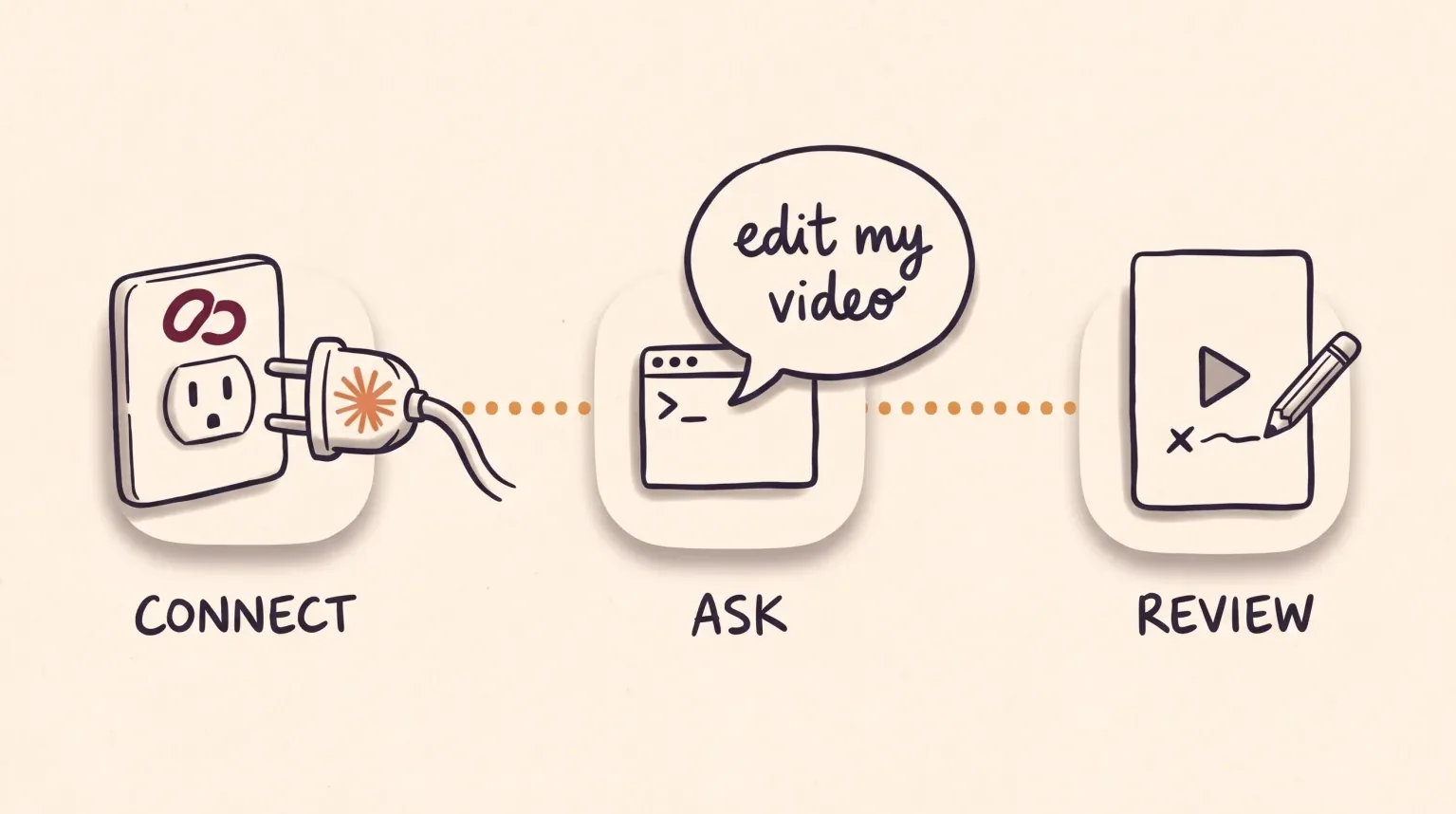
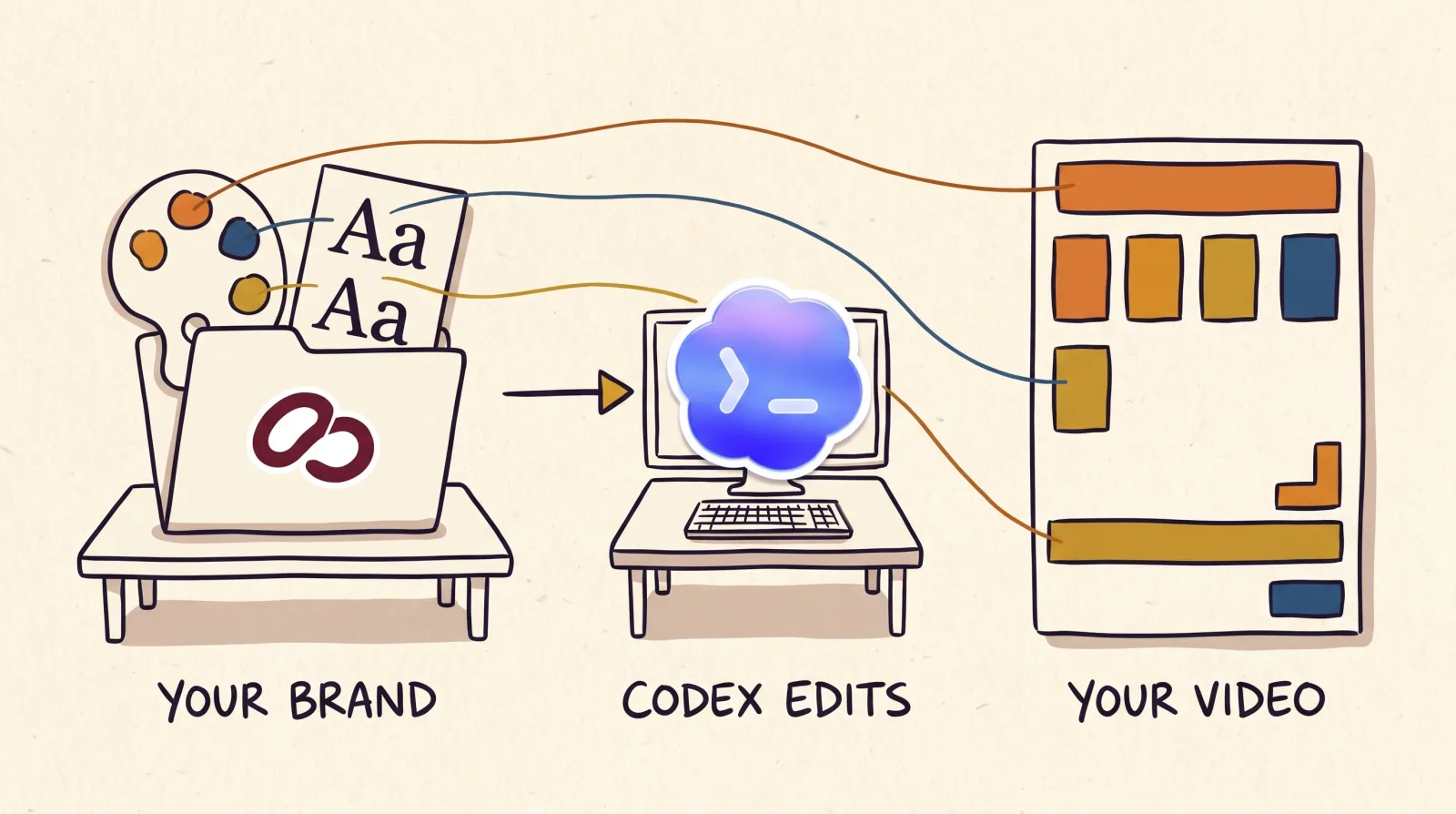
You need an EditorBrain account, which has a free plan, and an agent that can work with files, such as Claude Code or Codex. The agent subscription is paid separately. Connect EditorBrain once and save your colors, fonts and preferences during onboarding.
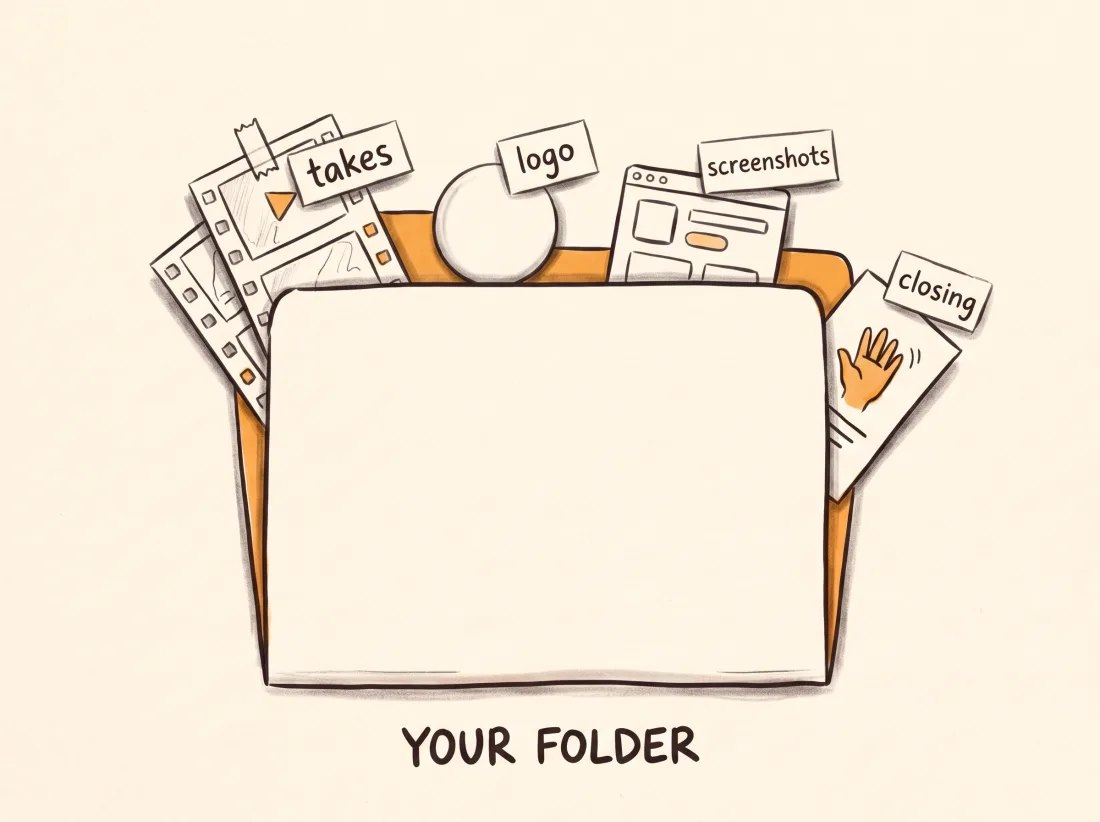
Bring the whole recording, not only your best take. Several clips can be takes of the same video, and the agent reviews them before deciding. If you have logos, screenshots of your product or a closing you always use, put them in the same folder. If the video is only on your phone, the agent gives you a private project link to upload it.
Create a folder for your workspace and open it with the agent. Your originals stay where they are: the agent does not move or delete them.
The request: state the goal, not every cut
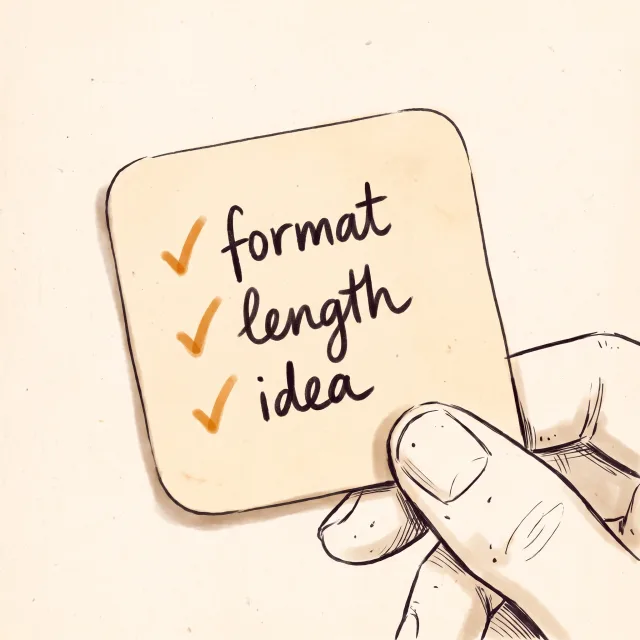
You do not have to describe transitions. Say which format you want, how long it should run, which idea must land and which parts cannot be lost. If you have not chosen a style, ask for options before anything is produced.
The same request works for YouTube Shorts or for TikTok: change the destination and the length.
Use EditorBrain to edit this recording into a vertical Reel of about 40 seconds.
I want to explain how my product works and close by inviting people to visit my profile.
Keep the whole demonstration. Read my brand and suggest a direction
with references before producing the first preview.What the agent does with your footage
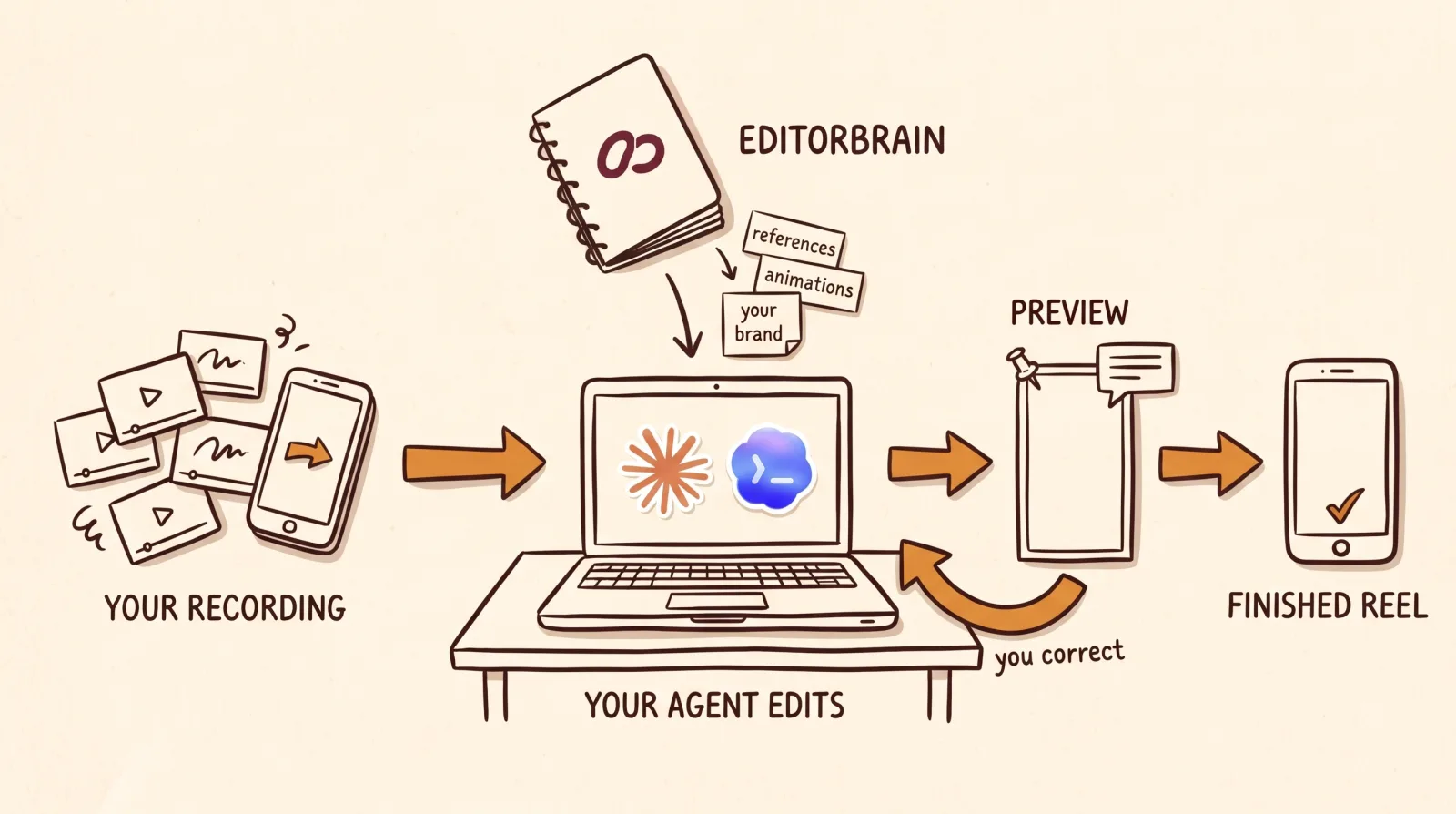
The work follows an order, although a small correction does not repeat all of it.
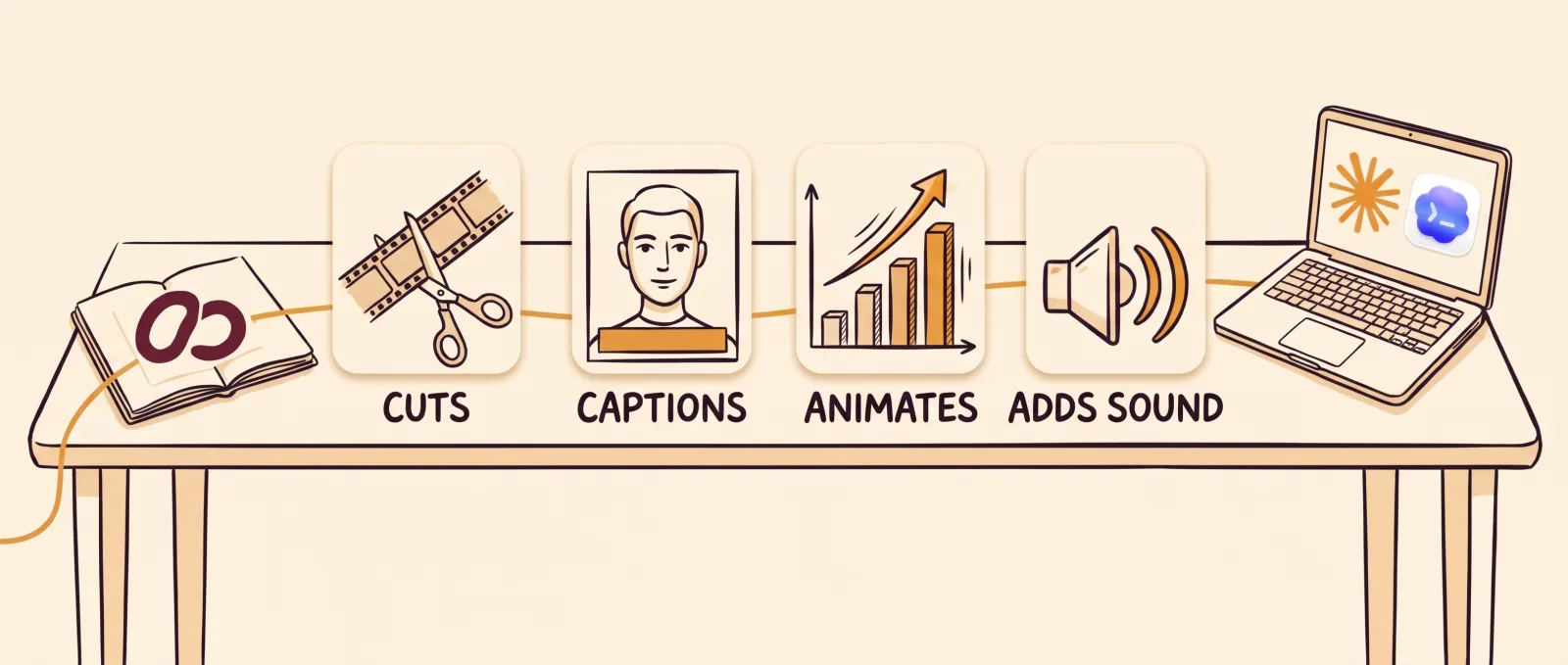
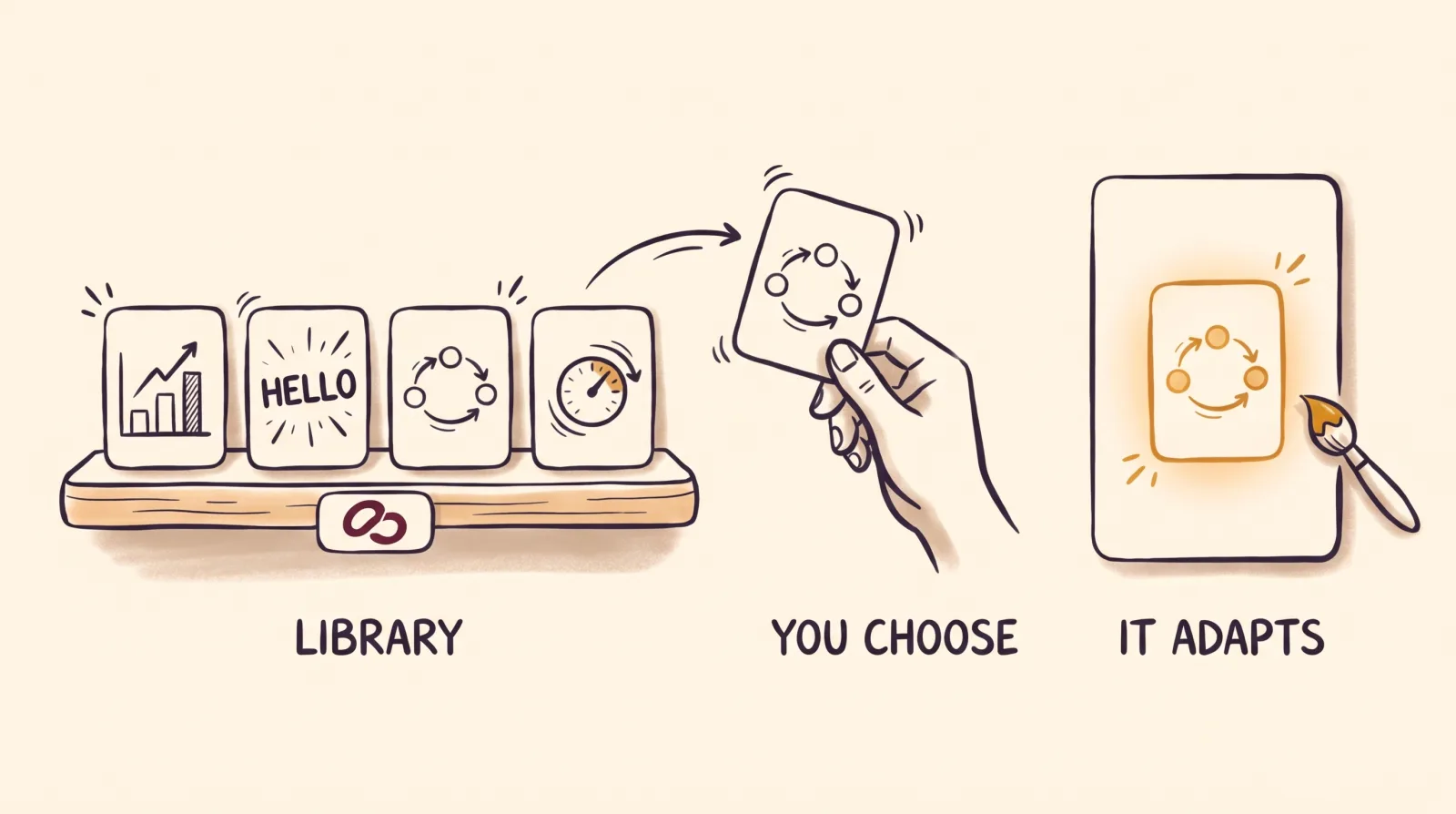
References guide the edit. They are not templates. The agent takes a device that works in a real video, such as how a number enters the screen, and adapts it to your topic and your colors. Animations come from a library of 335 adaptable scenes, and sound effects follow what you saved: if you turned them off, the agent leaves them out.
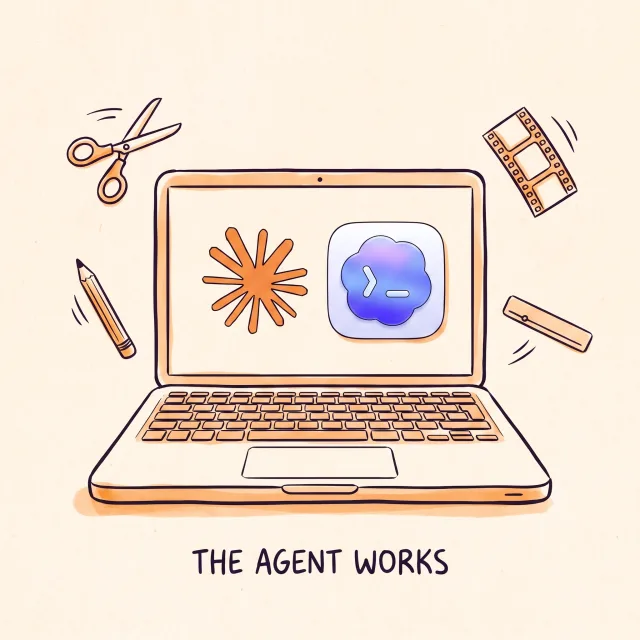
All of this happens on your computer, with tools such as FFmpeg. EditorBrain does not edit or export the video by itself.
It inspects the footage: what you say, the pacing, the picture and the sound. Reading a file name does not count as reviewing it.
It reads your brand, your preferences and the review mode you chose.
It searches the EditorBrain library for editing references and proposes a direction adapted to your story.
It cuts the footage and prepares captions lined up with your voice, if you want them.
It adds animations and sound effects where they help a scene and your preferences allow them.
It exports a preview, reviews the actual file and presents it to you.
How the review works
The preview arrives on a review page called Studio. You play the video and comment on the exact moment, mark a range or point at a spot on the image. A useful correction names the moment and the change: “At 00:12 the text covers my face. Move it up and leave the cuts, the voice and the colors as they are.”
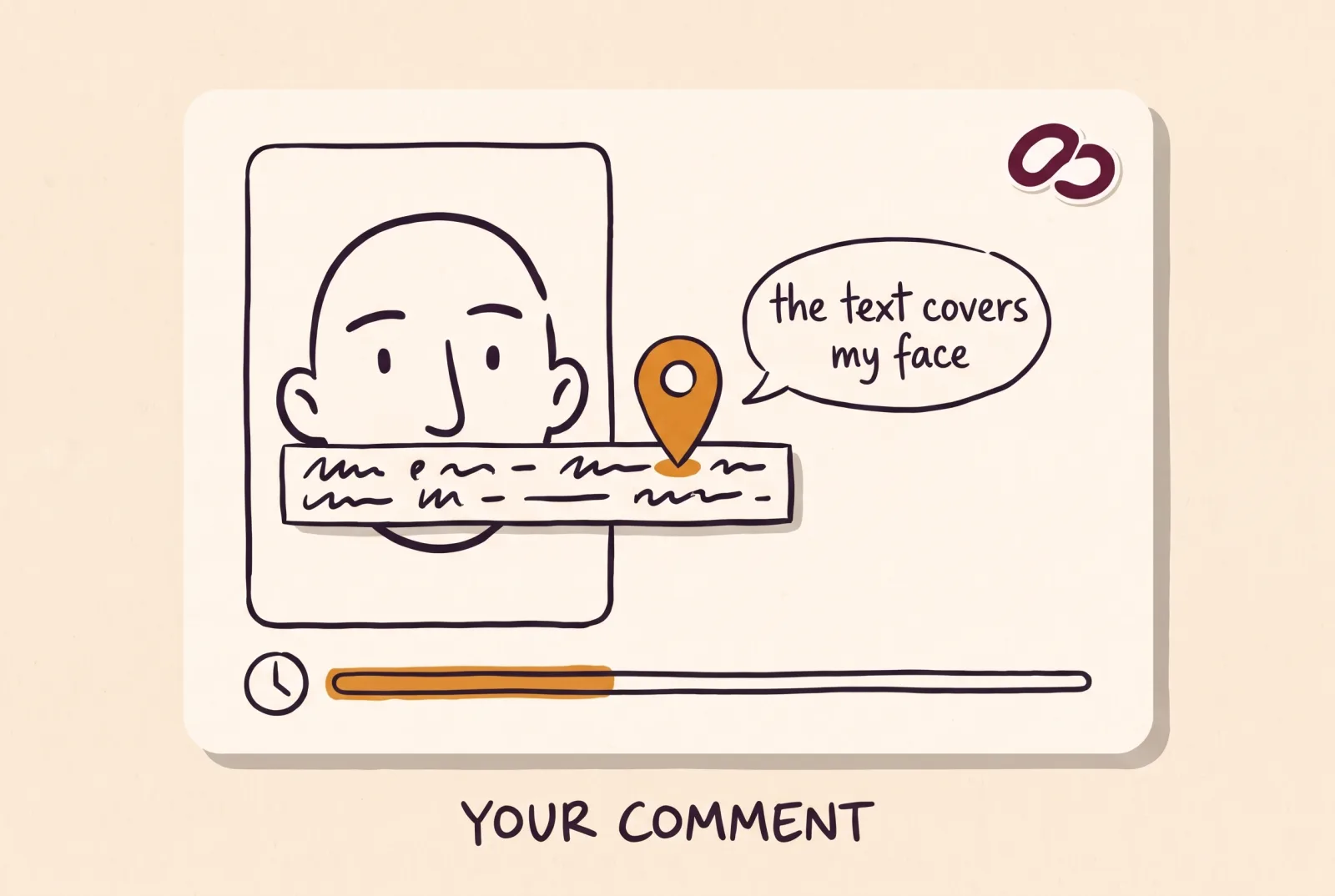
Comments in Studio are drafts until you copy them into the agent chat. Closing the page sends nothing. The agent applies the change without redoing what already works and shows you a new version.
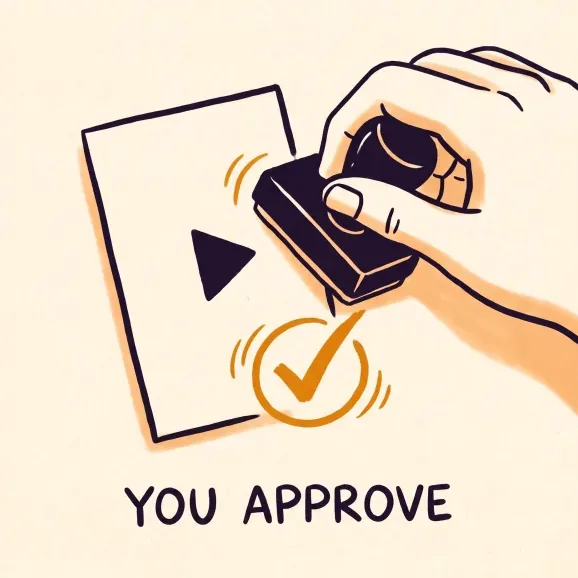
Your corrections are saved in the project. If one would help your next videos, the agent asks whether you want to keep it for your brand. Approving a preview does not approve every later version, so watch the complete final export before you publish it.
What “automatic” really means here
Automatic means the agent does the editing work: it reviews, cuts, captions, animates and exports. It does not mean the video publishes itself or goes out without you seeing it. EditorBrain does not post or schedule to social networks. You get the file and the review page.
You decide how much to delegate. You can ask the agent to offer options, to ask only the essentials or to settle creative decisions without asking. You also choose whether to approve a preview before the full version or to let it go straight to a reviewable delivery. Spending always needs your separate authorization.
It is also not a service that finds the moments in a long video and returns dozens of clips in one click. If that is what you need, a clipping platform suits you better. This workflow fits when you want a video in your style and you are going to review it.
Common questions
How long does the agent take to edit a Reel?
There is no fixed figure. It depends on the length of your recording, how much animation you ask for, your computer and the rounds of review. Expect to watch at least one preview and correct it before the final version.
Do I need to know how to edit or code?
No. You ask for the video in plain sentences and correct it by pointing at moments. You do need Claude Code or Codex installed and a subscription to that agent, which is paid separately.
Does EditorBrain post the Reel to Instagram or TikTok?
No. EditorBrain does not post or schedule to social networks. You get the final file on your computer and upload it yourself wherever you want.
Is my recording uploaded to a server?
Not automatically. The agent works with the files on your computer and your footage stays there. It is uploaded only if you decide to, for example when you use the project link to send a video from your phone.